Search “best newsletter templates” and you get two completely different sets of results tangled together: design templates (the drag-and-drop layout inside your email tool) and content templates (the repeatable format that decides what actually goes in the email every week). Most lists only cover one and leave you guessing about the other. That is the gap this guide closes.
I run a real publication, so I tested this from both directions: I rebuilt the same issue using six different content formats to see which one produced a newsletter I would actually want to open, and I dragged through the template pickers on beehiiv, Mailchimp, Substack, and Canva to see which design tools got out of my way fastest. What follows is the short list from both tests, plus a step-by-step for building your own template once you pick a format.
Disclosure: some links in this post are affiliate links. If you sign up through them, we may earn a commission at no extra cost to you. That never changes our verdict.
What is the best newsletter template overall?
The best newsletter template is not a design, it is a repeatable content structure: pick one of seven proven formats (roundup, TL;DR, deep dive, essay, interview, data report, or curated drop), then build it once inside a platform that saves it as a real reusable template. For most creators starting out, the TL;DR roundup format paired with beehiiv’s free editor is the fastest path from zero to a newsletter you can send every week without burning out, because the format limits how much original writing you owe each issue and beehiiv’s template saves your layout so you are filling in blanks, not rebuilding a page.
- A “template” means two different things. A content template is the recurring format (what sections, what order, what tone). A design template is the visual layout inside your email tool. You need both, in that order.
- Seven formats cover almost every successful newsletter. Roundup, TL;DR, deep dive, personal essay, interview, data report, curated drop. Pick the one that matches how much you can realistically write each week.
- Design templates only matter after the format is locked. A beautiful layout wrapped around the wrong content structure still gets ignored. Fix the format first.
- beehiiv, Mailchimp, and Substack all offer templates, but they solve different problems. beehiiv’s templates are built for growth (referral blocks, subscribe CTAs baked in), Mailchimp’s for general marketing emails, Substack’s for simplicity over customization.
- The template that wins is the one you can rebuild fast every week. Test that before you fall in love with a design.
If you want to skip ahead and just start filling in a template, open a free beehiiv account and pick a template from the editor. It is free to 2,500 subscribers, no card required, and you can have your first draft laid out in about ten minutes.
What is a newsletter template, really?
Ask ten newsletter writers what “template” means and you will get two answers, and both are correct, which is exactly why the term is confusing.
The first answer is a content template: a fixed structure for what goes in every issue. Morning Brew’s content template is “market snapshot, three to four news stories with a joke each, one longer feature, a puzzle.” That structure has not meaningfully changed in years, because it does not need to. The template does the thinking so the writer only has to do the reporting.
The second answer is a design template: the actual HTML/CSS layout your email tool renders. Header image placement, font choices, button styles, the position of your logo. This is what most “50 free newsletter templates” roundups are actually showing you, a gallery of layouts.
Here is the part almost nobody says out loud: the content template matters more. A gorgeous design wrapped around a shapeless, unpredictable content structure still reads as effortful and gets unsubscribed. A plain, unstyled email with a tight, predictable content template gets opened every week because readers know exactly what they are getting and how long it will take them. Dense Discovery, one of the most-loved culture newsletters, ran for years with a design that was, charitably, minimal. It grew anyway, because the content template (five links, one essay, one product recommendation, one job listing) was locked from issue one.
So the order matters. Pick your content template first. Then pick a design template that supports it without fighting it.
What are the best newsletter content templates?
These seven formats cover the overwhelming majority of newsletters that actually retain subscribers past month three. Each one solves a different production problem, so match the format to how much time and material you actually have each week, not to which one looks most impressive.
1. The roundup template
Structure: a short intro, then three to six distinct items (news, links, or observations), each with a one- or two-sentence take, closed out with a lighter final item or joke.
This is the Morning Brew template, and it has been copied more than any other newsletter format in existence because it solves the hardest production problem for a daily or near-daily send: you do not have to generate original insight from nothing every single day, you have to curate and add a sharp take. TLDR (the tech-news newsletter, not to be confused with the generic term) runs a near-identical structure daily and has built a large, loyal readership on it. The roundup template works best for daily or twice-weekly cadences where consistency matters more than depth.
2. The TL;DR template
Structure: one headline stat or story at the top, then a scannable bulleted list of everything else, each bullet self-contained enough to be understood without reading the rest.
This is the leanest format on this list and the one I would recommend to anyone starting from zero, because it forces brevity, which is the actual skill most new newsletter writers lack. You are not writing essays, you are writing the sharpest possible one-line summary of five to eight things. It also happens to be the format search engines and AI answer engines parse most easily, since each bullet reads as a self-contained fact.
3. The deep dive template
Structure: one topic, one thesis stated up front, then 800 to 2,000 words of argument, evidence, and a clear point of view, often closed with a short “what I’m watching next” section.
Ben Thompson’s Stratechery and Lenny Rachitsky’s Lenny’s Newsletter both run variations of this template, and both built subscription businesses on the back of it. The deep dive works when you have real expertise and a distinct point of view on a narrow topic, and it is the hardest template to sustain weekly, because you cannot fake depth. Most successful deep-dive writers publish weekly or biweekly rather than daily for exactly this reason.
4. The personal essay template
Structure: a single narrative or observation from the writer’s own life or work, used as a lens onto a bigger idea, usually 600 to 1,200 words, first person throughout.
This template trades scale for intimacy. It rarely produces the fastest subscriber growth, but it produces the highest emotional loyalty, because readers feel like they know the writer. Ann Handley’s newsletter and countless “build in public” founder newsletters run this template. If your business is built on personal brand rather than a media property, this is usually the right template to start with.
5. The interview or Q&A template
Structure: a short intro framing why the guest matters, then a lightly edited Q&A or a narrative write-up of a conversation, usually closing with a “where to find them” section.
This template solves a different production problem than the others: it takes the burden of “having something to say” off you and puts it on your guest, while still letting you build your own audience and voice through the framing and questions you choose. It is unusually effective for niche B2B newsletters, because a well-known guest in a small industry pulls in that guest’s own audience as new subscribers.
6. The data report template
Structure: one chart or number as the hook, followed by shorter analysis broken into scannable sections, each anchored to a specific data point.
This template works because it gives you something no opinion piece has: a concrete, defensible hook that is genuinely new information, not just a take on someone else’s news. It requires the most upfront work (you need a real data source), but it produces the strongest “forward to a colleague” behavior of any format on this list, because data is inherently more shareable than opinion.
7. The curated culture drop template
Structure: five to ten short recommendations across categories (an article, a product, a piece of media, a tool), each with one or two sentences of context, no connective essay required.
Dense Discovery and Garbage Day both run variations of this template, and it is the lowest-friction format on this list to produce once you have a habit of collecting things worth sharing throughout the week. It works best for culture, lifestyle, and taste-driven newsletters where the writer’s curation, not their prose, is the actual product.
| Template | Best cadence | Time to produce | Best for |
|---|---|---|---|
| Roundup | Daily or 3x/week | Medium | News, industry updates |
| TL;DR | Daily or weekly | Low | Beginners, busy niches |
| Deep dive | Weekly or biweekly | High | Experts, paid subscriptions |
| Personal essay | Weekly | Medium-high | Personal brands, founders |
| Interview / Q&A | Weekly or biweekly | Medium | Niche B2B, community-driven |
| Data report | Weekly or monthly | High | Analysts, research-driven brands |
| Curated drop | Weekly | Low-medium | Culture, lifestyle, taste-makers |
Once you know which content template fits your week, the fastest way to see if it actually works for you is to draft one real issue. beehiiv’s free plan lets you build and send a real issue to a real list at no cost, which beats staring at a blank template picker trying to decide in the abstract.
What are the best design templates by platform?
Once your content template is locked, the design template just needs to get out of the way. Here is how the main options actually compare, based on building the same TL;DR-format issue in each one.
| Platform | Template style | Best for | Notable limitation |
|---|---|---|---|
| beehiiv | Clean, block-based editor with built-in referral and subscribe-CTA blocks baked into templates | Newsletter operators who want growth features inside the layout | Deep custom CSS control is more limited than a hand-coded template |
| Substack | Minimal, mostly-fixed templates, very little customization | Writers who want zero design decisions to make | Almost no visual differentiation between publications |
| Mailchimp | Large general-purpose template library built for marketing emails, not narrative newsletters | Ecommerce and general marketing sends | Templates feel promotional rather than editorial for a narrative newsletter |
| Ghost | Theme-based, code-level customization available | Writers who want full design control and are comfortable with some technical setup | Steeper learning curve than a drag-and-drop editor |
| Canva | Free graphic design templates for newsletter headers, social promo, and PDF-style newsletters | Visual assets and one-off graphics, not the actual send | Not an email sending tool, you still need an ESP to deliver it |
The pattern worth noticing: beehiiv and Substack both build growth or simplicity directly into the template, while Mailchimp and Canva were built for a different job (marketing campaigns and graphic design, respectively) and it shows the moment you try to run a narrative newsletter through them. If growth mechanics (referrals, a website that Google can index, an ad network for monetization) matter to you, that is a template-level decision, not just a feature you bolt on later. I go deeper on the full growth-tool comparison in my beehiiv review and in my ranking of the best newsletter platforms.
How do you build a newsletter template on beehiiv step by step?
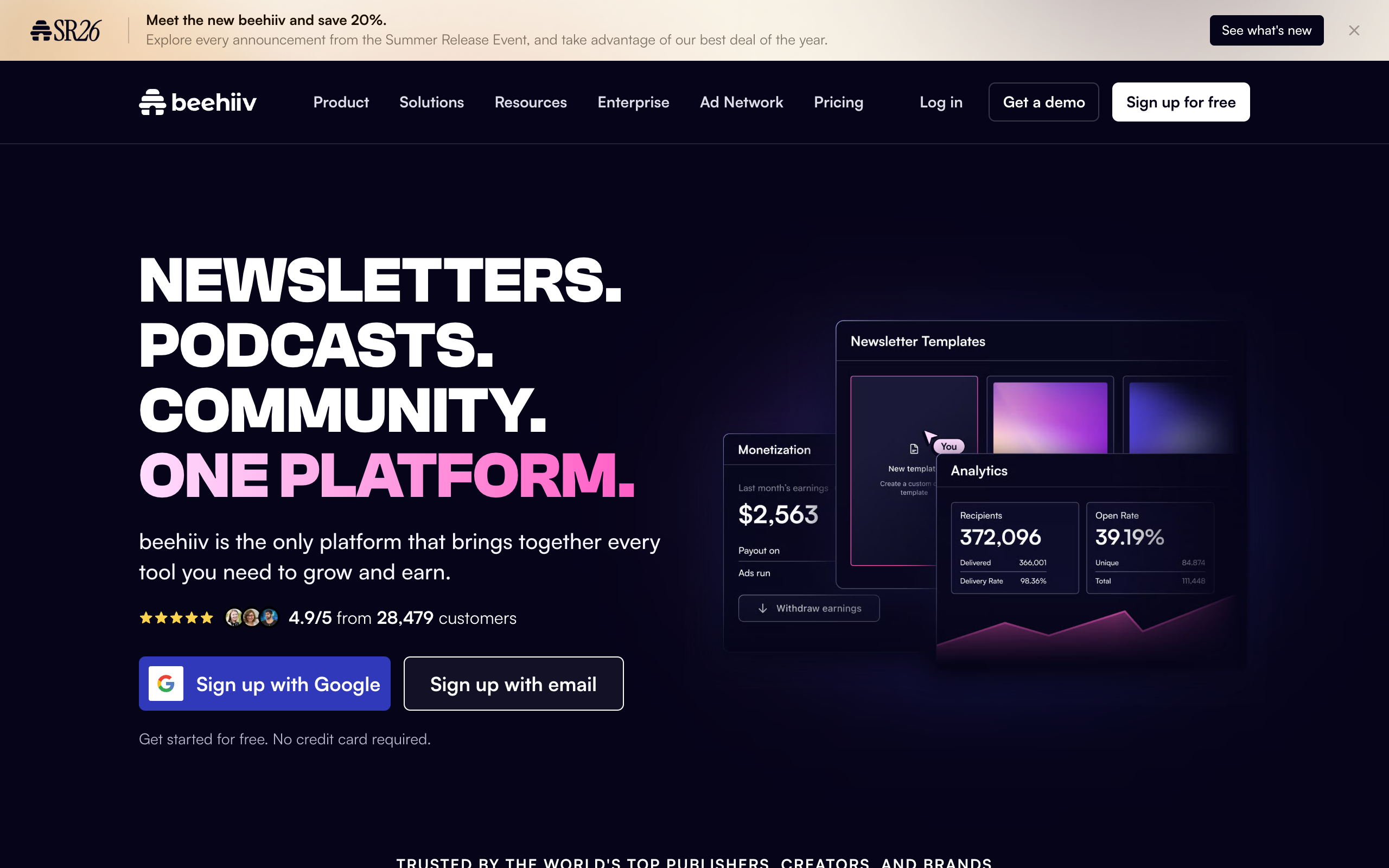
This is the exact process I used to turn the TL;DR content template into a reusable design template in beehiiv.
- Create a free account and start a new publication. No credit card is required for the Launch plan, which covers you to 2,500 subscribers with unlimited sends.
- Open the post editor and choose a starting layout. Pick a clean, minimal block layout rather than an image-heavy one if your content template is text-driven (TL;DR, deep dive, personal essay); pick an image-forward layout if you are running a curated drop with product or media recommendations.
- Build your header block once. Logo or wordmark, one-line publication description, and (if you want it) a small “issue number” or date block. This becomes your permanent header.
- Lay out your content sections to match your chosen template. For a TL;DR format, this means one headline block, then a bulleted list block for the rest. For a roundup, it means repeating header-plus-paragraph blocks for each story.
- Add your subscribe and referral blocks near the bottom. beehiiv’s templates make this a drag-in block rather than custom code, and this is the piece most other tools force you to build by hand.
- Save it as your default layout. Every future issue starts from this saved structure, so you are filling in content, not rebuilding a page from scratch.
- Send a test issue to yourself before the real send. Check how it renders in Gmail, Apple Mail, and on mobile, since spacing that looks right in the editor can compress differently across inboxes.
The whole process took under twenty minutes in my testing, and every issue after that first one was mostly copy-paste-edit rather than design work, which is the entire point of a template.
On cost: the Launch plan above is free for as long as your list stays under 2,500 subscribers, with no time limit and no card required. If you outgrow that, or you want the referral program and ad network turned on from day one, the paid Scale tier starts at $43 a month on annual billing. I break down exactly what each beehiiv tier unlocks, including the subscriber-based pricing steps as your list grows, in the full beehiiv pricing breakdown.
Want to see these templates in action before you build your own? I collected real, currently-running newsletters using each of the seven formats above, with notes on what makes each one work, in my roundup of the best newsletter examples. And if you have the format picked but are stuck on what to actually call the thing, my guide to newsletter name ideas walks through a naming framework plus a long list of real examples by category.
How do you pick the right template for your newsletter?
Answer three questions honestly before you touch a design tool.
How much time do you actually have each week? Under an hour, pick TL;DR or curated drop. Two to four hours, roundup or interview. More than that, and only if you have real expertise to draw on, deep dive or data report.
What is the actual goal, audience or authority? If you need raw subscriber growth fast, the roundup and TL;DR templates travel best because they are the easiest to forward and skim-share. If you are building toward paid subscriptions or consulting leads, the deep dive and data report templates build the authority that makes people pay.
What do you have a genuine, renewable source of? Curation skill and a wide reading habit point to roundup or curated drop. Deep domain expertise points to deep dive. A strong personal story and voice points to personal essay. A network of interesting people points to interview format. Pick the template that matches the raw material you already have, not the one you admire from someone else’s newsletter.
Frequently asked questions
What is the best free newsletter template? For most beginners, a TL;DR-style content template built inside beehiiv’s free editor is the best starting point, because the platform’s free plan covers you to 2,500 subscribers with unlimited sends and the template format itself keeps weekly writing time low. For a full breakdown of every free option, see our guide to free newsletter templates.
Should I use a pre-made design template or build my own? Start with a pre-made template from your platform’s editor and customize the header, colors, and block order to match your brand. Building a fully custom coded template rarely pays off until you have a large enough list that brand differentiation meaningfully affects conversion, which is a problem worth having later, not on issue one.
How often should I change my newsletter template? Rarely, and only on purpose. Readers build a habit around your structure, and changing it too often (or without explanation) reads as inconsistency. Small refinements are fine; changing the entire content format every few months usually costs you more in reader confusion than it gains in polish.
Which newsletter template gets the highest open rates? There is no single format that wins universally, since open rates depend more on subject lines, sender reputation, and list quality than on layout. That said, the TL;DR and roundup templates tend to sustain open rates better over time because their consistency sets clear reader expectations, which is one of the strongest predictors of long-term open-rate stability.
Can I use the same template for a paid and a free newsletter? Yes, and many successful writers do, often gating the deep-dive sections of a roundup or TL;DR template behind a paywall while keeping the headline items free. beehiiv and Ghost both support this kind of partial-gating inside a single template without needing two separate publications.
The bottom line
The best newsletter template is not a file you download, it is a decision you make about your content before you ever open a design tool. Pick one of the seven formats above based on the time and material you actually have, build it once inside a platform whose templates support the growth mechanics you will eventually need, and then leave it alone long enough for readers to build a habit around it.
If you already know your format and just need a place to build it, that is the easy part.
Start a free beehiiv publication, pick a clean starting layout, and lay out your chosen content template today. It is free to 2,500 subscribers with no card required, and you can have a reusable template ready before lunch.
Pricing captured from vendor pricing pages, July 2026. Plans change, so confirm current details before you buy.