Best HR Software for Small Businesses in 2026 (Real Prices per Employee)
Disclosure: this article contains affiliate links. If you buy through them, we may earn a commission at no extra cost to you. Prices were checked in September 2026.
Quick answer: “HR software” prices swing wildly because it’s really three different products wearing one label. Pure payroll runs $70 to $140/month for 5 employees (Gusto, Wave). A full HRIS runs $250/month flat under 25 employees on BambooHR, or $79 to $125 per employee per month if you go the PEO route (Justworks, Deel). Under 10 employees, most teams don’t need any of this yet, payroll plus a spreadsheet covers it.
Payroll, HRIS, or Engagement Software: Which One Do You Actually Need?
Start here, because this is where most buyers waste money: “HR software” bundles three unrelated products under one search term, and they solve different problems at different price points.
Payroll-only runs paychecks, withholds taxes, and files them with the government. That’s it. Gusto and Wave Payroll live here.
HRIS (Human Resource Information System) manages employee records, PTO balances, onboarding paperwork, and org charts, usually with payroll bolted on as an add-on. BambooHR, Rippling, and the PEO providers (Justworks, Deel, TriNet) live here.
Engagement and survey tools measure how people feel about working there: pulse surveys, peer recognition, performance reviews. ThriveSparrow lives here, and it’s worth being direct about this because a lot of comparison lists get it wrong: ThriveSparrow is not a payroll or HRIS product. It doesn’t run paychecks or track PTO. It runs surveys, 360-degree reviews, goal tracking, and a “Kudos” peer recognition system. If you searched for HR software expecting payroll, it’s the wrong tool. If you’re a 25-person company noticing that nobody knows what their manager thinks of their work, it’s the right one.
Knowing which bucket you’re actually shopping in cuts your options from twenty to about four, before you even open a pricing page.
What Does HR Software Actually Cost at 5, 15, and 50 Employees?
Here’s the table nobody publishes because every vendor wants you filling out a “request a quote” form instead. These numbers come straight from each provider’s own pricing page, checked September 2026, using their base tier where a base tier exists.
| Tool | Category | Pricing structure | 5 employees/mo | 15 employees/mo | 50 employees/mo |
|---|---|---|---|---|---|
| Wave Payroll | Payroll only | $40 base + $6/employee | $70 | $130 | $340 |
| Gusto Simple | Payroll only | $49 base + $6/employee | $79 | $139 | $349 |
| Gusto Plus | Payroll + basic HR | $80 base + $12/employee | $140 | $260 | $680 |
| BambooHR Core | HRIS | Flat $250/mo under 25 employees; $10/employee/mo above 25 | $250 | $250 | $500 |
| TriNet Zenefits Growth | HRIS + payroll add-on | $16/employee + $6/employee payroll | $110 | $330 | $1,100 |
| Justworks PEO Basic | PEO (payroll+benefits+compliance bundled) | $79/employee flat | $395 | $1,185 | $3,950 |
| Deel US PEO | PEO, global-hire focused | $125/employee flat | $625 | $1,875 | $6,250 |
| ThriveSparrow Full Platform | Engagement, not payroll | $9/employee/mo (annual) | $45 | $135 | $450 |
| Rippling | HRIS, modular | Custom quote only, no published per-employee rate | Quote required | Quote required | Quote required |
Two things jump out. First, BambooHR’s flat-rate floor under 25 employees means a 5-person team and a 20-person team pay the identical $250/month starting price, so BambooHR gets dramatically cheaper per head as you approach 25 and then resets to per-employee pricing right past it. Second, the PEO providers (Justworks, Deel) aren’t comparable to payroll or HRIS line for line, because that price bundles workers’ compensation insurance, group health benefits access, and compliance liability transfer, not just software. Comparing Justworks at $395/month for 5 people against Gusto at $79/month for 5 people looks like Justworks is five times more expensive; it’s actually a different purchase entirely.
Payroll-Only: Gusto vs Wave, and Which Base Fee Actually Matters
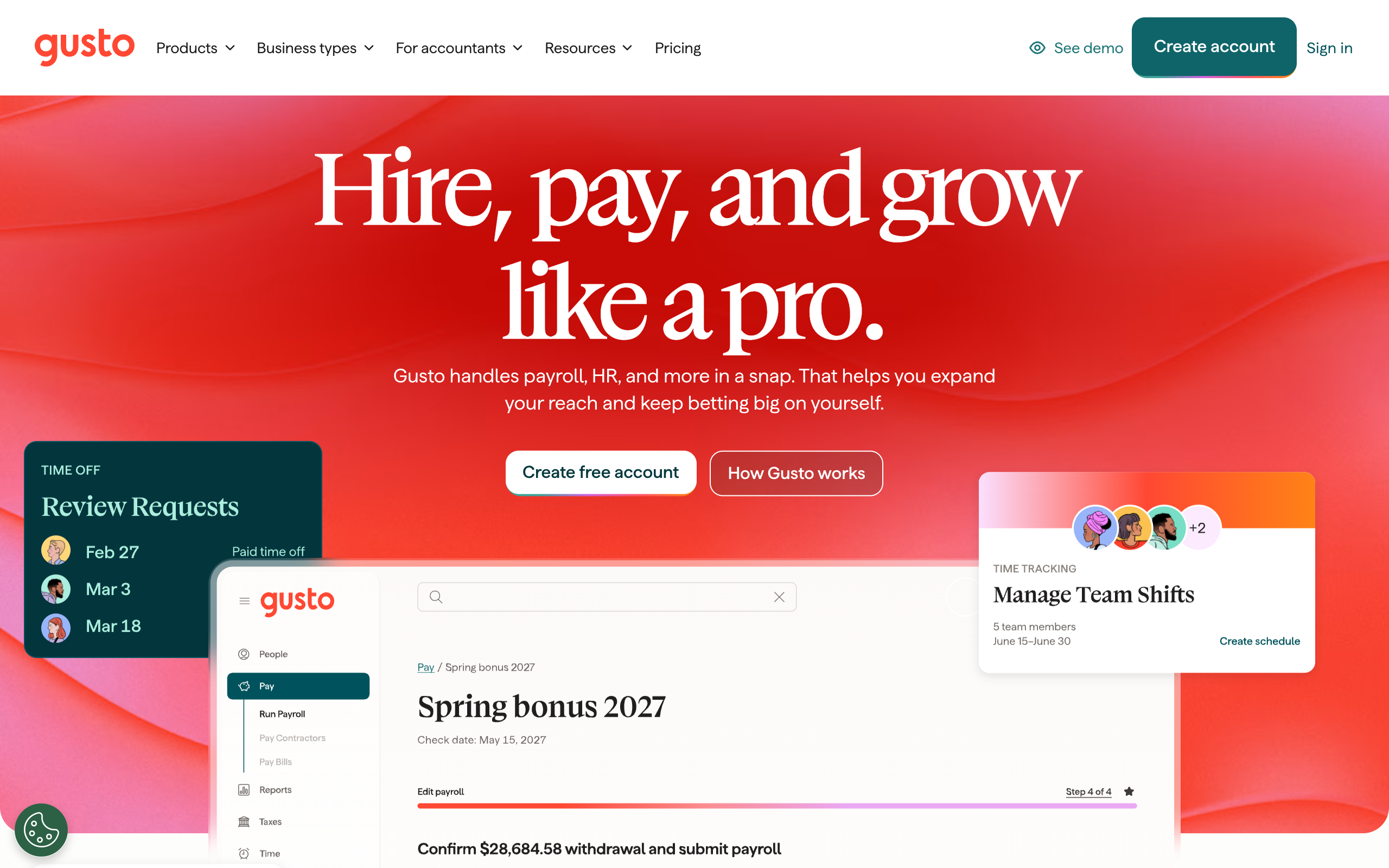
If all you need is “pay people correctly and file the taxes,” go here first before looking at anything with “HR” in the name. Wave Payroll charges a $40 monthly base fee plus $6 per active employee or paid contractor, unified across all 50 US states since April 2025, so you’re not penalized for hiring in a state that used to require manual tax filing. Gusto’s Simple plan runs $49 base plus $6/employee, essentially the same per-employee rate with a $9 higher floor, but Gusto’s Simple tier is genuinely payroll-only; if you want any HR features (offer letters, PTO tracking, basic onboarding checklists), you need Gusto Plus at $80 base plus $12/employee, which roughly doubles your bill at every headcount.
The decision rule is this: if you’re comparing Wave against Gusto Simple, pick whichever one you already use for invoicing and bookkeeping, since both plug into that side of your books anyway and the per-employee math is close enough not to matter below 20 people. If you’re comparing Wave against Gusto Plus, you’re actually comparing payroll-only against payroll-plus-HRIS, and that’s the real decision, not the $9 base fee difference.
Full HRIS: BambooHR’s Flat Fee, Rippling’s Hidden Price Tag, and the PEO Trade-off
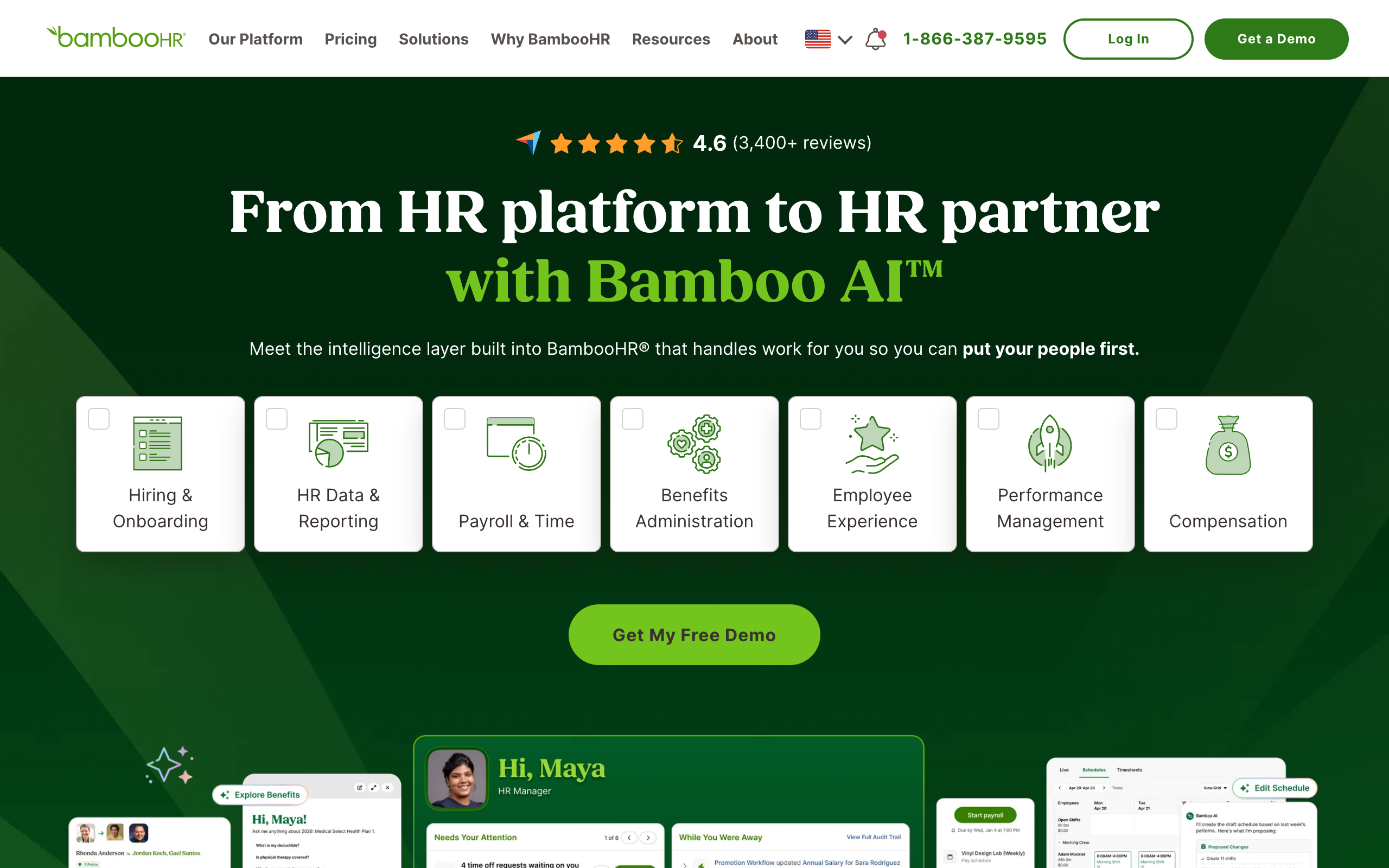
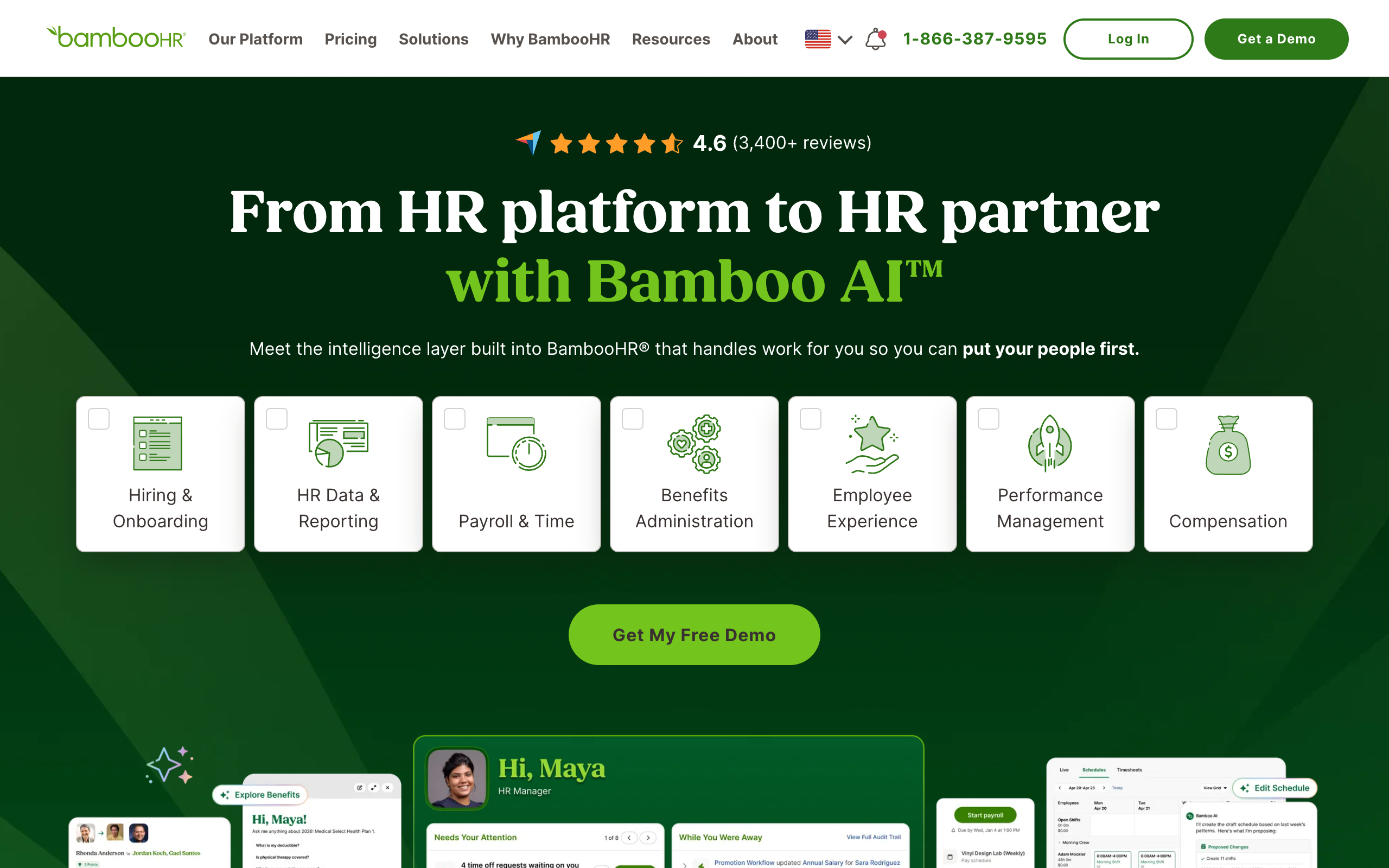
BambooHR is the most transparent HRIS on this list and also the one where the pricing structure itself is the interesting part. Below 25 employees, you pay a flat rate starting at $250/month regardless of whether you have 3 people or 24, on the Core tier. Cross 25 employees and pricing flips to per-seat: Core at $10/employee/month, Pro at $17, Elite at $25. That means the worst possible time to sign up for BambooHR is at exactly 24 employees, because you’re paying close to the same $250 you’d pay at 5 employees, and the best possible time to lock in a rate is right before you cross 25, since growing past that threshold immediately puts every new hire on a per-seat meter.
Rippling deserves a callout for the opposite reason: it publishes almost nothing. Its pricing page confirms only that most products bill per-employee-per-month with modules (Payroll, Benefits, Device Management, IT) sold separately on top of a required core platform fee, and every actual number requires submitting a quote request. If a vendor won’t show you a number until you talk to sales, budget extra time for that call and go in with a specific headcount and module list, because “how much does Rippling cost” genuinely has no public answer to check against.
The PEO route, Justworks at $79/employee/month for Basic or $109 for Plus, Deel at $125/employee/month for its US PEO, isn’t really an HRIS alternative so much as an “outsource the entire employer relationship” product: you get bundled group health insurance access, workers’ comp coverage, and co-employment compliance handling in exchange for a per-employee fee that dwarfs Gusto or BambooHR. That math can genuinely work for a 5-person startup that would otherwise have zero leverage buying small-group health insurance on its own. It rarely works for a company that already has benefits sorted and just wants software.
Do You Need Engagement Software Like ThriveSparrow Before 25 Employees?
Usually not, and here’s the honest signal for when that changes: once you have a layer of managers between you and individual contributors, you lose direct visibility into morale, and that’s the point ThriveSparrow’s $9/employee/month full-platform bundle (or $4/employee for just Engage + Kudos surveys and recognition) is built to solve. Below that, a founder running 5 to 15 people usually still has one-on-one visibility into how everyone is doing, and a paid survey tool measures something you can just ask about directly in a 15-minute check-in. ThriveSparrow does have a free tier covering one-on-one meeting notes and continuous feedback, which is a reasonable way to test whether structured feedback actually changes anything before paying per employee for the full survey and Kudos suite.
What About Internal Help Desk Tools Like SparrowDesk?
SparrowDesk isn’t HR software either, it’s a general help desk platform (email, live chat, shared inbox, a customer-facing help center), and some small teams repurpose that kind of tool as an internal ticketing system for HR and IT requests once “just message someone on Slack” stops scaling. The free tier covers up to 3 seats with live chat and email ticketing, Starter is $16/month with 5 seats, Professional is $49/month with 20 seats and adds SLAs and round-robin assignment, and Enterprise is $89/month with 50 seats plus SSO. Check SparrowDesk’s current seat limits before committing a plan, since “seats” here means support agents answering tickets, not total employees, so a 15-person company doesn’t need 15 seats, it needs seats for whoever handles the requests.
Under 10 Employees? Skip the HRIS Entirely
This is the section most vendors won’t tell you: if you’re under 10 people, you almost certainly don’t need an HRIS at all. Run payroll on Wave (free bookkeeping, $40 plus $6/employee for payroll) or Gusto Simple, track PTO and documents in a shared spreadsheet or Google Drive folder, and handle onboarding checklists in whatever project tool you already use. That covers the actual legal and operational requirements at that size for a fraction of BambooHR’s $250/month flat fee. If payroll compliance itself, not software, is the part that scares you (multi-state withholding, first hire in a new state, contractor-vs-employee classification), it’s often cheaper to hire a fractional HR or payroll specialist by the hour through a marketplace like Upwork for the specific setup task than to commit to a monthly HRIS subscription you’ll mostly leave idle.
Who Should NOT Buy Full HR Software Yet
Skip BambooHR, Rippling, or a PEO if you’re under 10 employees and don’t have multi-state payroll complexity, since the flat fees and per-employee minimums cost more than the problem they solve at that size. Skip a PEO specifically if you already have a group health plan you’re happy with, since you’re paying $79 to $125 per employee per month partly for benefits access you don’t need. Skip ThriveSparrow or any engagement tool if you can still name, from memory, how everyone on your team is doing this week, that’s a sign the problem it solves doesn’t exist yet at your size. And skip Rippling’s sales call entirely if you can’t yet answer “how many employees, which states, which modules” with confidence, since that call runs on your specifics, not a published price sheet.
How to Pick the Right Tool in Under 15 Minutes
- Count your actual headcount today, not your headcount in 12 months. Pricing tiers (BambooHR’s 25-employee cliff, TriNet’s per-seat model) are built around thresholds, and buying for a future headcount locks you into a higher bracket early.
- If your only pain is “run payroll correctly,” open Wave Payroll’s signup page and Gusto’s Simple plan side by side, and pick based on which one your existing bookkeeping already touches.
- If you need PTO tracking, onboarding documents, or an employee directory beyond payroll, get a real BambooHR quote before your headcount crosses 25, since that’s the exact point its pricing model changes underneath you.
- If a founder or manager literally cannot answer how their direct reports are feeling right now, test ThriveSparrow’s free one-on-one and feedback tier first, before paying $4 to $9 per employee per month for the full survey suite.
- If none of the above fit and you specifically need bundled health benefits for a tiny team with no HR staff, request quotes from both Justworks and Deel using the same headcount and state list, since the $79 versus $125 per-employee gap compounds fast past 15 people.
HR Software for Small Business: Frequently Asked Questions
What is the cheapest HR software for a small business?
For pure payroll, Wave Payroll is the cheapest published option at $40/month base plus $6/employee. For a full HRIS with PTO tracking and employee records, BambooHR’s flat $250/month rate under 25 employees is the cheapest predictable option, though a spreadsheet plus payroll software covers most needs below 10 employees at no extra cost.
Do I need an HRIS if I only have 5 employees?
Usually not. At 5 employees, payroll software (Wave or Gusto Simple) plus a shared spreadsheet for PTO and documents covers the practical requirements. An HRIS earns its cost once you’re managing multiple state registrations, a layer of managers, or enough headcount that manual tracking starts causing errors, typically past 15 to 25 people.
Is ThriveSparrow a payroll or HR management system?
No. ThriveSparrow is an employee engagement and performance platform: surveys, 360-degree reviews, goal tracking, and peer recognition. It does not run payroll or manage PTO balances. If you need payroll or employee records, look at Gusto, Wave, or BambooHR instead.
How much does a PEO like Justworks or Deel actually cost per employee?
Justworks PEO Basic runs $79 per employee per month with no separate base fee; Deel’s US PEO runs $125 per employee per month. Both bundle payroll, group health benefits access, workers’ compensation, and compliance handling into that per-employee rate, which is why they cost several times more than standalone payroll software.
What’s the difference between HRIS and payroll software?
Payroll software’s job ends at running paychecks and filing payroll taxes. An HRIS adds employee records, PTO balances, onboarding workflows, and org charts on top, usually with payroll available as an add-on module rather than the core product. Gusto and Wave are payroll-first; BambooHR and Rippling are HRIS-first.
Why doesn’t Rippling publish its pricing?
Rippling sells HR, finance, and IT modules separately on top of a required core platform fee, and the combination of modules, headcount, and per-employee rates varies enough that the company routes every quote through a sales call instead of a public pricing page. Go into that call with your exact headcount, states, and module list ready.
Disclosure: this article contains affiliate links. If you buy through them, we may earn a commission at no extra cost to you. Prices were checked in September 2026.
Hiring on Upwork costs a client 5% on the Basic plan (3% if you’re a U.S. business paying by bank account) or 10% on Business Plus (8% with the same discount), added on top of whatever you pay the freelancer, plus a one-time Contract Initiation Fee of $0.99 to $14.99 per contract. A $1,000 project on Basic actually costs $1,050 plus that initiation fee. The real risk isn’t the fee, it’s hiring a padded-out profile or a bait-priced bid that balloons in scope. Below is what the fee schedule, the escrow mechanics, and the hiring flow actually look like from the client’s side, plus a 7-step process to post a job that doesn’t attract the wrong applicants.
How Much Does Upwork Actually Cost a Client?
Upwork’s own client pricing page lists two plans, and the difference is bigger than a percentage point:
| Plan | Service fee | Contract initiation fee | Invites per job | Support | Extra features |
|---|---|---|---|---|---|
| Basic | 5% (3% for eligible U.S. bank-account payers) | $0.99–$14.99, every new contract | 30 | Standard | Job Post Generator, standard reporting |
| Business Plus | 10% (8% for eligible U.S. bank-account payers) | None, except up to $4.99 on fixed-price contracts under $100 | 60 | Premium 24/7 | Expert-Vetted talent, AI-curated shortlists, Net-30 terms (US, on approval), API access |
Before you fund a monthly subscription tool from the best AI agents for business list to solve the same problem, weigh it against Upwork’s model: neither plan charges a monthly subscription, you only pay when you actually hire. Upwork’s own example: “a $100 contract would cost $105 in total” on Basic, or “$110 in total” on Business Plus, before the initiation fee. That fee is charged once, at your first payment on an hourly contract or when you fund the first milestone on a fixed-price one, and it’s non-refundable, so don’t churn through test contracts with different freelancers if you can help it, that fee resets every time.
Fixed-Price vs. Hourly: Which Protects You Better?
On a fixed-price contract, you fund each milestone into escrow before the freelancer starts that chunk of work, and Upwork only releases the money to the freelancer once you approve it. That’s real protection against someone taking payment and disappearing, but it puts the burden on you to define milestones tightly, “homepage design” is a milestone you can evaluate, “the whole website” is not.
Hourly contracts work differently, and this is the part most clients don’t understand until something goes wrong. If your freelancer logs time through the Upwork Desktop App’s Work Diary, the app takes up to six screenshots per hour (one per 10-minute segment) along with an activity level based on keystrokes and mouse movement. Those tracked hours are covered by Upwork’s Hourly Payment Protection, meaning Upwork will side with the freelancer and pay out the tracked time even if you dispute it, as long as the freelancer met the criteria (verified ID, reasonable activity level, work visibly related to the contract). The practical takeaway: your leverage on an hourly contract is the weekly hour limit you set and reviewing the Work Diary regularly, not disputing invoices after the fact.
The Real Risks of Hiring on Upwork (and How to Avoid Them)
- Inflated or borrowed profiles. Portfolio pieces and reviews can be recycled across accounts. Check that the reviews are on completed contracts with dollar amounts attached, not just star ratings, and look for a Job Success Score, Upwork’s own track-record metric, above 90%.
- Bids priced to hook you, then scope-creep. A quote 60% below everyone else is a red flag, not a deal, it usually means the real plan is to lock the contract, then ask for more money once you’re invested in the relationship.
- Silent handoffs to unvetted subcontractors. Some “freelancers” are actually agencies routing your work to whoever is available. If continuity matters, say explicitly in the job post and contract that the named freelancer must do the work personally.
- Disputes on fixed-price milestones. Keep milestones small (a week of work, not a month) so a disagreement caps your exposure instead of blowing up a $5,000 project three-quarters of the way through.
- Moving the relationship off-platform to dodge fees. This breaks Upwork’s terms and forfeits your payment protection entirely. If you genuinely sourced someone outside Upwork and want to pay them through the platform’s escrow and dispute system anyway, Business Plus’s Direct Contracts feature does this legitimately for $49 per month per active contract.
7 Steps to Post a Job and Filter Candidates Without Getting Burned
- Write the job post yourself, then run it through Upwork’s Job Post Generator. Describe the project in one or two sentences and the AI tool drafts a fuller post you edit, but write your own scope and budget lines first so the AI doesn’t invent a vague brief that attracts vague applicants.
- Set a milestone-based fixed price for anything under roughly 20 hours of work, hourly for anything ongoing or exploratory. Fixed-price protects your budget on defined deliverables; hourly protects you from scope surprises on work that isn’t fully spec’d yet.
- Filter applicants by Job Success Score and talent badge before you read a single proposal. Look for 90%+ JSS and either Top Rated, Top Rated Plus, or, on Business Plus, Expert-Vetted (Upwork’s top 1% tier). This alone eliminates most low-effort or fake proposals.
- Send direct invites to 5 to 10 candidates instead of only waiting on inbound proposals. Basic gives you 30 invites per job, Business Plus 60. Inviting people whose portfolios already match your niche beats sorting through 50 generic applications. If the role is really an automation build (a workflow, a chatbot, an integration) rather than ongoing human judgment, it’s worth a quick side-by-side against the best AI agents for startups before you post, Upwork’s own category list even has Automation Experts and N8N Experts sitting right next to the traditional freelance roles.
- Run a small paid test milestone (2 to 5 hours or one deliverable) before committing to the full project. This costs you a modest amount but reveals communication speed, code or design quality, and whether the person in the interview is the person actually doing the work.
- Put “must complete personally, no subcontracting without written approval” directly in the contract terms. This is the single line that prevents the silent-handoff problem above.
- Review the Work Diary (hourly) or the milestone deliverable (fixed-price) on a fixed cadence, weekly minimum. Catching a mismatch after two weeks costs you two weeks; catching it after two months costs you the whole budget.
Upwork vs. Fiverr vs. Toptal vs. Contra vs. Hiring Direct

| Platform | Client cost structure | Best for | Watch-out |
|---|---|---|---|
| Upwork | 5–10% service fee + $0.99–$14.99 initiation fee | Ongoing or specialized work, 18M+ freelancers in 180 countries | Fee stacks with freelancer’s own rate, which already prices in their 0–15% cut |
| Fiverr | Service fee publicly quoted around 5.5% of order total, plus a small-order fee under $50 | Fixed-scope “gig” deliverables (a logo, a short edit) | Harder to scope ongoing or hourly relationships |
| Toptal | Flat $79/month platform fee if you proceed to matching, no % commission, refundable if unmatched | Senior, pre-vetted engineers/designers/finance talent (accepts under 3% of applicants) | Freelancer rates run $60–$150+/hr, $200+ for specialists, per Toptal’s own FAQ |
| Contra | 0% commission on the freelancer’s earnings, client pays a flat contract fee per project (publicly quoted around $29) | Clients who’ve already vetted someone and want to skip percentage fees | No large open marketplace to discover new talent from |
| Direct 1099 hire | No platform fee at all | A relationship you already trust and can manage yourself | You alone carry contract, payment, and dispute risk with zero built-in protection |
Who Should NOT Hire on Upwork
- You need someone in your office or on a specific visa/employment arrangement, Upwork is built for remote contract work, not local W-2 hiring.
- You have zero time to write a real brief or review a Work Diary. A vague post attracts vague proposals, and an unmanaged hourly contract is where budgets quietly run over.
- You’ve already found and vetted someone through your network and don’t need escrow, discovery, or dispute protection, a direct 1099 arrangement saves you the fee entirely.
- Your project needs a single elite specialist and budget isn’t the constraint, Upwork‘s open marketplace makes you do more filtering than Toptal’s pre-vetted, invite-only model.
- The task is repetitive and rules-based rather than judgment-based, data entry, lead scraping, basic reporting. Run the numbers against the best AI agents for business first, a tool with a monthly subscription can undercut even the cheapest hourly freelancer on that kind of work.
Frequently Asked Questions
Is Upwork worth it for clients in 2026?
Yes, for ongoing or specialized work where you value escrow protection, a large talent pool, and Job Success Score data over the lowest possible fee. It’s less worth it for a single, tightly-scoped gig where Fiverr’s flatter pricing may come out cheaper, or for a purely repetitive task better handled by one of the best AI agents for startups at a flat monthly cost instead of an hourly rate.
What is the Upwork client service fee exactly?
5% on Basic (3% for eligible U.S. clients paying by bank account) or 10% on Business Plus (8% with the same discount), charged on every payment you make to a freelancer, plus a one-time $0.99 to $14.99 Contract Initiation Fee per new contract.
Does Upwork protect clients from scams and no-shows?
Fixed-price contracts hold your money in escrow until you approve the milestone, so a freelancer can’t simply take payment and vanish. Disputes still happen, which is why small, tightly-defined milestones matter more than the platform’s dispute process.
Should I hire hourly or fixed-price on Upwork?
Fixed-price for a clearly defined deliverable you can inspect and approve. Hourly for ongoing or exploratory work, but only if you’ll actually check the Work Diary weekly, since Upwork’s Hourly Payment Protection sides with tracked time even in a dispute.
How is Upwork different from Fiverr for a client?
Fiverr is built around pre-packaged “gigs” at a set price for a defined output. Upwork is built around a job post, proposals, and a negotiated hourly or milestone contract, better suited to ongoing work or anything that needs back-and-forth scoping.
Is Business Plus worth the higher 10% fee?
Only if you’re hiring often enough to need Expert-Vetted talent access, AI-curated shortlists within about 6 hours, 60 invites per job instead of 30, or Net-30 invoicing. A one-off small project doesn’t need any of that, stick with Basic.
Bottom line: the fee schedule is not where clients get burned on Upwork, sloppy job posts and unchecked contracts are. Write a real brief, filter by Job Success Score before you read a single proposal, run a small paid test first, and post your first job on Upwork with milestones small enough that a bad hire costs you a week, not a budget.
Best AI Agents for Business in 2026
Written by Nam Nguyen, founder of saas.com.ai, where I curate and track AI tools by real traffic and growth data. Published July 11, 2026.
Key takeaways
- The best AI agent for business depends on the job: pick per function, not one “do everything” agent.
- Narrow agents (support, SDR) show ROI fastest; support agents like Intercom Fin bill $0.99 per resolution.
- Viktor is the strongest all-rounder for non-technical teams: it lives in Slack and Teams from $50/month.
- The real bottleneck in 2026 is integration and data access, not model quality.
- Start with one function, one clear metric, and a 30-day pilot before you scale.
The best AI agent for business in 2026 is not a single product, it is a shortlist chosen by function. For an SMB or ops leader, the highest-ROI moves are a customer-support agent (Intercom Fin at $0.99 per resolution), an SDR agent (Artisan’s Ava from $280/month), and a general all-rounder that sits inside Slack or Teams (Viktor from $50/month per workspace). Coding gets Devin. The catch most buyers miss: model quality is not what makes or breaks these agents. Whether the agent can reach your data and act inside your existing tools is.
Which AI agent should each business function use?
Here is the shortlist by function, with 2026 starting prices and how hard each is to actually get running. If you read nothing else, read this table.
| Business function | Top pick | Starting price (2026) | Adoption difficulty |
|---|---|---|---|
| All-rounder (Slack/Teams) | Viktor | $50/mo per workspace | Easy |
| Sales / SDR outbound | Artisan (Ava) | $280/mo | Medium |
| Customer support (SMB) | Intercom Fin | $0.99 per resolution | Easy |
| Customer support (enterprise) | Sierra | Custom, ~$150k+/yr | Hard |
| Marketing content | Jasper | $59/mo | Easy |
| Ops / back-office | Lindy | $49.99/mo | Medium |
| Software engineering | Devin | $20/mo + usage | Hard |
A note on the word “agent.” In 2026 vendors slap it on everything. I use it narrowly here: software that takes a goal, plans steps, and acts across your tools with limited supervision, not a chatbot that only talks back.
Why do narrow agents beat a “do everything” agent for most businesses?
Because a narrow agent has a number attached to it, and a general one usually does not.
An SDR agent books meetings. A support agent closes tickets. You can put those on a spreadsheet next to a cost and know within a month whether you are ahead. A “does anything” agent is harder to hold accountable, which is exactly why it tends to drift into the pile of tools nobody renews.
There is a second reason, and it is the one people learn the expensive way. The hard part of deploying an agent is almost never the model. It is plumbing. Can the agent read your Zendesk history, write to your CRM, and see the fields that matter? When Sierra deployments take three to six months and carry $50,000 to $200,000 in setup fees (Featurebase, 2026), that time is not spent tuning a language model. It is spent connecting systems and teaching the agent your rules. Narrow agents win partly because they ship with the integrations for their one job already built.
Honestly, if you take one idea from this article, take that one. The teams that get burned are the ones who buy the smartest agent and discover it cannot see half their data.
What is the best all-rounder AI agent for business?
Viktor is the best general-purpose AI agent for non-technical teams in 2026 because it works where your team already talks: inside Slack and Microsoft Teams. You message it like a coworker, and it connects to more than 3,200 business tools out of the box, from Stripe and HubSpot to Google Ads and Linear (Viktor, 2026).
What makes Viktor different from a chat assistant is that it does not just summarize. It logs into your tools, pulls live data, runs the analysis, and hands back the actual artifact: a spreadsheet, a PDF, a deployed web app, a code commit. That is the line between a copilot and an employee, and Viktor sits on the employee side.
Pricing is refreshingly un-enterprise. Plans start at $50 per month per Slack or Teams workspace with 20,000 monthly credits and no per-seat charge, and there is a $100 free-credit tier to test with (Viktor pricing, 2026). No per-seat billing matters more than it sounds: it means you can let the whole team poke at it without finance flinching.
The market is voting. Viktor crossed $20 million in ARR within four months of launch with zero salespeople, and raised a $75 million Series A led by Accel in May 2026 (The Next Web, 2026). Growth that fast, sales-led by nobody, usually means the product is doing something real inside the workflow.
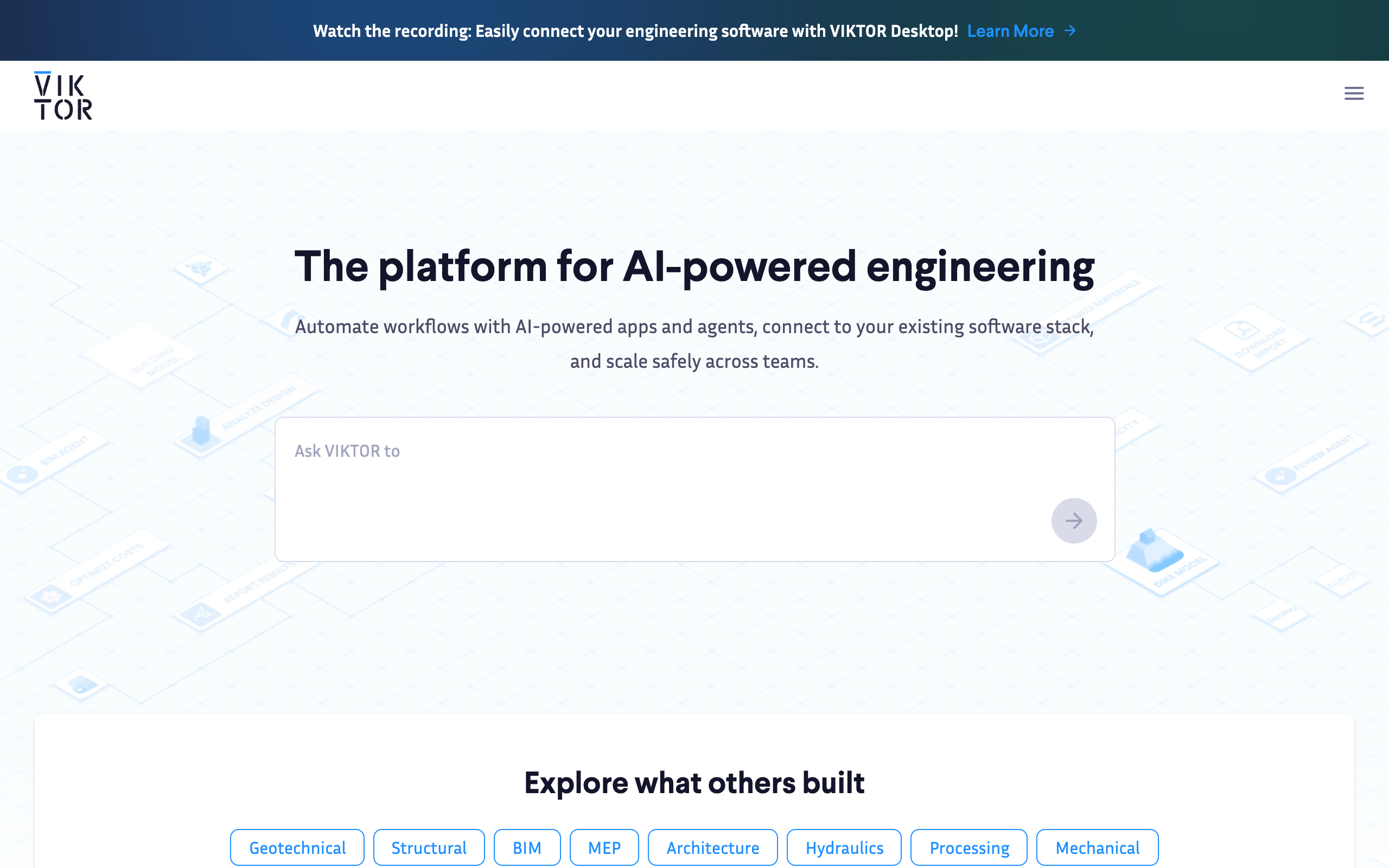
One disambiguation, because it trips people up: viktor.com is the AI employee described here. viktor.ai is a completely separate low-code Python platform for engineers doing CAD and simulation. Different company, different product. If you land on the engineering one looking for a Slack coworker, you are in the wrong place.
The honest limit: because Viktor does so many things, it is worth pointing it at a few repeatable jobs first (weekly reporting, ad-spend pulls, ops questions) rather than expecting it to run a department on day one.
Or read our full Viktor AI review, the Viktor listing, and our best AI employees roundup.
What is the best AI agent for sales and SDR work?
Artisan’s Ava is the leading AI SDR agent in 2026, automating outbound prospecting end to end: finding leads, writing sequences, and sending across email. Artisan publishes real self-serve pricing, which is still rare in this category. The Intern plan starts at $280/month, the Employee plan runs around $600 to $660/month with 30,000 credits, and higher tiers reach $2,000/month and up as your contact volume grows (Landbase, 2026; SalesRobot, 2026). There is a free plan with 300 credits a month to kick the tires.
Do the arithmetic against a human. A junior SDR in the US costs well north of $60,000 a year loaded. Ava at $7,200 a year on the Employee plan is not a close comparison on paper. But paper lies here, and this is the insider part.
The catch with every AI SDR is deliverability and list quality, not the writing. Ava can draft a thousand clean emails. If the domain warms wrong or the data is stale, you are automating your way into spam folders at scale. The vendors quietly acknowledge this: expect a 12-month annual commitment as standard, because the first two months are mostly setup and inbox warmup, not booked meetings (MarketBetter, 2026).
So my take: an AI SDR is a strong buy if you already know your outbound motion works with humans and you want to scale it cheaper. It is a weak buy if you are hoping the agent will invent a motion you do not have. Automation multiplies what exists. It does not create a market.
If your outbound has never converted with a real rep, do not expect a robot to fix the offer. That is a product problem wearing a sales costume.
What is the best AI agent for customer support?
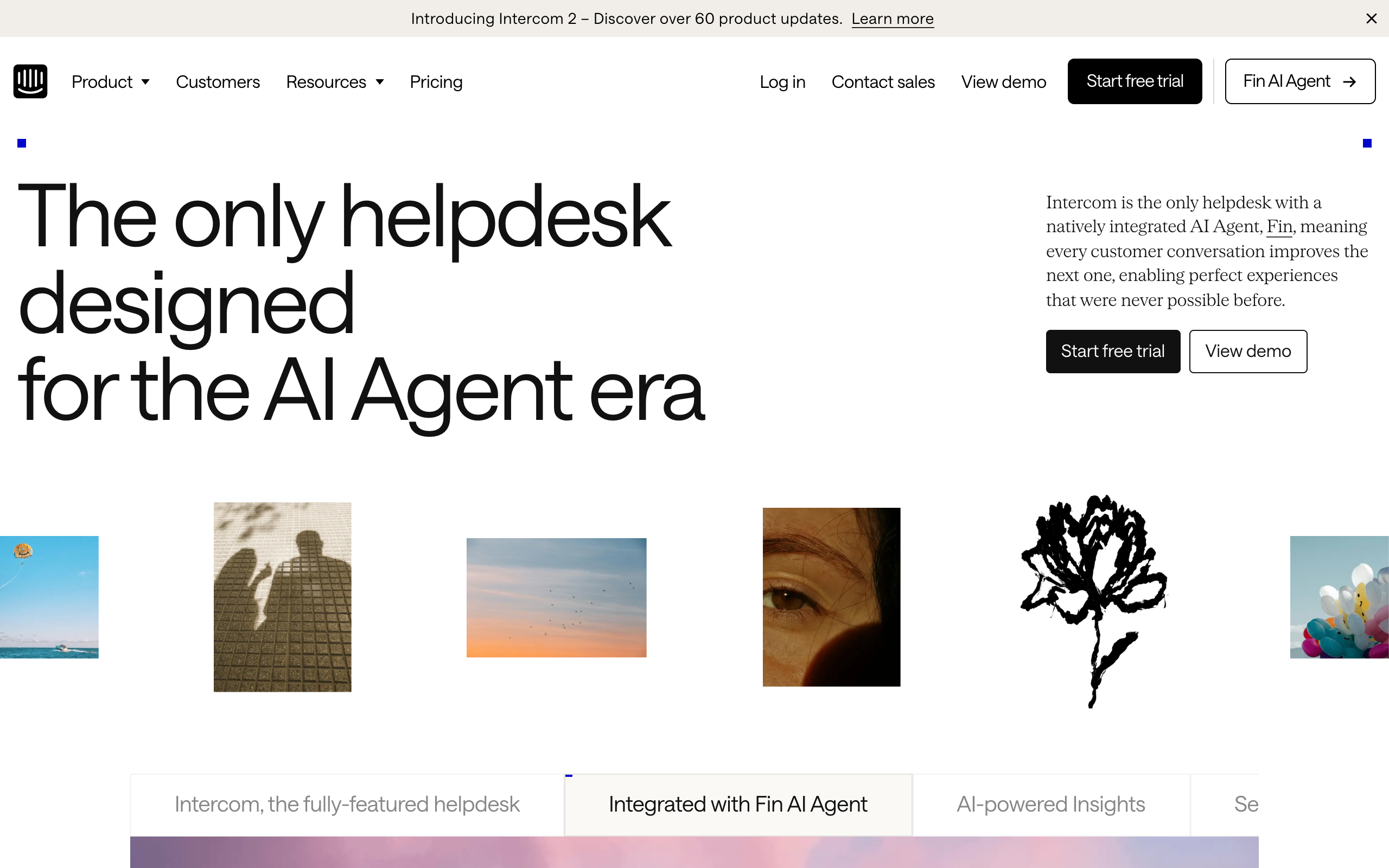
Intercom Fin is the most adoptable customer-support agent for SMBs in 2026, priced at $0.99 per outcome instead of per seat. An outcome means a resolution, a procedure handoff, or a disqualification; a qualified lead costs $9.99 (Gleap, 2026). You are billed once per conversation even when Fin takes several actions, with a 50-outcome monthly minimum and a 14-day trial (Fin.ai, 2026).
Per-resolution pricing is the honest structure for support, and it is spreading across the category for a reason. You pay when the agent actually deflects a ticket. If Fin resolves 1,000 conversations in a month, that is $990 against what would otherwise be human agent hours. The moment it stops resolving, the bill stops too. That is a very different risk profile from a $150,000 annual contract.
For large, regulated, or highly custom operations, the enterprise pick is Sierra, the outcome-based platform from Bret Taylor’s team. Sierra does not publish pricing; engagements run through enterprise sales, typically landing in a $200,000 to $350,000 first-year envelope with three-to-six-month deployments (Fin.ai analysis, 2026). Sierra is genuinely powerful and genuinely heavy. If you are a 40-person company, it is not your tool this year.
One thing worth flagging for buyers watching the chessboard: in June 2026, Salesforce signed an agreement to acquire Fin (the company formerly known as Intercom) for roughly $3.6 billion, and as of July 2026 the deal is signed but not closed, with pricing unchanged (Featurebase, 2026). Acquisitions do not usually raise prices overnight, but they do shift roadmaps. If you buy Fin, buy it for what it does today, not for a promised integration.
What is the best AI agent for marketing?
Jasper is the best marketing agent for content-heavy teams in 2026, having grown from an AI writer into a workflow agent that repurposes and manages brand content at scale. In 2026 Jasper does more than draft: it can take a whitepaper and turn it into a blog post, a LinkedIn thread, and an email, all inside your brand voice and guidelines (Tofu, 2026).
Pricing is SMB-friendly. The Pro plan is $59/month billed yearly or $69 monthly, with a 7-day trial and no free tier anymore. The Business plan is custom and typically starts around $900/month for small teams that need brand controls, security, and support (eesel, 2026).
Here is where I break from the marketing hype. The autonomous “AI runs your whole campaign” pitch is running ahead of what most SMBs should trust it with. A marketing agent is excellent at production, drafting, repurposing, variant-testing at volume. It is much weaker at judgment: which angle, which audience, which offer. Buy Jasper to make one strategist five times as productive. Do not buy it to replace the strategist. The businesses that hand the strategy to the agent tend to produce a lot of on-brand content that says nothing.
What is the best AI agent for operations and back-office work?
Lindy is the best ops and back-office agent for teams that want automation with judgment, handling email triage, meeting prep, and research compilation rather than rigid if-this-then-that rules. Unlike a classic automation tool, Lindy’s agents make decisions and hold context across multi-step tasks (Zapier, 2026). Pricing runs from a free 400-credit tier to $49.99/month Pro (5,000 credits) and $299.99/month Business (30,000 credits) (CloudTalk, 2026).
The gotcha with Lindy is baked into that credit model, and it is the most common complaint in reviews: credits burn faster than teams expect, especially during setup when an agent misfires a few times before it gets a task right. Dozens of G2 reviewers flag it. Research tasks and transcriptions eat credits hardest (CloudTalk, 2026). Budget for a messy first month.
If your back-office needs are simpler, the honest answer is you may not need an agent at all. For pure “when X happens, do Y” plumbing, Zapier remains cheaper and more predictable, with a permanent free tier and task-based pricing (Zapier, 2026). Reach for Lindy when the task genuinely requires a decision. Reach for Zapier when it requires a trigger. Paying agent prices for a job a $20 automation could do is one of the quieter ways companies overspend on AI in 2026.
What is the best AI agent for coding?
Devin, from Cognition, is the leading autonomous software-engineering agent in 2026, and its 2026 repricing finally put it within reach of small teams. The Core plan is $20/month plus $2.25 per ACU, where one ACU (Agentic Compute Unit) is roughly 15 minutes of active autonomous work. The Team plan is $500/month with 250 ACUs at $2.00 each (Devin pricing, 2026; Costbench, 2026). That $20 entry is a dramatic cut from the original $500 launch price.
Devin is the one pick on this list I would tag “Hard” on adoption, and it earns it. It shines at well-scoped, self-contained tasks: migrations, bug fixes, test coverage, boilerplate. Hand it a vague feature in a large messy codebase and you will spend more time reviewing than you saved. The usage-based ACU meter also means cost is a moving target; a task that spirals can quietly rack up ACUs while it retries.
My rule for Devin: give it work a competent junior could finish in an afternoon with clear instructions, and review every commit. Used that way it is genuinely additive. Used as a “replace the dev team” fantasy, it disappoints, which is roughly the story of every autonomous coding tool this cycle.
How do you pilot an AI agent without wasting money?
Most wasted AI budget in 2026 comes from buying broad and measuring nothing. A pilot fixes both. Run it like this.
- Pick one function and one metric. Support gets “tickets resolved.” SDR gets “meetings booked.” If you cannot name the number before you start, you are not ready to buy.
- Prefer per-outcome or usage pricing for the pilot. Fin’s $0.99 per resolution and Devin’s ACU meter mean you pay for results, not for a seat you might not use. Save the annual commitment for after the agent has proven itself.
- Give it real data access on day one. The agent that can only see a sandbox will look worse than it is. Integration is the whole game, so test the real integration.
- Run 30 days, then compare against the human baseline. Not against the vendor’s demo. Against what your team does today, at your cost today.
- Keep a human in the loop on anything customer-facing or irreversible. Review commits, review outbound copy, review resolutions for the first month. Autonomy is a dial, not a switch.
The teams that win with agents in 2026 are not the ones with the biggest budget. They are the ones who picked a narrow job, wired up the data, and watched one number.
Verdict: which AI agent should you actually buy?
If I had to spend a small company’s money today, I would not buy a general agent first. I would buy the narrow one that maps to my most expensive repetitive job.
High-volume support tickets? Start with Intercom Fin, because per-resolution pricing means the ROI is legible from week one. A proven outbound motion you want to scale? Artisan’s Ava. A team drowning in Slack requests and reporting? Viktor, precisely because it is easy and lives where people already work. A backlog of small engineering tasks? Devin on the Core plan, reviewed closely.
The general all-rounder, the kind ranked in our best autonomous AI agents guide, is where you go second, once a narrow win has bought you the confidence and the political capital. And whatever you buy, remember the line that decides everything: the agent is only as good as the data and tools it can reach. Model quality is table stakes now. Integration is the moat, and the trap.
Frequently asked questions
What is the best AI agent for a small business in 2026?
For most small businesses, the best first AI agent is a customer-support agent like Intercom Fin, priced at $0.99 per resolution with no per-seat fee. It has the clearest ROI because you pay only when it deflects a ticket. Viktor is the best all-rounder if you want one agent across many tasks, starting at $50/month per workspace.
How much do AI agents for business cost in 2026?
AI agent pricing in 2026 ranges widely by function. Support agents like Intercom Fin bill $0.99 per resolution. General agents like Viktor start at $50/month per workspace. Marketing agents like Jasper start at $59/month. AI SDR agents like Artisan start at $280/month. Enterprise support platforms like Sierra run custom pricing, often $150,000 or more per year.
Are AI agents worth it for non-technical teams?
Yes, for non-technical teams the easiest wins are agents that live inside existing tools and use per-outcome pricing. Viktor works inside Slack and Teams with no coding, and Intercom Fin charges only for resolved conversations. Coding agents like Devin and some ops agents need more technical setup, so they are better as a second step.
What is the difference between an AI agent and an AI assistant?
An AI assistant responds to prompts and generates text or answers. An AI agent takes a goal, plans the steps, and acts across your tools with limited supervision, logging into systems, pulling live data, and delivering finished output like reports, code, or resolved tickets. In 2026 the practical test is whether the software can complete a task, not just talk about it.
Is Viktor the same as viktor.ai?
No. Viktor at viktor.com is an AI employee that works inside Slack and Microsoft Teams and connects to 3,200+ business tools. Viktor.ai is a separate low-code Python platform for engineers building CAD, BIM, and simulation apps. They share a name but are different companies and products.
About the author
Nam Nguyen is the founder of saas.com.ai, where he curates and tracks AI tools by real traffic and growth data to help readers find the right tool for any task. He writes about AI agents, automation, and the software buying decisions facing small and mid-sized businesses.
Sources
- Viktor, product and homepage (2026): https://viktor.com/
- Viktor pricing (2026): https://viktor.com/pricing
- The Next Web, Viktor $75M Series A (2026): https://thenextweb.com/news/viktor-75-million-series-a-accel-ai-coworker-slack-teams
- Landbase, Artisan AI pricing (2026): https://www.landbase.com/blog/artisan-ai-pricing
- SalesRobot, Artisan AI review (2026): https://www.salesrobot.co/blogs/artisan-ai-review
- MarketBetter, Artisan AI review (2026): https://marketbetter.ai/blog/artisan-ai-review-2026/
- Gleap, Intercom Fin AI pricing (2026): https://www.gleap.io/blog/intercom-fin-ai-pricing-2026
- Fin.ai pricing (2026): https://fin.ai/pricing
- Featurebase, Fin AI pricing and Salesforce acquisition (2026): https://www.featurebase.app/blog/fin-ai-pricing
- Featurebase, Sierra AI pricing (2026): https://www.featurebase.app/blog/sierra-ai-pricing
- Fin.ai, Sierra AI pricing analysis (2026): https://fin.ai/learn/sierra-ai-pricing
- eesel, Jasper AI pricing (2026): https://www.eesel.ai/blog/jasper-ai-pricing
- Tofu, best AI agents for marketing (2026): https://www.tofuhq.com/post/best-ai-agents-for-marketing
- Zapier, Lindy vs Zapier (2026): https://zapier.com/blog/lindy-vs-zapier/
- CloudTalk, Lindy AI pricing (2026): https://www.cloudtalk.io/blog/lindy-ai-pricing/
- Devin pricing (2026): https://devin.ai/pricing/
- Costbench, Devin AI pricing (2026): https://costbench.com/software/ai-coding-assistants/devin-ai/
Quick Answer
- The hottest Silicon Valley AI startups split into model labs, AI search, coding agents, and chips.
- OpenAI and Anthropic lead foundation models; Perplexity leads AI search; Anysphere (Cursor) leads AI coding.
- Funding flows from top VCs plus strategic backers like Nvidia, Microsoft, and Google.
- Many valuations run far ahead of revenue, so funding size is not the same as durability.
- The leaderboard reshuffles every quarter as products ship and money moves.
The hottest AI startups in Silicon Valley cluster into a few categories: foundation-model labs like OpenAI and Anthropic, AI search like Perplexity, AI coding tools like Anysphere (maker of Cursor), and AI infrastructure spanning chips and data tooling. There is no single “hottest” company, because the title shifts by category and by quarter. What stays constant is that the money, the talent, and the headlines concentrate around these clusters.
This guide breaks down who is leading each layer of the AI stack, why those companies attract the attention, how they are funded, and the trap most outsiders fall into when reading the hype. The insider observation up front: funding headlines and product reality are two different things, and a lot of the “hottest” labels track raises, not revenue.
Which AI startups lead the foundation-model race?
The foundation-model layer is dominated by a small set of labs, with OpenAI and Anthropic the names that come up first in almost any Bay Area conversation. OpenAI, maker of ChatGPT, kicked off the consumer AI wave in late 2022 and remains the reference point. Anthropic, maker of Claude, has positioned itself around safety and enterprise reliability and has grown into a serious second force.
Alongside them, xAI (Elon Musk’s lab) and well-funded newcomers keep pushing. These companies are “hottest” because they sit at the bottom of the stack: nearly every AI application is built on someone’s foundation model, so whoever leads here captures outsized strategic value. They also burn enormous amounts of compute, which is why their funding rounds are the largest in tech.
What about AI search and coding startups?
The application layer is where some of the fastest growth is happening, and AI search plus AI coding lead it. Perplexity built an AI answer engine that competes with traditional search by giving cited, conversational answers, and it became one of the most talked-about consumer AI products. On the developer side, Anysphere’s Cursor turned AI-assisted coding into a daily habit for engineers and scaled revenue unusually fast.
These categories are hot for a reason: they attach to clear, repeated workflows. Search is something people do dozens of times a day; coding is a high-value professional task. When AI plugs directly into an existing habit, adoption compounds.
(One thing worth knowing: the application-layer startups all live on top of the model labs, which means their margins and even their feature roadmaps depend on a supplier who could become a competitor. That platform risk is the quiet anxiety in every “hottest app” pitch, and experienced investors ask about it first.)
Who leads AI infrastructure and chips?
AI infrastructure is the least visible but arguably most valuable layer, and it is anchored by compute. Nvidia is the public giant whose chips power most AI training, but the startup scene around it is busy: companies building inference-optimized chips, AI data pipelines, vector databases, and model-deployment tooling all attract heavy funding.
| Layer | Representative leaders | Why it’s hot |
|---|---|---|
| Foundation models | OpenAI, Anthropic, xAI | Everything else builds on them |
| AI search | Perplexity | Attacks the biggest habit on the internet |
| AI coding | Anysphere (Cursor) | High-value daily developer workflow |
| Infrastructure / chips | Nvidia ecosystem, inference startups | Compute is the scarce resource |
The infrastructure layer is where the “picks and shovels” logic applies. When a gold rush is on, selling the tools can be a safer bet than mining, and several investors have made that case explicitly about AI compute.
How are these AI startups funded?
The hottest AI startups raise from a familiar set of top venture firms plus strategic corporate backers. Sequoia, Andreessen Horowitz, and Khosla Ventures are recurring names, while strategic investors like Microsoft, Nvidia, Google, and Amazon bring not just cash but cloud-compute access. That compute angle matters: some “investments” are partly credits for training infrastructure rather than pure money.
Here is my blunt opinion: do not read a giant funding round as proof of a durable business. AI rounds are inflated by the scarcity of credible teams and the fear of missing the next OpenAI. Plenty of well-funded labs will not survive the next compute-cost crunch. Funding tells you who investors believe in, not who will win.
Why is Silicon Valley still the center of AI startups?
Silicon Valley remains the center of AI startups because three ingredients concentrate there more densely than anywhere else: research talent, venture capital, and the network effect of everyone being in the same place. The top AI researchers cluster near Stanford, Berkeley, and the major labs, and that talent pool is the scarcest input in the entire industry. You can rent compute anywhere, but you cannot rent a team that has shipped a frontier model.
Capital reinforces it. The largest AI-focused venture firms sit on Sand Hill Road, and proximity still matters for the fast, high-trust deals that define this cycle. Add the dense web of founders, operators, and angel investors who have done it before, and a new AI startup in the Bay Area can assemble a team, raise a round, and find early customers faster than one almost anywhere else. That speed advantage is self-reinforcing.
How do you spot a real winner versus hype?
Separate the durable AI startups from the inflated ones by looking past the funding headline at three things: real recurring revenue, retention (do users come back after the novelty fades), and defensibility (is there anything besides a thin layer on someone else’s model). The companies that score on all three are the genuine winners.
If I had to name the safest categories to watch right now, I would point to the foundation labs with real enterprise revenue and the application companies that own a daily workflow, like coding and search. I would be far more cautious with single-feature apps that wrap a public model and have no retention story. My recommendation: when you evaluate any “hottest AI startup,” ignore the raise and ask what happens to it the day its model supplier ships the same feature for free. If it has a good answer, it might last.
Frequently Asked Questions
What is the hottest AI startup in Silicon Valley?
There is no single answer, but OpenAI and Anthropic dominate the foundation-model conversation, while Perplexity leads AI search and companies like Cursor’s maker Anysphere lead AI coding. The hottest title shifts by category and by quarter as funding and product launches reshuffle the leaderboard.
Which AI startups are growing the fastest?
AI coding tools and AI search apps have shown some of the fastest revenue growth, because they attach to clear daily workflows. Anysphere (Cursor), Perplexity, and the major model labs have all scaled unusually quickly. Fast growth in AI often means fast burn too, so revenue and runway are separate questions.
Are AI startups in Silicon Valley overvalued?
Many carry valuations far ahead of revenue, which is a real risk if growth slows. That said, the leading labs and a few application companies have genuine usage to justify attention. The honest view is that the category contains both durable winners and inflated bets, and telling them apart takes more than the funding headline.
Where do these AI startups get their funding?
Top AI startups raise from large venture firms like Sequoia, Andreessen Horowitz, and Khosla, plus strategic investors such as Microsoft, Nvidia, Google, and Amazon. The strategic money often comes with cloud-compute commitments, which is why some deals are partly credits rather than cash.
Do I need to be in Silicon Valley to join an AI startup?
Not necessarily. Many AI startups hire remotely for engineering and go-to-market roles, though the most competitive research positions still cluster in the Bay Area. Being near the network helps with fundraising and hiring, but distributed teams are common in the application layer.
Quick Answer
- AI transformation is a governance problem because the models are commodity; the rules and accountability are not.
- The hard questions are who decides, who owns risk, and how data is handled, not which tool to buy.
- Weak governance produces shadow AI and pilots that never reach production.
- Governance should have a clear executive owner and day-to-day teeth, not a quarterly committee.
- Start by inventorying existing AI use, setting an acceptable-use policy, and assigning accountability.
AI transformation is a problem of governance because the technology is now the easy part. Any company can access powerful models, copilots, and platforms within a day. What separates the organizations that actually transform from the ones stuck in pilot purgatory is governance: who decides what AI can touch, who is accountable for outcomes, how data is protected, and how risk gets reviewed. The bottleneck is decisions and ownership, not algorithms.
This article explains why governance, not technology, decides whether AI transformation succeeds, what AI governance actually includes, who should own it, and how to start without drowning in bureaucracy. The insider point I keep seeing in the field: most “failed AI projects” did not fail technically. They worked in a demo and then died because nobody would put their name on the risk of running them in production.
Why is AI transformation a governance problem and not a tech one?
AI transformation stalls on governance because the models are commoditized while the decisions around them are not. When everyone can buy the same capabilities, the differentiator becomes how you deploy them responsibly: what data feeds them, what they are allowed to decide, and who answers when something goes wrong. Those are organizational questions, not engineering ones.
Think about the pattern. A team builds an impressive AI pilot. It works. Then it needs real customer data, a sign-off from legal, a security review, and someone accountable for its decisions. None of that exists, so the pilot sits. The technology cleared the bar months ago. The governance never got built.
What does AI governance actually cover?
AI governance is the set of policies, roles, and controls that decide how an organization adopts and oversees AI. It is broader than a compliance checklist. Good AI governance answers a specific list of operational questions.
| Governance area | The question it answers |
|---|---|
| Data access | What data can AI systems use, and how is it protected? |
| Use-case approval | Who decides a new AI use is allowed to go live? |
| Human oversight | Where must a person review or override the AI? |
| Accountability | Who owns the outcome when the AI is wrong? |
| Risk and compliance | How do we meet regulation and manage harm? |
Notice that none of these are about choosing a vendor. They are about decision rights. That is exactly why buying a better model does not fix a stalled AI program. The blocker lives in the rows of that table, not in the tech stack.
What goes wrong without governance?
Without governance, AI transformation fails in two predictable directions: too little control or too much paralysis. Too little control produces shadow AI, where employees paste sensitive data into unapproved tools because no sanctioned path exists. Too much paralysis produces a graveyard of pilots that work but never ship, because no one is willing to approve the risk.
Both failures are governance failures wearing a technology costume. The shadow-AI problem is not solved by banning tools; people route around bans. It is solved by giving them an approved option and a clear policy. The stalled-pilot problem is not solved by a better model; it is solved by a fast, accountable approval path.
(One thing worth knowing: the companies that move fastest on AI are usually not the ones with the most permissive rules, they are the ones with the clearest ones. Clear governance removes the fear that makes managers say no by default. Ambiguity, not strictness, is what actually kills speed.)
Who should own AI governance?
AI governance needs a clear executive owner with real authority, supported by a cross-functional group. In practice that often means a chief AI officer or chief data officer accountable day to day, working alongside legal, security, risk, and business leaders. The common mistake is to create a committee that meets quarterly and call it governance.
My honest opinion: a quarterly committee is theater. Real governance needs someone who can approve or block a use case this week, a documented policy people can actually read, and a feedback loop from the teams using AI. If your AI governance cannot make a decision faster than your competitor can ship a feature, it is just bureaucracy with a modern name.
How do you start AI governance without bureaucracy?
Start AI governance small, concrete, and attached to what already exists. The goal in the first phase is not a perfect framework, it is to stop shadow AI and unblock the good pilots.
- Inventory where AI is already used, including the unsanctioned tools people quietly rely on.
- Write a short, readable acceptable-use policy: what data is allowed, what is banned, what needs review.
- Create a lightweight approval path for new use cases with a named decision-maker and a fast turnaround.
- Assign accountability for outcomes so every production AI system has an owner.
- Tie it into existing data and security governance instead of building a parallel empire.
Recommendation: treat governance as the actual product of your AI transformation, not the paperwork around it. If you can only invest in one thing this quarter, invest in a clear owner and a fast approval path, because every model you will ever buy depends on someone being willing to turn it on. Build that, and the technology stops being the problem, which it never really was.
Frequently Asked Questions
Why is AI transformation a governance problem?
Because the technology is the easy part. Models and tools are available to everyone, so the differentiator is how an organization decides what AI can touch, who is accountable, how data is handled, and how risk is managed. Those are governance questions, and they are where most AI programs stall.
What is AI governance?
AI governance is the set of policies, roles, and controls that determine how an organization adopts and oversees AI. It covers data access, model approval, risk review, human oversight, accountability for outcomes, and compliance with regulation. Good governance makes AI usable safely; weak governance creates shadow AI and stalled projects.
Who should own AI governance in a company?
AI governance works best as a cross-functional responsibility with a clear executive owner, often a chief AI or data officer, supported by legal, security, and business leaders. A single committee that meets quarterly is not enough. Ownership needs day-to-day teeth and a fast path to approve or block use cases.
What happens without AI governance?
Without governance you get shadow AI, where employees use unapproved tools with sensitive data, inconsistent results, and compliance exposure. You also get stalled pilots that never reach production because no one will sign off on the risk. The failure is rarely technical; it is the absence of clear rules and accountability.
How do you start AI governance?
Start small and concrete: inventory where AI is already being used, define an acceptable-use policy, set a lightweight approval path for new use cases, and assign clear accountability for outcomes. Tie it to existing data and security governance rather than building a separate bureaucracy. Iterate as the risk profile grows.
Quick Answer
- Agentic AI news in 2026 centers on agents moving from demos to real, narrow work.
- The bottleneck shifted from raw capability to reliability and oversight.
- OpenAI, Anthropic, Google, and Microsoft lead; vertical agent startups are multiplying.
- Coding agents are the clearest commercial win so far.
- Serious deployments keep a human approval step for anything irreversible.
The dominant agentic AI story of 2026 is unglamorous but important: autonomous agents are moving out of viral demos and into narrow, repeatable jobs. An agentic AI system plans multi-step tasks and takes actions toward a goal, using tools, browsing, and code rather than just answering a single prompt. The headline shift this year is that the conversation moved from “look what it can do” to “can we trust it to do this every time,” which is the question that actually decides adoption.
This piece is analysis of where agentic AI stands and where it is heading, grounded in the known trajectory rather than invented breaking events. The insider observation: the companies winning are not chasing the most autonomous agent, they are shipping the most reliable one for a single job.
What changed in agentic AI this year?
The biggest change in agentic AI is that the success stories got narrower and more real. In 2024 and 2025, the demos were broad and flashy: agents that would supposedly book your travel, run your business, and write your apps. In 2026, the deployments that actually stick are tightly scoped, like an agent that handles a specific class of coding tasks or triages a defined queue of support tickets.
This matters because narrow scope is what makes oversight tractable. A general agent that can do anything can also fail in unpredictable ways. A narrow agent has a small enough action space that a team can define guardrails, measure reliability, and catch errors. The market learned that lesson the expensive way.
Why does agentic AI matter for business?
Agentic AI matters for business because it targets labor, not just content. A chatbot drafts an email; an agent can read the inbox, decide which messages need a reply, draft them, and queue them for approval. The economic pitch is automating sequences of work that previously required a person to sit in the loop the whole time.
The catch is that the value only shows up if the agent is reliable enough to trust with less supervision over time. An agent that needs a human checking every step saves little. The 2026 reality is that most production agents still keep humans in the loop for anything irreversible, which means the savings are real but more modest than the early hype promised.
(One thing worth knowing: the unit economics are quietly brutal. A multi-step agent can fire off dozens of model calls to complete one task, so per-task cost is often far higher than people assume from the price of a single chat message. Token cost, not capability, kills a lot of agent projects.)
Where is agentic AI working best right now?
Coding is the clearest commercial win for agentic AI in 2026. Software development is well suited to agents because the work is structured, the output is testable, and failures are usually visible immediately rather than silently wrong. Coding agents that can read a repository, make a change, run the tests, and iterate have moved from novelty to daily tool for many developers.
| Use case | Maturity | Why |
|---|---|---|
| Coding tasks | High | Structured, testable, fast feedback |
| Customer support triage | Medium | Repeatable, but edge cases are costly |
| Research and summarization | Medium | Useful, but accuracy needs checking |
| End-to-end business operations | Low | Too broad, oversight too hard |
The pattern is consistent: agents excel where output is verifiable and stumble where mistakes are subtle or expensive. That is the lens to apply to any agentic AI product pitch you read this year.
Who leads in agentic AI?
The platform layer is led by the major labs. OpenAI, Anthropic, Google, and Microsoft each ship agent frameworks and the underlying models, and they are competing to make their models better at the multi-step tool use that agents depend on. Below them sits a fast-growing layer of vertical startups building agents for one specific job, such as sales outreach, code review, or financial operations.
Honestly, the vertical startups are where the most interesting agentic AI news keeps coming from, because they are forced to make a single workflow reliable rather than impressive in general. A horizontal platform can demo anything; a vertical agent has to actually deliver one thing customers will pay for repeatedly.
What should you watch next in agentic AI?
The agentic AI metric that matters going forward is reliability per dollar, not raw capability. Watch for credible reporting on how often agents complete tasks without human correction, and at what cost, because that number decides whether a category graduates from pilot to production.
My take: do not get distracted by the most autonomous-looking demos. The agents that win in 2026 and beyond will be the boring, narrow, well-instrumented ones with a clear human approval step on risky actions. If you are evaluating an agentic AI tool for real work, the right move is to start with one scoped, verifiable task, keep a human in the loop, and only widen the agent’s autonomy once you have hard data on its error rate. Skip anything that promises full autonomy with no oversight; that promise is the reddest flag in the space.
Frequently Asked Questions
What is agentic AI?
Agentic AI refers to AI systems that can plan multi-step tasks and take actions toward a goal with limited human input, using tools, browsing, and code rather than just answering a single prompt. The defining trait is that the system decides what to do next across many steps, not just what to say in one reply.
What is the biggest agentic AI trend in 2026?
The shift from impressive demos to agents doing narrow, repeatable work like coding tasks, customer support triage, and research. Reliability and oversight, not raw capability, are now the bottleneck. The market has learned that a scoped agent that works every time beats a general agent that dazzles and then fails unpredictably.
Which companies lead in agentic AI?
OpenAI, Anthropic, Google, and Microsoft are the main platform players providing the models and agent frameworks, alongside a wave of startups building vertical agents for specific jobs like coding, sales, and operations. The vertical players often produce the most practical results because they have to make one workflow truly reliable.
Is agentic AI safe for business use?
It can be, with guardrails. The risk is an agent taking a wrong action at scale, so most serious deployments keep a human approval step for anything irreversible like payments or sending external messages. Scoped tasks with verifiable output are the safest starting point for any business adopting agentic AI.
How is agentic AI different from a chatbot?
A chatbot responds to each message you send. An agent pursues a goal across many steps, deciding what to do next, calling tools, checking results, and retrying, with far less hand-holding between steps. The chatbot is a conversation; the agent is a worker that operates with a degree of autonomy.