Disclosure: this article contains affiliate links. If you buy through them, we may earn a commission at no extra cost to you. Prices were checked in September 2026.
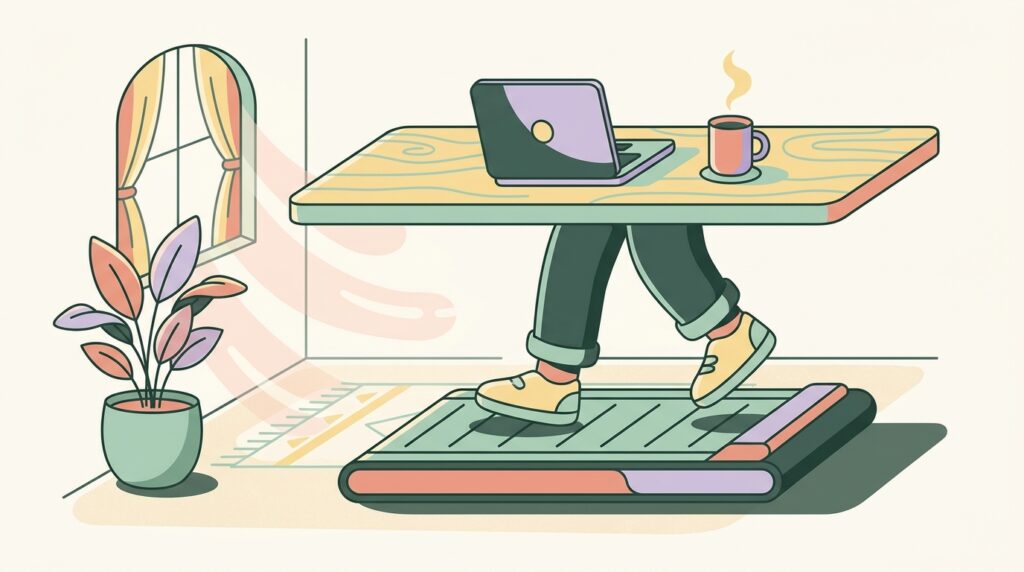
Quick answer: A WalkingPad works for real desk jobs, but only under about 2 mph, and only for tasks that do not need fast, error-free typing. The WalkingPad C2 tops out at 4 mph and costs $449 direct, but the useful working speed is closer to 1 to 1.5 mph. Above 2 mph, typing accuracy drops and video calls pick up machine noise and your own breathing. Below that, it genuinely offsets hours of sitting without wrecking your afternoon of Slack messages.
Why does sitting eight hours straight actually matter for your health?
It is not just posture. Mayo Clinic’s review of sitting research, pooling 13 studies covering more than 1 million people, found that adults who sat more than 8 hours a day with no offsetting physical activity carried a risk of death comparable to the risk from obesity or smoking. That is the headline number worth remembering the next time someone calls a walking pad a gadget. Extended sitting is also independently linked to higher blood pressure, elevated blood sugar, more visceral fat, and worse cholesterol, the same cluster of markers that define metabolic syndrome.
The counter-move does not require a gym. A Mayo Clinic study on active workstations, which included walking pads alongside stepper and standing desks, found the setups cut sedentary time and improved cognitive performance during work hours without dragging down job performance. A separate cluster-randomized controlled trial of overweight and obese office workers, published on PubMed Central, measured the same pattern with sit-to-stand and treadmill desks head to head. The point is not that a walking pad replaces exercise. It replaces zero activity with some activity, for hours you were already going to spend at your desk regardless.
Can you actually type and run video calls while walking? (The part reviews skip)
Yes, but the speed window is narrower than any marketing page admits. A peer-reviewed study on typing and cognitive performance during slow treadmill walking, published in PLOS One, found that a walking speed of 2.25 km/h, roughly 1.4 mph, produced typing performance statistically no different from sitting still. Both slower and faster speeds than that performed worse. A related study on PubMed measured walkers losing an average of 13 words per minute compared to seated typing at higher speeds, and one internal test of professional transcriptionists on treadmill desks clocked a 16 percent drop in speed, though their accuracy held steady because they instinctively traded speed for correctness.
The practical range that shows up across this research and real user reports: keep it under 2 mph for anything involving a keyboard, and closer to 1 to 1.5 mph if the task needs precision, like writing copy, coding, or filling out a form with exact figures. Above 2.5 mph, most people stop typing altogether and switch to reading, listening, or taking calls instead. Video calls have a second problem the typing studies do not cover: the treadmill’s own motor noise picks up on your microphone, and sustained walking changes your breathing pattern enough that other people on the call can hear it. Mute yourself when you are not talking, and drop your pace to a near-stroll, under 1.5 mph, for any call where you are expected to speak for more than a sentence at a time.
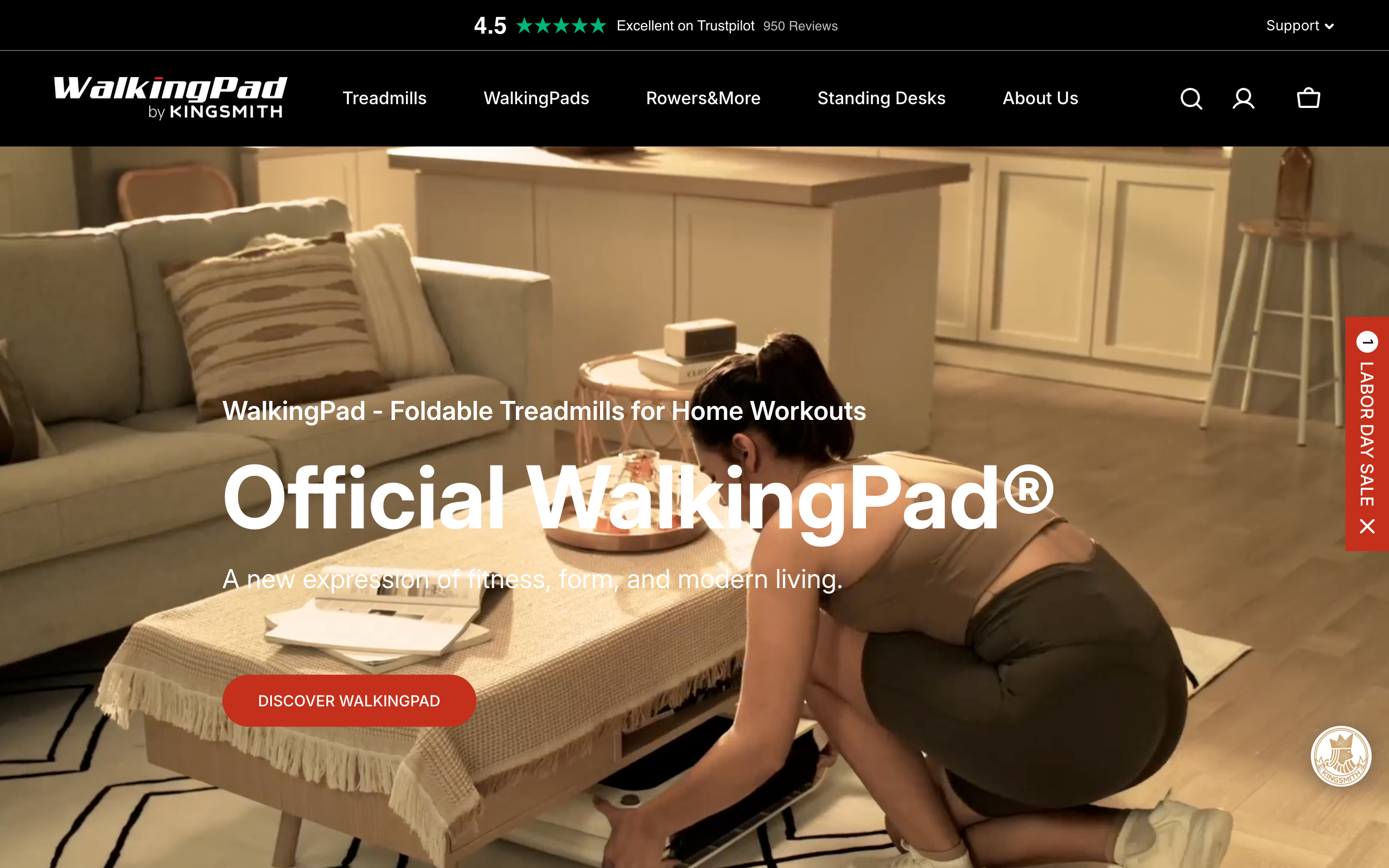
What is actually on the WalkingPad shelf in 2026
| Model | Price | Max speed | Weight capacity | Notes |
|---|---|---|---|---|
| WalkingPad Z1 | $299 | 4 mph | Not published | Thinnest, most compact model in the line |
| WalkingPad C2 | $449 | 4 mph | 220 lb (100 kg) | 3 HP motor, folds to 32.5 x 20.4 x 5.4 in, 55 lb net weight, KS Fit app |
| WalkingPad A1 Pro | $529 ($699 list) | 3.75 mph | 300 lb | Under 65 dB noise, folds to 32.5 x 21.5 x 5 in, wheels for moving it, HSA/FSA eligible |
| WalkingPad R2 | $599 | 7.5 mph | Not published | 2-in-1 walk and run, for households that also want a real running treadmill |
| WalkingPad X21 | $799 | 7.5 mph | Not published | Double-fold design for standing storage |
| WalkingPad X218/X25 | $799 to $899 | 10 to 11.5 mph | 300 lb | Built for running, overkill if all you want is walk-and-work |
For pure desk work, the A1 Pro is the one worth checking first. Its published under-65-dB noise rating is the only model where WalkingPad states a specific decibel number, and 65 dB sits close to normal conversation volume, quiet enough for most video calls if you stay under 1.5 mph. The C2 is the better-known, best-reviewed model and slightly cheaper, but WalkingPad has not published its noise level in decibels, so budget for it being audibly louder in a shared or open office. Check current pricing and stock directly on the WalkingPad site before buying, since these are sale prices that move.
How does WalkingPad compare to Urevo, Egofit, and Sperax?

| Brand / model | Price | Max speed | Weight capacity |
|---|---|---|---|
| WalkingPad A1 Pro | $529 | 3.75 mph | 300 lb |
| Urevo under-desk treadmill | $329.99 | 4.0 mph | 265 lb |
| Egofit Walker Pro-M1 | from $299 | Not published | Not published |
| Egofit ComfortDeck-M2 | from $359 ($499 list) | Not published | Not published |
| Sperax QuiteFit Q1 | $239 ($599.99 list) | 0.6 to 3.8 mph (walking mode) | 320 lb |
The honest read: Urevo and Sperax undercut WalkingPad on price by $150 to $250 and both publish a higher weight capacity than the C2’s 220 lb, which matters if that number is close to your actual weight. What you give up is brand maturity. WalkingPad has been building these specifically since the original mini models years ago and its KS Fit app, motor warranty terms, and community of reviews are simply deeper than a newer budget brand’s. If your top priority is spending the least money for a working walking pad under a desk, Urevo or Sperax get you there. If you want the most-reviewed, longest-track-record option and do not mind paying $150 to $200 more, WalkingPad remains the safer default choice.
What does your desk actually need before you buy one?
- Desk height: A WalkingPad deck adds roughly 5 to 6 inches of standing height under your feet. If your desk is fixed at a standard 29 to 30 inch sitting height, you will need a sit-stand desk that can reach at least 42 to 44 inches to keep your arms at a comfortable typing angle once you are standing on the pad.
- Ceiling clearance: Add your own height, plus 5 to 6 inches for the deck, plus a safety margin. A 6-foot person on a WalkingPad needs roughly 6 foot 8 inches to 7 feet of clear ceiling above the walking surface, which rules out some finished basements and low-ceiling attic offices.
- Floor space: Budget for the unfolded footprint, not the folded one. The C2 alone needs about 47 x 20 inches of clear floor while running, plus room behind it in case you step off the back.
- Power outlet: Every WalkingPad model plugs into a standard wall outlet. Put it within reach of your desk’s power strip; a mid-walk unplug is the most common way owners report a fall.
- A mat under the desk: Not required by WalkingPad, but a rubber floor mat cuts vibration transfer to the room below you, which is the single biggest fix for the noise complaint from your neighbors, not the treadmill’s dB rating.
Who should NOT buy a walking pad
- Apartment or condo renters with thin floors below you. Even a “quiet” motor transmits low-frequency vibration through joists. If you live above another unit and do not have a rubber mat and a ground-floor or concrete-slab setup, expect a noise complaint eventually.
- Anyone with an active knee, hip, or ankle issue. Slow treadmill walking is lower-impact than running, but it is still repetitive loading on the same joints for hours. Clear it with a physical therapist or doctor first if you have a diagnosed joint condition, this article is not medical advice.
- Jobs that need fast, error-free typing all day. If your role is heavy data entry, coding under deadline pressure, or anything where a typo has real cost, the research above is clear that even 1.4 mph walking measurably changes typing output compared to sitting. Save the walking pad for email, reading, and listening-heavy blocks of your day instead.
- Anyone who cannot fit the ceiling and desk-height requirements above. A walking pad crammed under a desk that is too low, in a room with a low ceiling, is how people end up hitting their head on a shelf or hunching badly enough to trade a sitting problem for a new neck problem.
Frequently asked questions
What speed should I actually walk at while working?
Keep it under 2 mph for any task involving a keyboard, and closer to 1 to 1.5 mph for tasks that need precision or a video call where you will be speaking. Research on typing performance during treadmill walking found 1.4 mph produced results statistically equal to sitting still, with both slower and faster speeds performing worse.
Will my downstairs neighbors hear it?
Possibly, since even models WalkingPad rates under 65 dB still transmit vibration through the floor structure rather than just air noise. A rubber floor mat under the unit reduces this more reliably than choosing a specific model.
Do I need a special desk?
You need a desk that can go higher than a normal sitting desk, because the treadmill deck adds 5 to 6 inches of standing height. A sit-stand desk that reaches 42 to 44 inches works for most adult heights once the WalkingPad is underneath it.
How is this different from a full treadmill?
A WalkingPad has no handrails on most models (the C2 and A1 Pro are handrail-free by design) and tops out at 3.75 to 4 mph, built for walking, not running. Models like the R2 and X21 add handrails and higher top speeds for households that also want a conventional running treadmill, at a higher price and larger footprint.
Does it actually help with weight loss?
It helps by replacing sedentary hours with light activity, which the research above ties to better metabolic markers and lower long-term mortality risk, not by burning a large number of calories in a single session. Treat it as a tool against the harms of sitting, not a substitute for a real workout.
Is the A1 Pro or the C2 the better first purchase?
The A1 Pro is the one to check first for pure desk work because it is the only model where WalkingPad publishes a specific noise number, under 65 dB, and its 300 lb weight capacity gives more households headroom. The C2 is cheaper and more widely reviewed if noise and weight capacity are not a concern for your situation.
Bottom line
A WalkingPad is worth buying if you can commit to walking under 2 mph during actual work and you have the desk height and ceiling clearance to run it safely. It will not make you fast at typing while you use it, and no honest review should tell you otherwise. What it will do is turn hours you already spend sitting into hours of light, low-impact movement that the research above ties to real reductions in sitting-related health risk. Compare current pricing and models directly at WalkingPad’s official site before you decide which one fits your desk.
Pair it with the right software setup too. Our roundup of office productivity AI tools for 2026 covers the apps worth running on the screen in front of you while you walk.