Ghost and WordPress get lumped together as “blogging platforms,” but they solve different problems for different people. Ghost wins for writers and publishers who want a fast, focused platform built around content and paid memberships, with Stripe subscriptions native to the product. WordPress wins for anyone who needs a fully flexible website, not just a blog, because its plugin ecosystem can build almost anything, from an online store to a membership site to a portfolio. If your site is fundamentally a publication and you want to charge for access without duct-taping plugins together, Ghost is the more direct path. If you need a website that does many jobs at once, or you want total control over hosting and cost, WordPress remains the more flexible foundation, provided you are willing to manage the complexity that flexibility brings.
Disclosure: some links in this post are affiliate links. If you sign up through them, we may earn a commission at no extra cost to you. That never changes our verdict.
Key takeaways
- Ghost is open-source publishing software with native, built-in paid memberships through Stripe, no plugin required, starting at $18/month on annual billing for the hosted Ghost(Pro) service, as of mid-2026.
- WordPress comes in two real flavors: free self-hosted software (WordPress.org, where you pay only for hosting and any plugins you add) and a fully hosted service (WordPress.com, with plans from free up to $70/month for ecommerce).
- WordPress has no native paid-membership system built in; charging for content requires a plugin like MemberPress or Paid Memberships Pro, which adds cost and setup complexity that Ghost avoids entirely.
- WordPress’s plugin ecosystem (tens of thousands of plugins) can build nearly anything: online stores, forums, portfolios, learning platforms, on top of the same core software Ghost cannot match in raw flexibility.
- Neither platform is a dedicated newsletter growth engine. Both handle publishing content well; neither ships a built-in referral program or an ad marketplace connecting you to sponsors the way a purpose-built newsletter platform does.
What is the real difference between Ghost and WordPress?
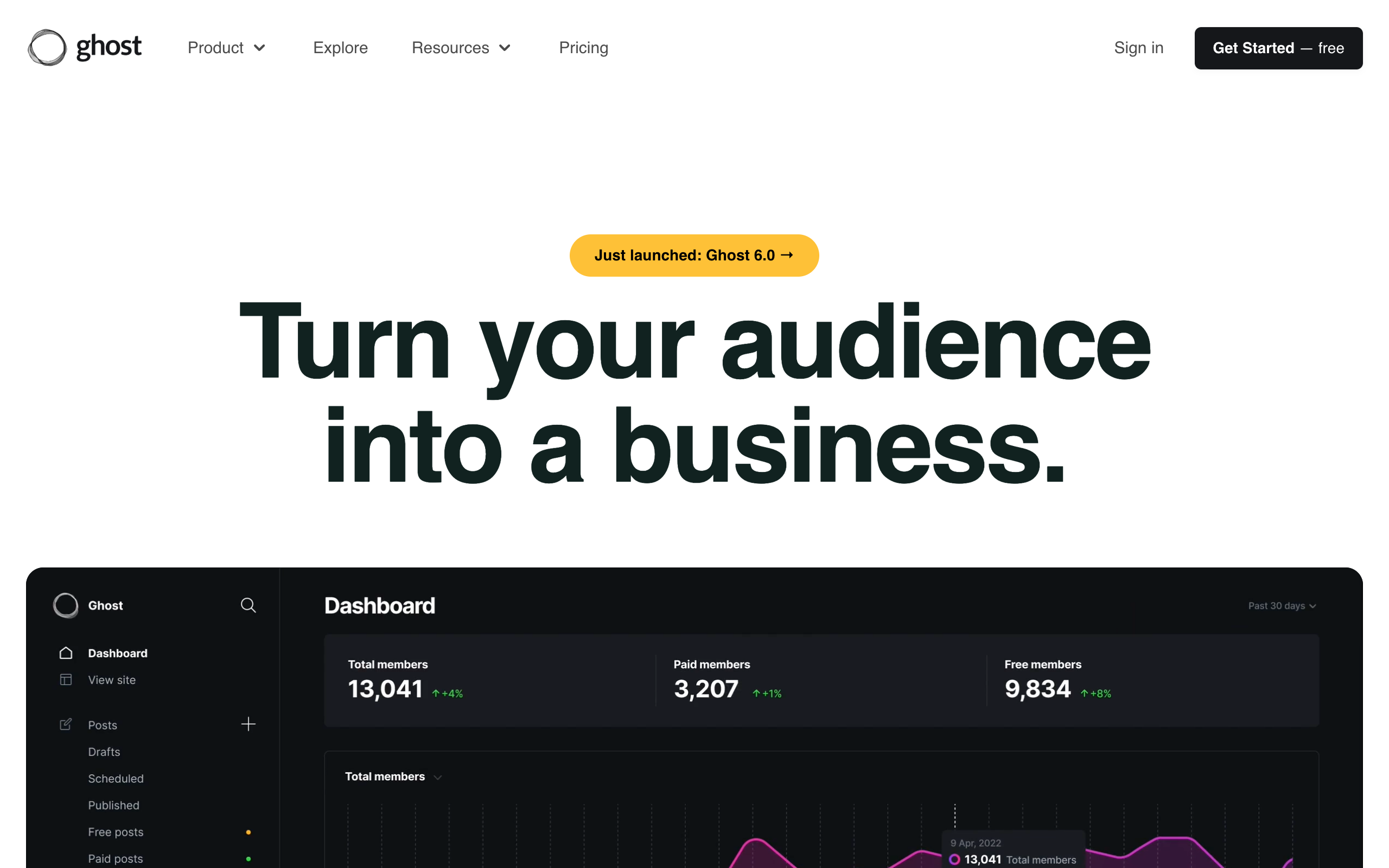
Ghost launched in 2013 as a Kickstarter-funded alternative to WordPress, built by a small team frustrated that WordPress, originally a blogging tool, had become primarily a general-purpose CMS with blogging as one feature among thousands. Ghost’s founders stripped the concept back down: a fast, distraction-free editor, a clean publishing experience, and, starting a few years later, native support for paid subscriptions built directly into the core product using Stripe. Ghost is run as a non-profit foundation, and the software itself is fully open-source, which matters if you self-host, though most users run it through the official hosted service, Ghost(Pro).
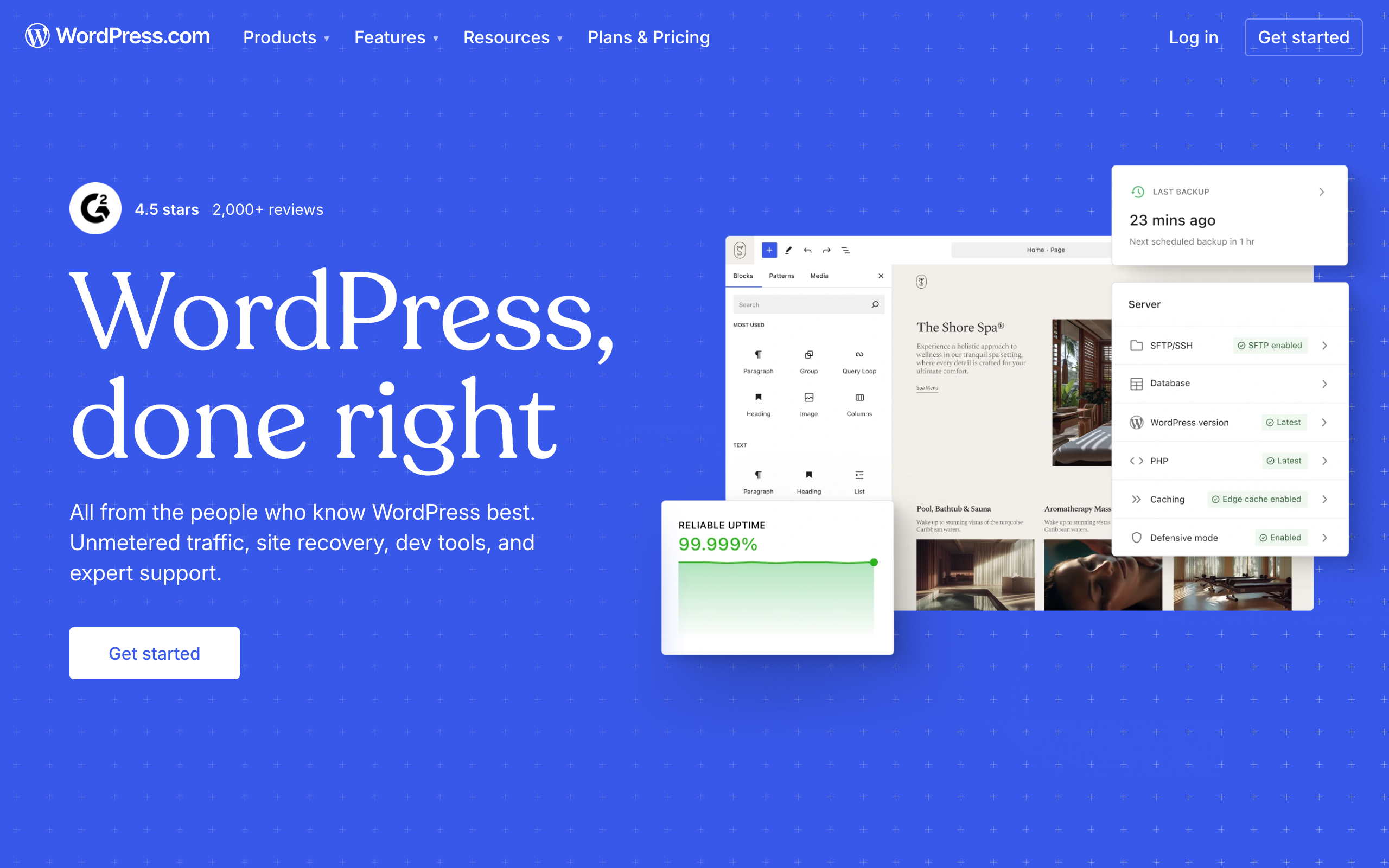
WordPress traces back to 2003 and now powers a very large share of the entire web, a scale that comes with both strength and baggage. The core software is free and open-source, and you can run it on essentially any hosting provider, from $3-a-month shared hosting to premium managed WordPress hosts charging $25 or more a month. On top of that free core, WordPress’s real power is its plugin ecosystem: tens of thousands of free and paid plugins that turn the same base software into an online store, a membership site, a job board, a learning platform, or, yes, a newsletter and blog. That flexibility is WordPress’s whole identity, and it is also the source of most of its complexity and maintenance burden.
Who is Ghost actually for?
Ghost fits writers, journalists, and independent publishers whose site’s core job is publishing content and, often, charging for some of it. If you picture your site as a magazine or a paid newsletter with a website attached, Ghost’s feature set maps almost exactly onto what you need: a clean editor built for long-form writing, native email newsletter delivery for every post, and paid membership tiers with Stripe billing built into the product from day one, no plugin, no separate payment integration to configure and maintain.
Ghost also appeals to anyone who has been burned by WordPress plugin conflicts, slow page loads from bloated plugin stacks, or the constant low-grade maintenance of keeping a dozen plugins updated and compatible with each other. Ghost’s smaller, more opinionated feature set means fewer moving parts, and the hosted Ghost(Pro) service handles updates, backups, and security without you thinking about it. The tradeoff is real: you get less flexibility in exchange for that simplicity.
Who is WordPress actually for?
WordPress fits anyone who needs a website to do more than publish articles: an online store with hundreds of products, a membership community with forums, a local business site with booking and reviews, a portfolio with a custom layout no theme quite matches out of the box. The plugin ecosystem means you are very unlikely to hit a wall WordPress genuinely cannot solve, even if the solution sometimes involves stacking three or four plugins together and hoping they play nicely.
WordPress also fits anyone who prioritizes cost control and ownership over convenience. Self-hosted WordPress.org software is free, and if you are comfortable choosing your own hosting, you can run a full-featured site for a few dollars a month plus the cost of any premium plugins or themes you choose. Nothing about Ghost’s model offers that level of control over your hosting bill, since the practical way to run Ghost is through the hosted Ghost(Pro) service, where the price is fixed and mostly non-negotiable.
Ghost vs WordPress pricing in 2026
WordPress pricing depends entirely on which flavor you choose. Numbers below are from ghost.org/pricing and wordpress.com/pricing as of mid-2026; self-hosted WordPress.org costs are estimated from typical shared and managed hosting rates rather than a single vendor page, since the software itself is free.
| Plan | Ghost(Pro) | WordPress.com |
|---|---|---|
| Free / entry | No permanent free tier; a free trial is available before you choose a paid plan | $0, 1GB storage, subdomain (yoursite.wordpress.com), basic 7-day stats, no plugin support |
| Starter tier | Starter from $18/month (billed yearly), up to 1,000 members, 1 staff user, custom domain included | Personal from $4/month (annual billing), 6GB, free custom domain for 1 year, ad-free, no plugin support |
| Mid tier | Publisher from $29/month (billed yearly), up to 1,000 members, 3 staff users, custom themes, native paid subscriptions, advanced analytics, custom sending domain | Premium from $8/month (annual billing), 13GB, payment buttons for PayPal/Stripe, video hosting, advanced analytics; Business from $25/month adds full plugin support |
| Top tier | Business from $199/month (billed yearly), up to 10,000 members, 15 staff users, priority support, higher usage limits | Commerce from $45/month (annual billing), WooCommerce built in, 0% transaction fees on top of Business features |
Self-hosted WordPress.org is the option this table cannot fully capture, because its cost depends entirely on your choices. Basic shared hosting runs roughly $3 to $10 a month, managed WordPress hosting built for performance and security runs $25 to $50 a month or more, and if you want paid memberships you will need a plugin like MemberPress or Paid Memberships Pro, which typically costs $100 to $300 a year on top of hosting. Add a premium theme and a handful of utility plugins and a serious self-hosted WordPress site frequently lands in the same rough price range as Ghost’s Publisher tier, just spread across more separate line items and more separate things that can break.
The honest read: Ghost’s pricing is simpler to reason about because it is one bill for one service that does most of what a publisher needs out of the box. WordPress can be cheaper at the low end (a basic blog on shared hosting) or comparable to Ghost once you add the plugins needed to match its paid-membership feature, and it can also get considerably more expensive if you need enterprise-grade managed hosting or a large plugin stack for ecommerce. Check ghost.org/pricing and wordpress.com/pricing directly before committing, since both companies adjust tiers periodically.
Paid memberships and monetization compared
This is the single clearest differentiator between the two platforms. Ghost has native support for paid member subscriptions built directly into the core product: you set price tiers, connect Stripe, and readers can subscribe to free or paid access without any additional plugin, payment gateway configuration, or third-party integration. This has been part of Ghost’s identity since well before “creator monetization” became a crowded buzzword, and it shows in how smoothly the feature works end to end, from the subscribe button through the billing portal a member uses to manage their own subscription.
WordPress has no equivalent built into core. To charge for content, you install a membership plugin (MemberPress, Paid Memberships Pro, Restrict Content Pro are the common choices), configure a payment gateway separately, and manage the interaction between that plugin and whatever theme and other plugins you are running. It works, and plenty of successful paid publications run on WordPress plus a membership plugin, but it is meaningfully more setup, more moving parts, and more potential points of failure than Ghost’s approach. If paid membership is central to your business model rather than an occasional feature, this gap alone is often reason enough to choose Ghost.
Newsletter delivery compared
Ghost treats email as a first-class output of every post: when you publish, Ghost can automatically send that post as a newsletter to your subscribers, with the email version and the web version generated from the same content and design system. This means a Ghost site functions as a genuine hybrid, website and newsletter from one editor, one publish action, without a separate email tool to manage.
WordPress has no native newsletter sending built into core. You add a newsletter plugin (Newsletter Glue, MailPoet, or an integration with an external tool like Mailchimp or beehiiv) to get equivalent functionality, and depending on the plugin you choose, the sending infrastructure may run through a third-party service anyway rather than staying inside WordPress itself. This is not necessarily worse (dedicated email tools sometimes deliver better than a CMS plugin bolted onto core), but it does mean WordPress requires an extra decision and an extra integration that Ghost includes by default.
If email delivery and growth matter more to you than the website itself, it is worth comparing both Ghost and WordPress against a platform built specifically around newsletter growth. A free beehiiv publication runs to 2,500 subscribers with no card required, and it ships a referral program and an SEO-indexable post archive that neither Ghost nor a stock WordPress install matches without extra plugins or setup.
Design, themes, and flexibility
WordPress wins decisively on raw flexibility. Tens of thousands of themes and plugins mean you can build almost any kind of website on top of WordPress, and if a feature does not exist yet, there is a reasonable chance a plugin developer has already built it. This is genuinely valuable if your site’s needs will grow or change over time, or if you need something specific WordPress users have already solved (a booking calendar, a job board, a multi-vendor marketplace).
Ghost’s theme ecosystem is smaller and more curated, and the platform is intentionally less flexible: it does one job (publishing and monetizing content) very well, and does not try to be a general-purpose website builder. Custom themes are supported on the Publisher tier and above, and developers comfortable with Ghost’s templating language (Handlebars) can build genuinely distinctive designs, but you will not find the same breadth of pre-built themes and plugins WordPress offers. If your site’s needs are narrow and well-defined (publish content, sell subscriptions, grow an audience), Ghost’s constraint is a feature. If your needs are broad or likely to expand into ecommerce, community, or custom functionality, WordPress’s flexibility becomes the more valuable trait over time.
Performance and maintenance
Ghost is built on Node.js and designed from the ground up to be fast, with a lean core that does not accumulate the plugin bloat that slows down many WordPress sites over time. On the hosted Ghost(Pro) service, updates, security patches, and backups are handled for you automatically, which removes a meaningful category of ongoing work from your plate.
WordPress performance depends heavily on your hosting choice and how disciplined you are about plugin count and quality. A well-optimized WordPress site on good hosting with a lean plugin stack can perform excellently; a WordPress site with twenty plugins, an unoptimized theme, and budget shared hosting frequently does not. Self-hosted WordPress also puts update and security management on you (or your host, if you pay for managed hosting), which is real ongoing work that Ghost(Pro) and WordPress.com’s paid tiers both absorb on your behalf.
SEO compared
Both platforms are capable of strong SEO performance, and the difference comes down more to plugin and configuration quality than to any structural advantage either platform holds. WordPress has a mature SEO plugin ecosystem (Yoast SEO, Rank Math) that gives granular control over meta tags, schema markup, sitemaps, and internal linking, and the sheer volume of WordPress sites ranking well across the web is a testament to how capable the platform is when configured properly.
Ghost ships with solid SEO fundamentals out of the box: clean URL structures, automatic sitemap generation, structured data, and fast page loads that Google’s ranking signals reward. It does not have the plugin-driven granular control WordPress offers through Yoast or Rank Math, but for most publishers the default Ghost setup requires less configuration to get to a solid baseline. If you need highly specific technical SEO control (custom schema types, advanced redirect management, granular robots directives), WordPress’s plugin ecosystem gives you more knobs to turn.
When Ghost wins
Choose Ghost if your site is fundamentally a publication, you want paid memberships without configuring a separate plugin and payment gateway, you value simplicity and speed over maximum flexibility, and you are comfortable with a smaller theme ecosystem in exchange for fewer moving parts to maintain. Independent journalists, niche paid newsletters with a website component, and small publishing teams are Ghost’s clearest fit.
When WordPress wins
Choose WordPress if you need a website that does more than publish articles, whether that is ecommerce, a membership community with forums, or highly custom functionality, or if cost control through self-hosting matters more to you than the convenience of a fully managed service. Anyone whose needs might expand beyond blogging over the next year or two benefits from WordPress’s ability to add nearly any feature through its plugin ecosystem without switching platforms entirely.
What about growing an audience, not just publishing to one?
It is worth being honest about what neither platform solves particularly well: actively growing your subscriber base. Ghost gives you a clean website and native email delivery, and WordPress gives you flexibility and SEO tooling, but neither ships a built-in referral program that rewards subscribers for sharing, a marketplace connecting you with other publications willing to recommend you, or an ad network bringing sponsorship demand directly into your dashboard. Both platforms assume growth happens somewhere else, through your own marketing effort, SEO, or social presence, and then hand you good tools for what happens after someone subscribes.
If growth mechanics are as important to you as the publishing experience itself, that is a different job than either Ghost or WordPress was designed to solve, and it is worth evaluating a platform built specifically around it before you commit your content workflow to either one.
Start a free beehiiv publication and compare its referral program, Boosts marketplace, and ad network side by side with whatever growth plan you have for Ghost or WordPress. It costs nothing to run to 2,500 subscribers, and you will know within a couple of sends whether the growth tooling changes your calculation.
How does this compare to other publishing options?
Ghost and WordPress are not the only serious options for a publisher deciding where to build. If you want the fuller picture on Ghost specifically, our Ghost review goes deeper on the hosted service’s strengths and limits, and our beehiiv vs Ghost comparison covers the growth-focused alternative directly, alongside our full beehiiv review and beehiiv pricing breakdown. If Ghost or WordPress plus plugins is not quite right for your situation, our Ghost alternatives guide covers a wider set of options, and the full ranking of the best newsletter platforms is the place to start if you have not settled on a platform category at all.
The bottom line
Ghost versus WordPress is really a question of how much flexibility you need versus how much simplicity you want. Ghost gives you a fast, focused, opinionated publishing platform with paid memberships built in from day one, and it asks very little of you in return beyond a monthly fee. WordPress gives you close to unlimited flexibility and, if you self-host, real control over cost, but it asks more of you in setup, maintenance, and the discipline to not let plugin bloat slow your site down.
If you already know your site is a publication first, start with Ghost and see if its constraints ever actually bother you; for most writers and publishers, they do not. If you are not sure your site will stay a simple blog or publication, WordPress’s flexibility is the safer long-term bet, even if it costs you some convenience today.
Before you lock in either platform, it is worth seeing what a growth-first alternative looks like too. Set up a free beehiiv publication, free to 2,500 subscribers with no card required, and compare its referral program and indexable website directly against a Ghost or WordPress site you are considering.
Frequently asked questions
Is Ghost better than WordPress for a newsletter? For a paid newsletter with a website attached, generally yes, because Ghost includes native email delivery and Stripe-based paid memberships without any plugin. WordPress can replicate this with plugins like MemberPress or Newsletter Glue, but it takes more setup and more ongoing maintenance to keep those pieces working together.
Is WordPress free? The core WordPress.org software is free and open-source. You still pay for hosting, a domain name, and any premium themes or plugins you choose, so a self-hosted WordPress site is rarely truly free once it is running a real business. WordPress.com, the hosted version, has its own paid plans starting around $4/month on annual billing after a limited free tier.
Does Ghost support plugins like WordPress? No, not in the same sense. Ghost has a smaller ecosystem of integrations and custom theme development rather than a plugin marketplace, which keeps the platform leaner and faster but means it cannot match WordPress’s breadth of add-on functionality.
Can I charge for content on WordPress? Yes, through a membership plugin like MemberPress, Paid Memberships Pro, or Restrict Content Pro, combined with a payment gateway like Stripe. It works well but requires more setup and ongoing plugin maintenance than Ghost’s built-in paid membership system.
Is Ghost harder to use than WordPress? For basic publishing, no, Ghost’s editor is generally considered simpler and faster than WordPress’s block editor. Ghost becomes comparatively more limited once you need functionality outside its core publishing and membership focus, where WordPress’s plugin ecosystem takes over.
Which is cheaper, Ghost or WordPress? It depends on what you need. A basic WordPress blog on shared hosting can be cheaper than Ghost’s entry tier, but once you add a membership plugin, premium theme, and reliable hosting to match Ghost’s built-in paid-subscription feature, the total cost often lands close to or above Ghost’s Publisher plan.
Pricing captured from vendor pricing pages, July 2026. Plans change, so confirm current details before you buy.