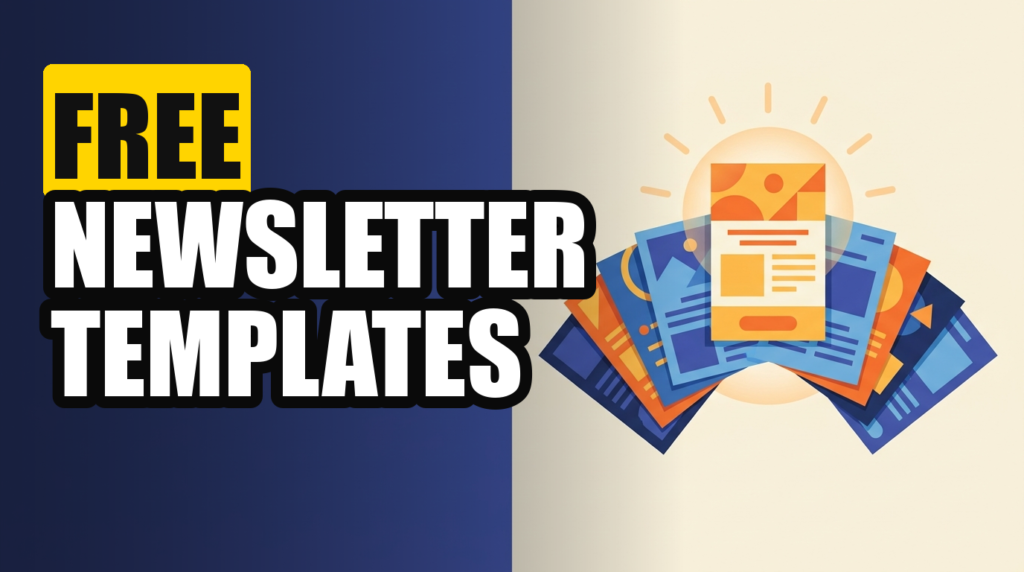
“Free newsletter templates” is one of those searches where the results actively work against you. Half the links are graphic-design sites handing you a static image you still cannot send, and the other half are email tools that show you a template gallery only after you have already entered a credit card. Neither one gets you to an actual newsletter in your subscribers’ inboxes today.
I went through this the honest way: created free accounts on the platforms that claim to offer free templates, built the same simple newsletter in each one, and noted exactly where the “free” stopped being free. I also pulled the graphic-design and no-send options, because sometimes you genuinely just need a header image, not a whole platform. Here is what is actually free, what is free-with-a-catch, and what to use for which job.
Disclosure: some links in this post are affiliate links. If you sign up through them, we may earn a commission at no extra cost to you. That never changes our verdict.
What is the best free newsletter template?
The best free newsletter template is not a static file, it is a template built inside a free email platform that can actually send your newsletter, because a template you cannot deliver is not a newsletter, it is a picture of one. beehiiv’s Launch plan gives you a full template editor, unlimited sends, and a custom domain for free up to 2,500 subscribers with no card required, which makes it the most complete free option in the category. If you only need a header graphic or a one-off image, Canva’s free plan covers that separately.
- “Free template” usually means one of three different things: a free layout inside a free-tier email platform, a downloadable design file with no sending capability, or a free trial that reverts to paid.
- Only platform-based templates let you actually send. A Canva design or a downloaded HTML file still needs an email service provider behind it to reach an inbox.
- beehiiv’s free plan is the most generous “send it today” option: 2,500 subscribers, unlimited sends, custom domain, no card required, no expiration date.
- Free contact caps vary a lot. Mailchimp’s free plan tops out far lower than beehiiv’s or Kit’s, which matters more than people expect once your list starts growing.
- Free graphic templates (Canva, Adobe Express) are great for visuals, but they are not a substitute for an ESP. Use them together, not instead of one another.
If you want the fastest path to an actual sent newsletter today, open a free beehiiv account and pick a template from the editor. It is free to 2,500 subscribers, no card required, and you can send your first issue this afternoon.
What actually counts as a “free newsletter template”?
Before you pick one, it helps to separate the three things this phrase gets used for, because only one of them gets you to a sent newsletter without paying for anything else.
Type one: a free template inside a free-tier email platform. This is the real deal. You get a layout, an editor, and a way to actually send the email, all without paying. beehiiv, Substack, Mailchimp, and Kit all offer this in some form, though the generosity of the free tier differs enormously between them, which is most of what this guide covers.
Type two: a downloadable design file. Canva, Adobe Express, and various “50 free newsletter templates” sites hand you a static design, sometimes an image, sometimes an HTML file. This is useful for a header graphic or a one-off flyer-style newsletter you plan to attach as a PDF, but it does not send anything. You still need an ESP to actually deliver it to a list, and pasting raw HTML into most modern email clients is more fragile than it sounds.
Type three: a free trial dressed up as a free template. Some platforms show you a beautiful template library during a 14- or 30-day trial, then either lock the good templates or start billing you automatically. Read the fine print before you fall in love with a specific layout, because the layout is often the bait.
Which platforms actually offer free newsletter templates you can send today?
This is the comparison that matters most, because the free tier ceiling determines how long you can operate before you have to make a purchase decision.
| Platform | Free subscriber limit | Free send limit | Custom domain on free plan? | Card required? |
|---|---|---|---|---|
| beehiiv (Launch) | 2,500 | Unlimited | Yes | No |
| Kit (Free) | 10,000 | Unlimited (1 automation) | No (paid plans only) | No |
| Substack | Unlimited | Unlimited | Custom domain is a paid add-on | No |
| Mailchimp (Free) | 500 contacts | 1,000 sends/month | No (paid plans only) | No |
| MailerLite (Free) | 250 subscribers | ~2,500 emails/month | No (paid plans only) | No |
Two things jump out once you line these up side by side. First, Kit’s free tier technically holds the most subscribers by raw count, but you lose custom domain support and most growth tooling until you upgrade, which matters if you plan to run your newsletter as a real website too. Second, beehiiv is the only platform on this list that gives you a custom domain, unlimited sends, and a genuine no-expiration free tier at the same time, which is why it is the default recommendation for anyone starting from zero. I cover the tradeoffs on the paid side of each platform in my ranking of the best newsletter platforms, but for a free-only comparison, this table is the one that matters.
The easiest way to know if a free plan actually fits your workflow is to build inside it for a week rather than read about it. beehiiv’s Launch plan costs nothing and has no time limit, so there is no clock forcing a decision before you are ready.
What does a free newsletter template on beehiiv actually include?
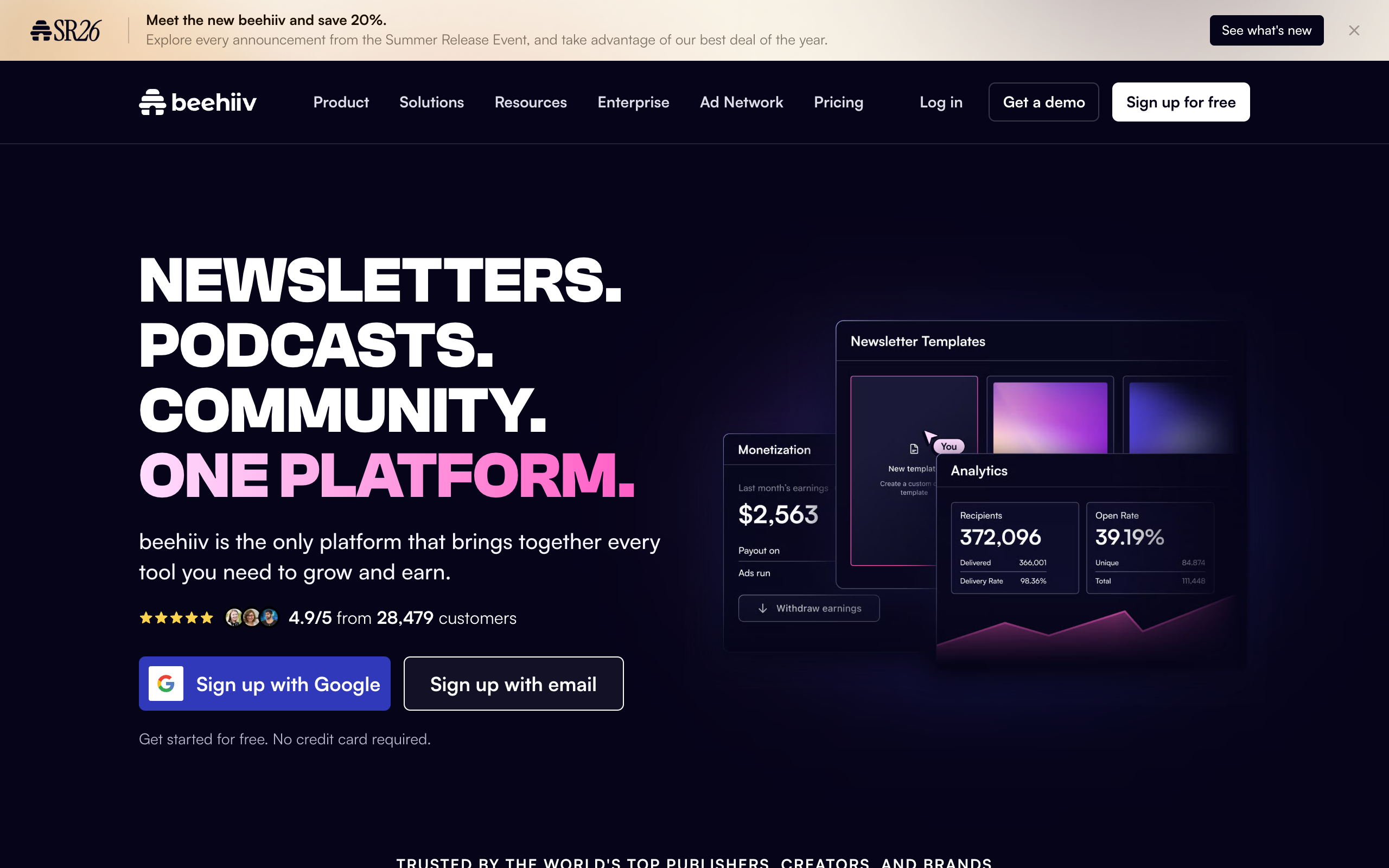
Since beehiiv’s Launch plan is the strongest free option, it is worth being specific about what you get without paying anything, based on my own free-tier account.
- A full block-based post editor with templates for standard newsletter layouts, not a stripped-down preview version.
- Unlimited email sends, with no monthly cap on how many issues you send or how large your list is up to the 2,500-subscriber ceiling.
- A custom domain, so your newsletter’s website lives at yourdomain.com instead of a beehiiv-branded subdomain.
- A subscribe-page and website builder, including beehiiv’s AI website builder, so you have a real landing page to send traffic to, not just an email.
- Campaign analytics, covering opens, clicks, and basic subscriber growth over time.
- A recommendation network, beehiiv’s lighter-weight cross-promotion tool that is available even on the free tier.
What is not included on the free tier: the referral program, Boosts marketplace, ad network, automations beyond the basics, and human support (you are on docs and community for help). Those unlock on the paid Scale plan starting at $43 a month on annual billing. For a full walkthrough of exactly when it makes sense to upgrade and what each paid tier adds, read the complete beehiiv pricing breakdown, and for a hands-on account of running a real publication on it past the free tier, see the full beehiiv review.
What are the best free design-only newsletter templates?
If you specifically need a graphic asset (a header image, a downloadable PDF-style newsletter, or promotional visuals to accompany your send), these tools handle that job well, though none of them send email on their own.
Canva. The free plan includes a large library of newsletter-style design templates you can customize and export as an image or PDF. This is the right tool for a header graphic, a social promo card for your latest issue, or a print-style PDF newsletter for an internal audience. It is not a substitute for an ESP if you need the email to actually land in inboxes.
Adobe Express. Similar territory to Canva: free newsletter and flyer templates, strong for one-off visual design, no sending capability built in.
Google Docs and Google Slides templates. A handful of free newsletter layouts exist in the Google template gallery, useful for internal company newsletters distributed as a document or PDF rather than a marketing email, since Google Docs was never built to handle deliverability, unsubscribe compliance, or open tracking.
The honest advice: use Canva or Adobe Express for the graphic assets inside your newsletter (header images, section dividers, a nice-looking PDF lead magnet you link to), and use an actual ESP template for the email itself. Trying to make a Canva export function as your whole newsletter usually means pasting a giant image into an email, which tanks deliverability and accessibility both.
Are there free HTML newsletter templates for developers?
If you or your team codes your own email templates rather than using a drag-and-drop editor, a separate category of free tools is worth knowing about, since raw HTML email has its own broken rendering quirks across Outlook, Gmail, and Apple Mail that a general web developer will not expect.
Stripo. A free tier offering a library of responsive HTML email templates plus a visual builder that exports clean code, useful if you want to hand a developer-friendly starting point to a non-technical teammate.
BEE (Beefree). A free plan with drag-and-drop template building and HTML export, widely used as the embedded editor inside several ESPs, so the templates you build often port cleanly if you switch platforms later.
Cerberus and Foundation for Emails. Open-source, code-level responsive email frameworks, free with no signup, built by developers for developers who want full control and are comfortable working directly in HTML tables (email rendering still relies on old-school table layouts far more than modern web development does).
The catch with every option in this section is the same one that applies to Canva: none of these send email. They produce the HTML, and you still need to paste that HTML into an ESP like beehiiv, Mailchimp, or a transactional email service to actually deliver it, and test it across inboxes before a real send.
What mistakes ruin an otherwise free newsletter template?
A free template fails for the same handful of reasons every time, and all of them are avoidable in the first ten minutes of setup.
- Using one giant image as the whole email. This is the single most common mistake with downloaded design templates. It kills accessibility for screen readers, tanks deliverability because spam filters weigh image-to-text ratio, and breaks entirely if images are blocked by default, which many corporate inboxes still do.
- Skipping the mobile preview. More than half of newsletter opens happen on a phone. A template that looks polished on a 27-inch monitor and turns into an unreadable wall of tiny text on mobile has failed at its one job. Send yourself a test on a real phone before every send, not just the first one.
- No plain-text fallback. Some inboxes and some readers strip HTML entirely. Most modern ESPs, beehiiv included, generate a plain-text version automatically, but it is worth checking that it actually reads sensibly rather than assuming the automation handled it.
- Forgetting the unsubscribe link. Legally required in most jurisdictions under CAN-SPAM and similar laws, and every reputable free-tier ESP includes it automatically. If you are pasting raw HTML from a downloaded template into a custom send tool, double check it is actually there and functional.
- Never testing dark mode. A transparent logo that looks fine on a white background can disappear entirely in a dark-mode inbox. This is a five-minute check that almost nobody does until a reader points it out.
How do you set up a free newsletter template in under 15 minutes?
- Pick your platform based on the comparison table above. If you want unlimited sends, a custom domain, and no card required, start with beehiiv’s free Launch plan.
- Create your account and start a new publication. You will be asked for a publication name and a short description; keep the description to one clear sentence, since it often doubles as your subscribe-page copy.
- Open the editor and choose a starting template. Pick a minimal, text-forward layout if you are writing a TL;DR or essay-style newsletter, or an image-forward layout if you are running a curated links or product-recommendation format.
- Customize the header once. Add your logo or wordmark, and if you want visual polish without designing from scratch, export a free header banner from Canva and drop it in.
- Add a subscribe block and, if available on your plan, a referral block. This is the part most downloaded design templates skip entirely, because a static file cannot capture new subscribers on its own.
- Send a test to yourself. Check rendering in at least Gmail and one mobile client before your first real send.
- Save the layout as your default so every future issue starts from the same structure instead of being rebuilt from scratch.
For a deeper breakdown of which content structure to actually put inside that template, roundup, TL;DR, deep dive, personal essay, interview, data report, or curated drop, see our full guide to the best newsletter templates, which covers all seven formats with real examples of each.
When should you upgrade off a free newsletter template?
Three signals, in the order they usually show up.
Your list is approaching the free cap. On beehiiv that is 2,500 subscribers; on Mailchimp it is a much tighter 500 contacts. Plan your upgrade before you hit the wall, not during a launch week when you suddenly cannot send.
You want growth tooling, not just a bigger inbox limit. A referral program, a recommendation marketplace like beehiiv’s Boosts, or real automations are what actually compound subscriber growth. Free tiers exist to prove the product works, not to run a growth strategy indefinitely.
You are ready to monetize. Paid subscriptions, sponsorships, and an ad network all require the infrastructure that free tiers intentionally hold back. The moment a newsletter starts making money is usually the moment the cost of a paid plan stops being a real question.
Does your free template survive a platform migration later?
This question rarely gets asked before people pick a free plan, and it should, because rebuilding a template from scratch the week you outgrow a free tier is a needless tax on top of the actual migration work.
The honest answer is that no design template survives a platform switch perfectly. Email HTML is not portable the way a webpage is, and every ESP wraps your content in its own block structure behind the scenes. What does survive, and what actually matters, is your content template, the structure of what goes in each issue, plus your subscriber list itself. Most platforms, beehiiv included, support a straightforward CSV export and import for subscribers, so the list transfers even when the visual layout does not.
The practical move: keep a plain-text or Google Doc copy of your content template (what sections, what order, roughly how long each one runs) separate from whatever visual layout you build inside any single platform. That way, moving from a free Mailchimp template to a free beehiiv one, or upgrading beehiiv from Launch to Scale, costs you twenty minutes of rebuilding a header, not a redesign of your entire newsletter’s format.
Frequently asked questions
Are there any completely free newsletter templates with no catch? Yes. beehiiv’s Launch plan is genuinely free with no expiration date, no card required, and no forced trial, covering up to 2,500 subscribers with unlimited sends and a custom domain. The tradeoff is that growth and monetization features (referrals, Boosts, ad network) are reserved for the paid Scale plan.
Can I download a free newsletter template and use it anywhere? Design-only templates from Canva or Adobe Express export as images or PDFs, which you can technically attach to an email from any provider, but pasting large images as your entire newsletter usually hurts deliverability and fails accessibility standards. It is better to rebuild the layout inside your ESP’s own editor using the graphic as an accent, not the whole email.
What is the difference between a free template and a free trial? A free template on a genuine free plan has no expiration date and does not require payment information. A free trial gives you access to paid templates for a limited window (commonly 14 to 30 days) and often requires a card, after which it either locks features or starts billing automatically. Always check the plan page, not just the signup screen, before committing.
Which free newsletter template is best for a beginner? A simple TL;DR-style layout on beehiiv’s free plan is the easiest starting point, because the format itself limits how much you have to write each issue and the platform’s free tier does not force an upgrade decision until you reach 2,500 subscribers. See our full format breakdown in the guide to best newsletter templates.
Do free newsletter templates look unprofessional? Not if you pick a clean, minimal layout and keep your header consistent. Readers respond far more to consistency and a clear content structure than to design flourishes, and several of the most successful newsletters in the industry run with intentionally minimal, template-based designs.
The bottom line
The phrase “free newsletter template” hides three different products, and only one of them, a template built inside a free-tier email platform, actually gets a newsletter into an inbox without you paying for something else first. Use Canva or Adobe Express for graphic assets if you want them, but build the actual send inside a real ESP, and pick the free tier with the fewest hidden ceilings.
Right now, that is beehiiv’s Launch plan: unlimited sends, a custom domain, and no card required, up to 2,500 subscribers.
Start a free beehiiv publication today, pick a template, and send your first real issue this week. There is no expiration date on the free plan, so the only cost of trying it is the time it takes to fill in the blanks.
Pricing captured from vendor pricing pages, July 2026. Plans change, so confirm current details before you buy.