Disclosure: this article contains affiliate links. If you buy through them, we may earn a commission at no extra cost to you. Prices were checked in September 2026.
Quick answer: Zoom, Microsoft Teams, and Google Meet all ship free noise cancellation now, so paying for Krisp only makes sense for two real reasons: it works at the operating-system audio level, so it cleans up every app including phone-system dialers that have no built-in filter, and it can clean the noise coming from the OTHER person’s side of the call, which none of the built-in tools do. Krisp costs $8 a month per user on the annual Core plan, and as of this year it no longer offers a permanent free tier, only a 7-day trial.
If Zoom, Teams, and Meet Already Cancel Noise for Free, Why Pay for Krisp?
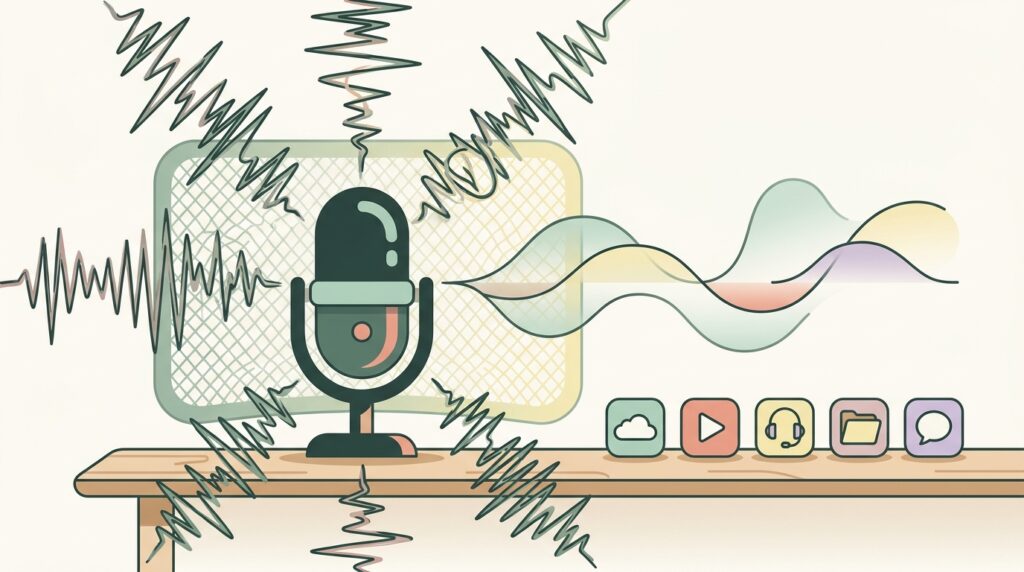
This is the question that actually matters, and most reviews dodge it. Zoom’s built-in suppression gives you four levels, Auto, Low, Medium, and High, and the High setting genuinely handles keyboard clatter, fan noise, and a barking dog reasonably well. Teams has noise suppression on by default plus a newer “voice isolation” mode. Google Meet has cloud-based noise cancellation too, but it’s gated behind specific Google Workspace tiers like Business Standard or Enterprise, not available to every free Gmail account.
So if you live entirely inside one of those three apps and your only problem is your own side of the call, you may not need to pay anyone. Krisp earns its money in two situations those built-ins can’t touch.
Reason One: Krisp Works at the OS Level, Not Just Inside One App
Zoom’s noise suppression only cleans Zoom. Teams’ only cleans Teams. Krisp installs a virtual audio device at the operating-system level, so it filters your microphone before the sound ever reaches any application, meeting software, a Discord call, a phone-system softphone, a legacy call-center dialer with zero built-in audio processing, all of it. That’s the detail that gets lost in every comparison chart: this isn’t “Krisp vs Zoom’s noise cancellation,” it’s “Krisp works everywhere including the tools that will never build their own.”
Anyone who’s worked a support desk knows the real villain isn’t Zoom calls, it’s the ancient VoIP softphone nobody’s updated since 2016. That’s exactly the gap Krisp fills and none of the free options do.
Reason Two: Krisp Cleans the Other Person’s Audio, Not Just Yours
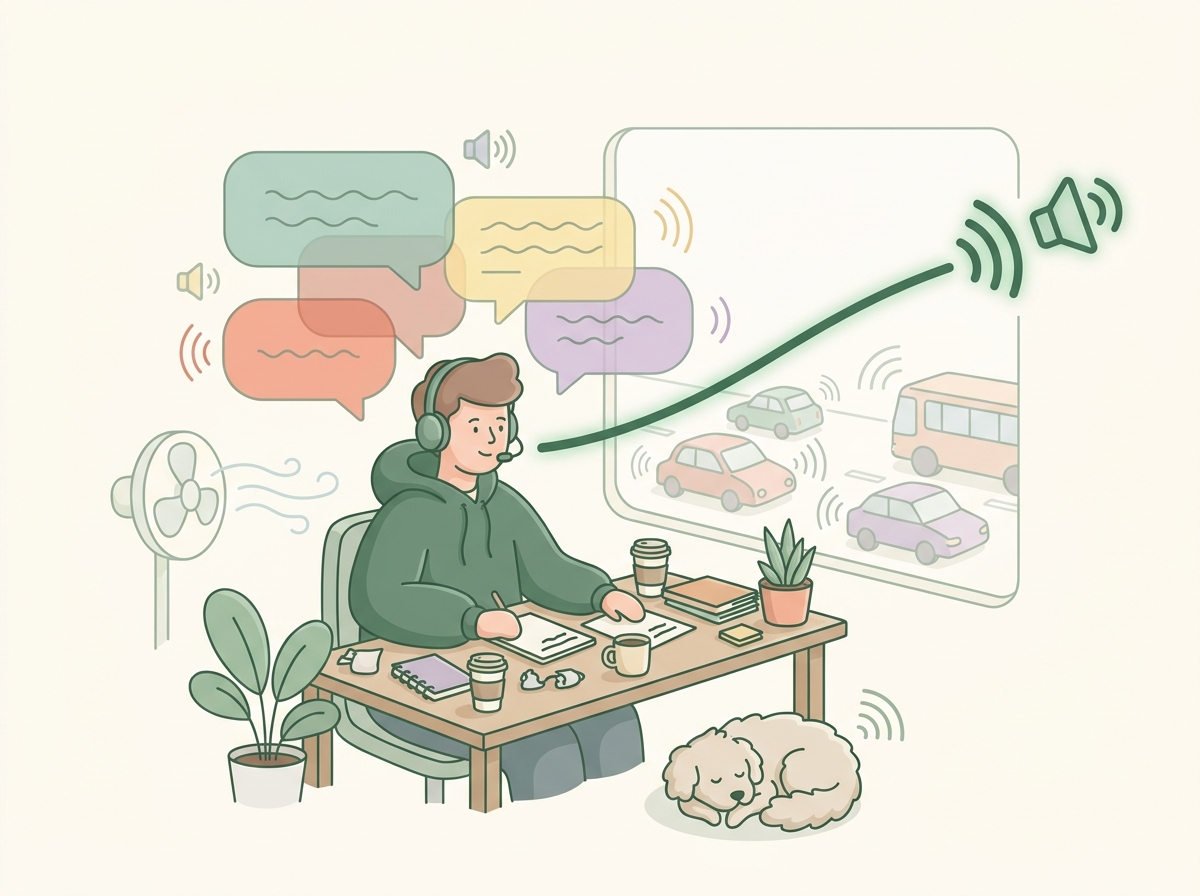
Here’s the feature that’s genuinely rare: Krisp’s noise cancellation is bidirectional. It can filter background noise coming from the person you’re listening to, not only what your own microphone picks up. Zoom, Teams, and Meet all clean the audio you’re sending out. None of them clean what’s coming in from a caller on a bad connection, in a call center, or dialing in from an airport. If you spend your day taking inbound calls from customers whose environments you don’t control, that’s the one problem none of the free built-ins solve, because they were never designed to touch someone else’s microphone.
That single feature is the real reason call centers, recruiters doing high-volume phone screens, and outbound sales teams pay for Krisp instead of relying on whatever’s already free in their meeting app.
Krisp Pricing in September 2026: What Changed
Worth flagging up front, because a lot of older reviews still get this wrong: Krisp no longer runs a permanent free plan. As of this year, the pricing page offers only a 7-day free trial with full features and no credit card required, then you choose a paid tier.
| Plan | Price | What you get |
|---|---|---|
| Free trial | $0 for 7 days | Unlimited transcription, noise cancellation, recording, and AI notes; limited accent conversion |
| Core | $8/user/mo billed annually ($16/mo billed monthly) | Unlimited AI note-taking, transcription, noise cancellation; 1 hour/day accent conversion; 10 GB storage; Slack, Notion, Teams, HubSpot, Zapier integrations |
| Advanced | $15/user/mo billed annually ($30/mo billed monthly) | Everything in Core, plus 4 hours/day speaker-side accent conversion, unlimited listener-side, Salesforce and ConnectWise integrations, manager view, 60 GB storage |
| Enterprise | Custom, contact sales | SSO/SCIM, private on-device transcription, HIPAA compliance, dedicated account manager, unlimited storage |
If you’ve read a roundup that mentions a free plan with 60 minutes of noise-free audio a day, that reflects Krisp’s older pricing model. It’s not what the site shows anymore. Screenshot everything before you buy anything in this category, since AI tool pricing pages change faster than most affiliate reviews get updated.
What Krisp’s AI Meeting Notes Actually Add
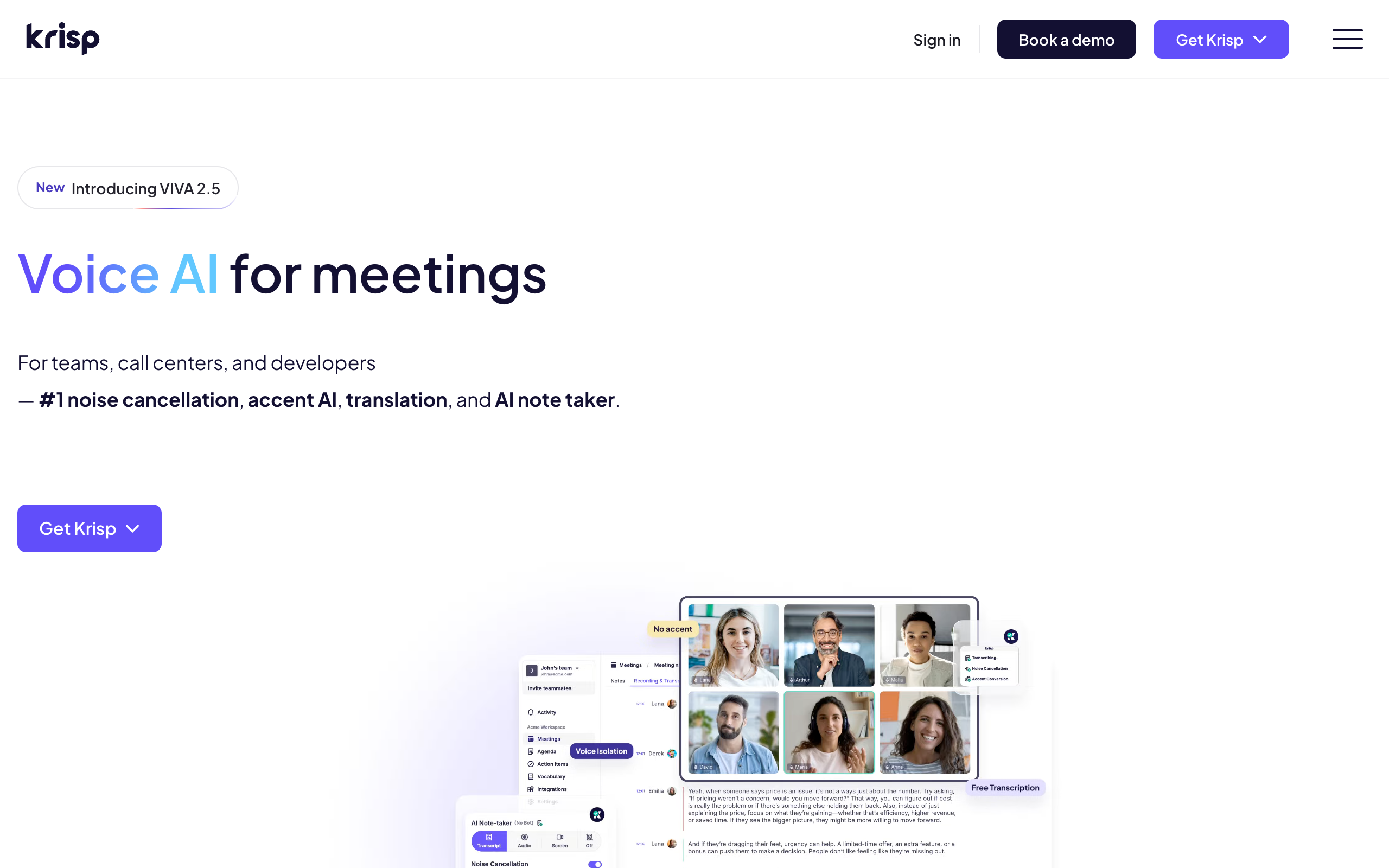
Beyond noise cancellation, Krisp bundles an AI note-taker: transcription, auto-generated summaries, and action items, supporting 16 languages, and it can push notes directly into Salesforce, HubSpot, and Slack. The bigger differentiator here is that it’s bot-free. It doesn’t need a visible “Krisp Notetaker” bot to join your Zoom call the way most transcription tools do, since it’s already capturing audio at the OS level. For anyone whose company has a policy against third-party recording bots joining client calls, that’s a real, practical reason to pick Krisp over a bot-based note-taker.
Krisp vs. Otter.ai and Fireflies.ai for Meeting Notes
If meeting notes, not noise cancellation, are your main problem, Krisp isn’t the obvious first choice; Otter and Fireflies are built specifically around transcription and search across your meeting history.
| Tool | Price | Best for |
|---|---|---|
| Krisp Core | $8/user/mo (annual) | Noise cancellation first, notes as a bonus, bot-free capture |
| Otter.ai Pro | $8.33/user/mo (annual), 1,200 min/mo | Searchable transcript library, calendar sync, 90-min meeting cap |
| Otter.ai Business | $19.99/user/mo (annual) | Unlimited meetings and recordings for teams |
| Fireflies.ai Pro | $10/seat/mo (annual) | CRM push, searchable soundbites, credit-based AI summary add-ons |
| Fireflies.ai Business | $19/seat/mo (annual) | Advanced analytics, larger shared credit pool |
Notice Otter and Fireflies both cap or credit-limit AI-generated content on their cheaper tiers, Otter’s Pro plan stops at 90 minutes per meeting, Fireflies bills AI summaries against a shared credit pool that can run out. Krisp’s Core plan doesn’t cap note-taking the same way, but its transcript search and history features are noticeably thinner than either dedicated tool. Pick Krisp if noise is your primary pain and notes are a bonus. Pick Otter or Fireflies if searchable meeting history and CRM logging are the actual job to be done.
Krisp vs. NVIDIA Broadcast
NVIDIA Broadcast is free noise and room-echo removal, and for a specific slice of users it’s the better deal, but only if you already own the right hardware. It requires an NVIDIA GeForce RTX 2060 or higher, Windows only, and it doesn’t do meeting notes, accent conversion, or bot-free recording at all. If you’re a gamer or streamer who already has an RTX card and only cares about killing keyboard and fan noise on your own mic, NVIDIA Broadcast at $0 beats paying Krisp anything. If you’re on a Mac, a non-RTX Windows laptop, or you need the other-side noise cancellation Krisp offers, Broadcast simply isn’t in the running.
Who Should NOT Pay for Krisp
Skip Krisp if you exclusively meet inside Zoom, Teams, or Meet, never take calls through any other app or dialer, and don’t need the other-side noise cancellation, since the free built-in suppression already covers that case. Skip it if you’re a gamer with an RTX GPU whose only need is cleaning your own mic, NVIDIA Broadcast does that for free. Skip it if your real need is a searchable, permanent library of meeting transcripts across your whole team, that’s Otter’s or Fireflies’ job, not Krisp’s core strength. And skip the paid tiers entirely if you just need to test the noise cancellation once, the 7-day trial covers a single evaluation without a credit card.
If your team is deciding between a noise tool and a full meeting-assistant stack, our roundup of the best AI meeting assistants compares that broader category, and if Zoom specifically is your main platform, our guide to the best AI note-taker for Zoom goes deeper on the transcription side than this review does.
Who Should Actually Pay for Krisp
Pay for Krisp Core at $8 a month if you’re on a support desk, recruiting phone screens, or outbound sales calls where the incoming caller’s environment is out of your control, that’s the one problem the free built-ins were never designed to fix. Pay for it if your team uses a legacy softphone or call-center dialer with zero native noise handling. Step up to Advanced at $15 a month only once you’re actually hitting Core’s 1-hour-a-day accent conversion cap, most people never do.
FAQ
Does Krisp still have a free plan in 2026?
No. The current pricing page only shows a 7-day free trial with full features and no credit card required, then Core, Advanced, or Enterprise. Older reviews describing a permanent free tier with daily minute limits reflect a pricing model Krisp has since retired.
Does Krisp work with phone calls, not just video meetings?
Yes. Because it filters audio at the operating-system level rather than inside one app, it works with any softphone, dialer, or call-center system running on the same computer.
Can Krisp remove noise from the person calling me, not just my own mic?
Yes, this is Krisp’s bidirectional noise cancellation, and it’s the single feature none of Zoom’s, Teams’, or Meet’s built-in tools replicate.
Is Krisp better than Zoom’s built-in noise suppression?
Not automatically. Zoom’s High suppression setting is genuinely solid for common noise. Krisp wins specifically when you need it across multiple apps, or need the other-caller-side cleanup Zoom doesn’t offer.
Do I need an NVIDIA GPU to use Krisp?
No. That requirement applies to NVIDIA Broadcast, a separate free tool. Krisp runs on standard Mac and Windows hardware with no GPU requirement.
Does Krisp need a bot to join my meeting to take notes?
No. Krisp captures audio at the OS level, so it can generate meeting notes without a visible bot joining the call, unlike most dedicated note-taking tools.
The Bottom Line
Don’t buy Krisp to replace what Zoom, Teams, or Meet already give you for free, that money is wasted. Buy it the moment your actual problem is audio from other people’s environments you can’t control, or audio flowing through an app that will never build its own noise filter. At $8 a month on the annual Core plan, it’s cheap insurance for anyone taking inbound calls for a living. Everyone else should stick with what’s already built into their meeting app.