The best newsletter platform for beginners in 2026 is beehiiv, because you can go from signup to a published, good-looking newsletter in under an hour, on a free plan that covers your first 2,500 subscribers with no credit card and no confusing upgrade prompts. If you specifically want the absolute lowest-friction writing experience and do not care about growth tools yet, Substack is the simpler on-ramp. If your newsletter exists purely to sell a product from day one, Kit’s automation-first free plan is worth a look too. This guide walks through what “beginner-friendly” actually means in practice, tested hands-on, not guessed from a features page. It is the beginner-focused cut of my full ranking of the best newsletter platforms, and if you want the practical steps for picking a name, your first few sends, and your first growth tactics once the platform is chosen, my guide to starting a newsletter picks up right where this one leaves off.
Disclosure: some links in this post are affiliate links. If you sign up through them, we may earn a commission at no extra cost to you. That never changes our verdict.
Key takeaways
- beehiiv is the best all-around beginner platform because it bundles writing, growth, and a real website into one free plan, so you do not have to learn a second tool once your first 50 subscribers arrive.
- Substack is the fastest possible start if you have never sent an email before: there is no setup beyond choosing a name, and payments are wired in from day one.
- Mailchimp used to be the default beginner tool and no longer is. Its free plan shrank to 250 contacts, and the interface has grown more complex with every redesign aimed at ecommerce, not first-time writers.
- The single biggest beginner mistake is picking a platform for features you will not touch for a year. Automation depth, ad networks, and API access do not matter until you have an audience; ease of writing and sending does.
- Every platform in this guide has a free tier or trial, so the actual cost of testing all of them yourself is one afternoon, not money.
The best newsletter platforms for beginners, compared
| Platform | Best for | Free plan | Time to first send | Learning curve |
|---|---|---|---|---|
| beehiiv | Best all-around for beginners who want to grow | Up to 2,500 subscribers, unlimited sends | Under an hour | Low |
| Substack | The absolute fastest start, zero setup | Unlimited subscribers, free forever | Under 15 minutes | Very low |
| Kit | Beginners who plan to sell something soon | Up to 10,000 subscribers, 1 automation | About an hour | Medium |
| MailerLite | Budget beginners who want a classic editor | Up to 250 subscribers, 2,500 emails/mo | Under an hour | Low |
| Flodesk | Design-first beginners, visually led brands | Free plan available (limited features) | About an hour | Low |
| Buttondown | Minimalist beginners who write in Markdown | Up to 100 subscribers | Under 15 minutes | Low, but sparse |
| Mailchimp | Beginners who also need a general marketing tool | Up to 250 contacts, 500 sends/mo | 1-2 hours | Medium-high |
Reading about seven platforms is slower than trying the one built to get you writing fastest without boxing you in later. Create a free beehiiv account and publish your first issue today. No card required, and the free plan holds up to 2,500 subscribers while you figure out what you actually want from a newsletter.
What actually makes a newsletter platform beginner-friendly?
“Easy to use” gets thrown around by every platform’s marketing page, so I tested each tool against four concrete questions rather than trusting the copy.
- Can you publish your first issue without reading documentation? I timed how long it took, from account creation, to write, format, and send one real test email to myself.
- Does the free plan let you actually operate, or is it a demo? Some “free” plans cap sends so low that you cannot run a real weekly newsletter on them. I checked whether the free tier supports real, sustained use.
- Does the platform grow with you, or do you have to migrate at 500 subscribers? A beginner tool that forces a painful platform switch at the first sign of traction is not actually beginner-friendly, it is just deferring the hard part.
- How many decisions does the interface force on day one? Segmentation, automation branches, and A/B test setup are powerful, and completely irrelevant to someone who has zero subscribers. I noted how well each platform kept those features out of the way until you need them.
1. beehiiv: the best all-around platform for beginners
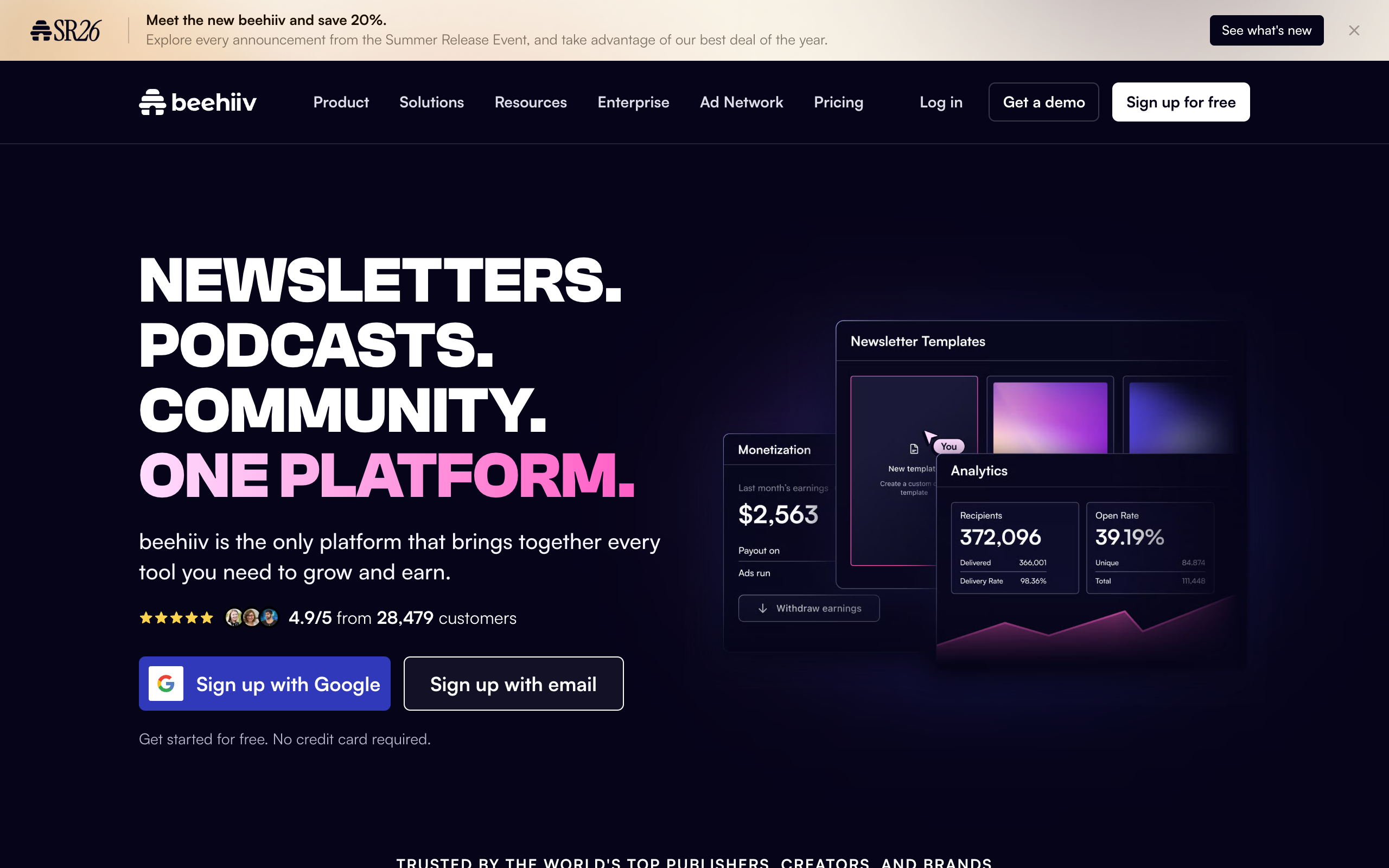
beehiiv’s onboarding is built around one assumption: you are going to want to grow this newsletter, so it walks you toward a real setup (custom domain, welcome email, subscribe page) rather than dropping you straight into a blank editor. That extra five minutes of setup pays off the moment you actually get your first subscribers, because the growth tools (referral program, recommendation network) are already sitting there instead of being a separate product you have to discover and bolt on later.
The editor itself is clean and fast, with Notion-style slash commands for adding images, buttons, and dividers, which most first-time writers pick up within one email. The free Launch plan covers 2,500 subscribers with unlimited sends and a custom domain, so a beginner can run a real, growing newsletter for months without hitting a paywall or a feature wall. Once you outgrow it, the jump to the paid Scale plan is spelled out clearly, with no surprise fees, in my full beehiiv pricing breakdown.
The one place beginners occasionally get tripped up: because beehiiv is also a website builder, there are more settings screens than a pure email tool like Buttondown. None of them are required to send your first issue, but a beginner who goes exploring can find themselves in an SEO settings panel they did not need yet. That is a minor cost for a platform that will not need replacing once your list grows past a few hundred subscribers.
- Pricing (verified July 2026): Launch is free to 2,500 subscribers, unlimited sends, custom domain. Scale starts at $43/month and unlocks automations and growth tools once you are ready for them.
- Verdict: the best starting point for a beginner who has any interest in eventually growing an audience, which is most beginners. Full details in my beehiiv review.
2. Substack: the fastest possible start for total beginners
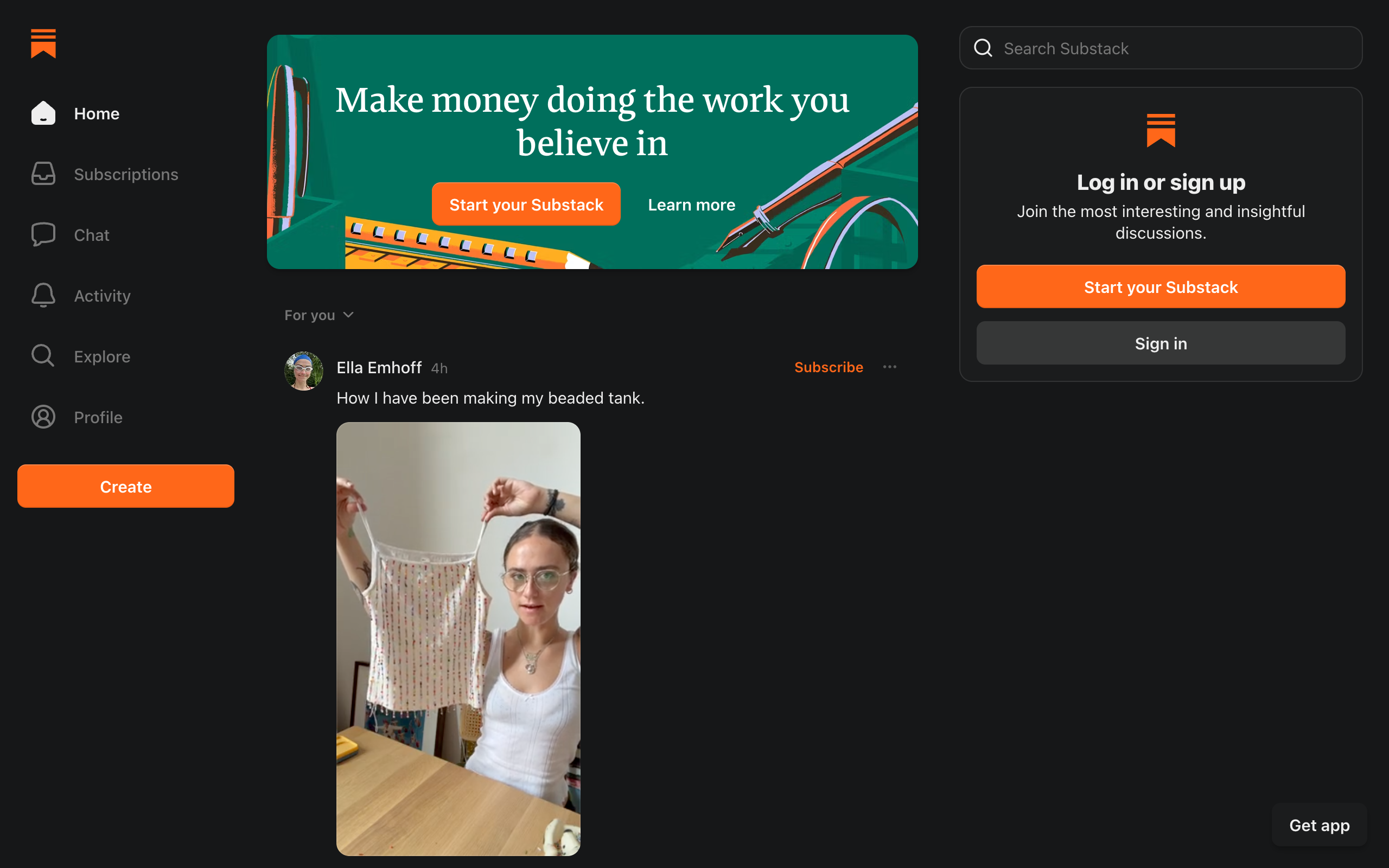
If your bar for “beginner-friendly” is “I have never sent an email in my life and I do not want to think about settings,” Substack is unmatched. You pick a name, write a post, and hit publish. Payments, if you ever want to charge for the newsletter, are wired in from the start with no separate Stripe setup to fumble through. Substack is free to use with unlimited subscribers, and it makes money by taking 10% of your paid subscription revenue plus Stripe processing fees, per Substack’s own creator documentation, so there is no monthly bill to worry about while you are finding your footing.
The tradeoff, and it is a real one for a beginner who plans to stick with this: Substack’s feature set has stayed roughly frozen for years. There is no proper automation builder, so a welcome sequence for new subscribers barely exists. Analytics are shallow. If you outgrow “just write and hit publish” within your first year, and many beginners do, you will be looking at a migration. I compare the two directly in beehiiv vs Substack.
- Pricing (verified July 2026): free with unlimited subscribers; Substack takes 10% of paid subscription revenue plus card processing fees.
- Verdict: the lowest-friction possible start, best for a beginner who wants to write today and think about strategy later.
3. Kit: the pick for beginners who plan to sell something
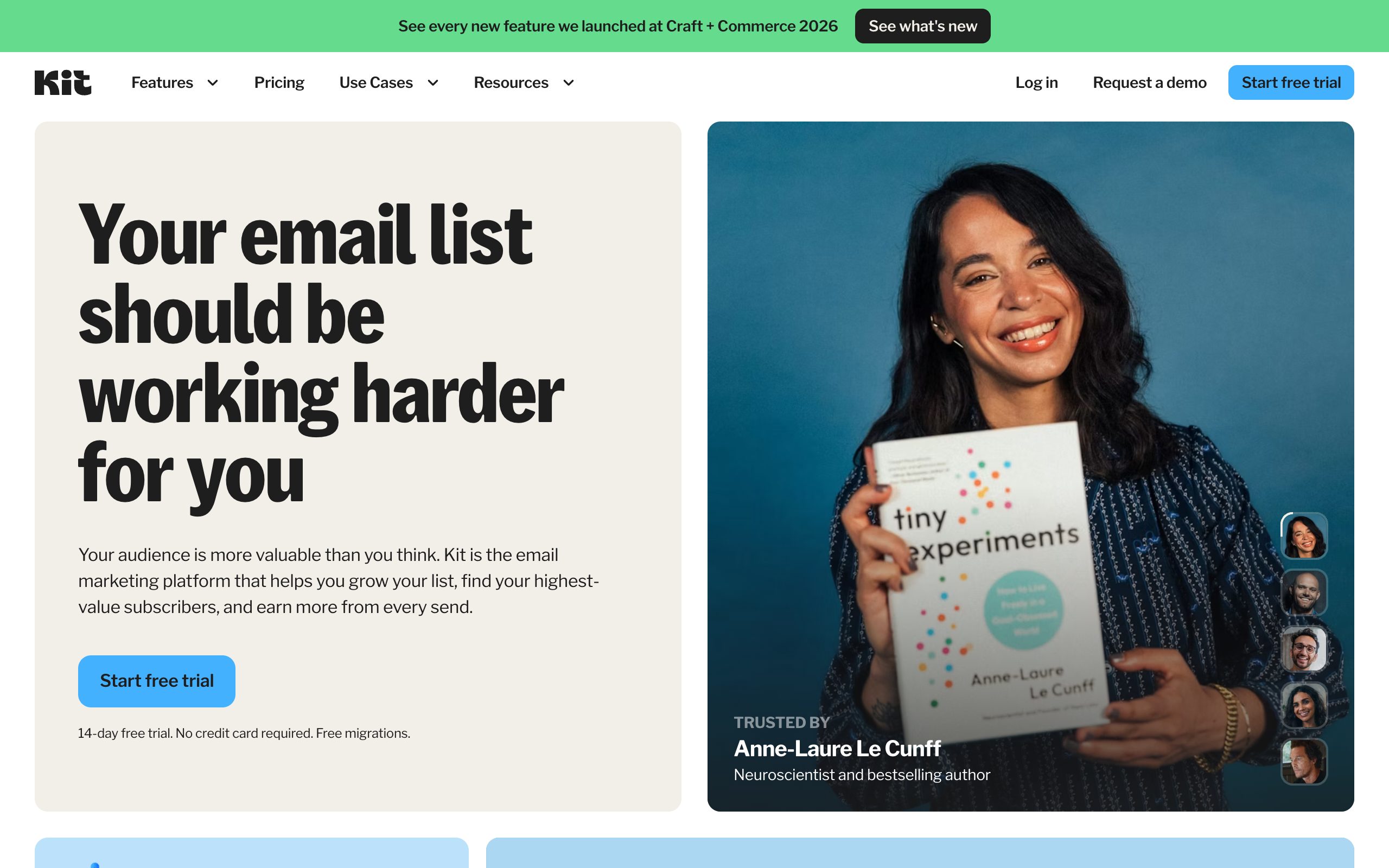
Kit, the platform formerly known as ConvertKit, front-loads automation and tagging in a way that takes a beginner slightly longer to learn, but pays off fast if your newsletter’s whole point is eventually selling an ebook, a course, or a coaching offer. The free Newsletter plan covers up to 10,000 subscribers, the highest free ceiling of any platform in this comparison, though it limits you to one basic visual automation, verified on Kit’s pricing page in July 2026.
The learning curve is real but shallow: the automation builder uses a visual, drag-and-drop canvas that a beginner can understand by looking at it, even if building a complex funnel later takes practice. For someone whose newsletter is step one of a bigger plan to sell digital products, that head start is worth the slightly steeper first afternoon.
- Pricing (verified July 2026): Free to 10,000 subscribers with 1 automation. Creator plan from $33/month, Creator Pro from $66/month.
- Verdict: the best beginner pick specifically for creators who already know they want to sell something to their list.
4. MailerLite: the friendliest classic email editor
MailerLite is worth including for a specific kind of beginner: someone who wants a traditional drag-and-drop email builder rather than a Notion-style writing surface, closer to what a “normal” email marketing tool looks like. The free plan covers 250 subscribers and 2,500 emails a month, and the interface stays out of your way better than Mailchimp’s increasingly crowded dashboard, verified on MailerLite’s pricing page in July 2026.
The honest limitation for a beginner: MailerLite does not have a growth layer. No referrals, no recommendation network. It sends your newsletter reliably and cheaply; it does not help you find new readers. That is fine if you already have an audience from somewhere else (social media, a podcast, a business) and just need a clean way to email them.
- Pricing (verified July 2026): Free to 250 subscribers, 2,500 emails/month. Comfort plan from $12/month.
- Verdict: a solid, low-pressure choice if you already have an audience elsewhere and just need a dependable send tool.
Every platform in this guide is testable for free, so the real question is not which one reads best on paper, it is which one gets you writing today. My honest recommendation for a first-time newsletter: start with a free beehiiv publication and send one real issue this week. You will know within two sends whether the workflow fits you.
5. Flodesk: the design-first pick for visually led beginners
Flodesk exists for a beginner whose newsletter is really an extension of a visual brand, a photographer, a small design studio, a boutique. The templates look designed rather than templated, and the editor leans on drag-and-drop visual building blocks rather than a writing-first interface. Flodesk now offers a free plan alongside its paid Lite, Pro, and Everything tiers, which scale with subscriber count, per Flodesk’s pricing page in July 2026.
What a beginner gives up here is growth tooling and text-first writing speed. Flodesk is optimized for beautiful, image-heavy emails, not for a fast-moving, text-driven newsletter published three times a week. If your content is mostly words, this is the wrong first tool. If it is mostly imagery and brand, it is worth a look.
- Pricing (verified July 2026): Free plan available with limited features; paid Lite, Pro, and Everything tiers scale with subscriber count.
- Verdict: the right beginner pick only if your newsletter is genuinely a visual, brand-first product rather than a writing-first one.
6. Buttondown: the minimalist pick for beginners who just want to write
Buttondown is the anti-feature-list newsletter tool, and for a certain kind of beginner (usually a developer, a technical writer, or someone who has already been burned by a bloated marketing platform) that restraint is exactly the appeal. You write in Markdown, the archive is clean, and there is nothing trying to upsell you inside the editor. The free plan covers your first 100 subscribers, verified on Buttondown’s pricing page in July 2026.
The tradeoff for a beginner: past 100 subscribers, pricing scales with your list, and features like tagging, paid subscriptions, or analytics are $9-a-month add-ons each. It is a wonderful starting point for someone who values calm over growth, and a tool you will likely outgrow the moment you decide you want an audience beyond friends and colleagues.
- Pricing (verified July 2026): Free to 100 subscribers; paid tiers scale with subscribers, feature add-ons from $9/month each.
- Verdict: the calmest possible starting point, best for a beginner who is not chasing growth yet.
7. Mailchimp: familiar, but no longer the easy default
Mailchimp is on this list because most beginners still type its name into Google first, out of habit more than research. It is worth knowing why that instinct has aged badly. The free plan is down to 250 contacts and 500 sends a month, verified on Mailchimp’s pricing page in July 2026, a fraction of what beginners remember from years ago. The interface has also grown considerably more complex as Mailchimp chased ecommerce and enterprise customers, so a first-time user now wades through automation journeys, audience segmentation, and AI feature prompts before finding the simple “write and send” flow that a true beginner actually wants.
None of that makes Mailchimp bad, exactly, it makes it a general marketing platform that happens to also send newsletters, rather than a tool built around the beginner newsletter writer’s actual workflow. I lay out the full comparison in beehiiv vs Mailchimp.
- Pricing (verified July 2026): Free to 250 contacts, 500 sends/month. Essentials from $13/month.
- Verdict: skip it as a first newsletter platform unless you specifically need general marketing automation alongside your emails.
Which newsletter platform should a beginner actually pick?
- You have never sent an email and just want to start writing today: Substack. Nothing to configure, payments included from day one.
- You want to write today but also plan to grow an audience seriously: beehiiv. The setup takes slightly longer, and you will not need to migrate later.
- Your newsletter’s real goal is selling a course, ebook, or coaching offer: Kit, for the automation and commerce tools baked into the free plan.
- You already have an audience from social media or a podcast: MailerLite, for a simple, dependable send tool without growth features you do not need.
- Your content is visual and brand-first, not text-first: Flodesk.
- You want the calmest, sparsest possible tool and do not care about growth: Buttondown.
Beginner mistakes that cost the most time later
Choosing a platform based on the biggest feature list
A beginner comparing feature checklists will almost always end up on the platform with the most boxes checked, and that is usually the wrong move. Mailchimp has more total features than beehiiv or Substack. It is not a better beginner platform because of that; most of those features are aimed at ecommerce businesses with existing customer data, not a first-time newsletter writer with zero subscribers.
Not testing the actual writing experience before committing
Every platform in this guide has a free tier. The fastest way to know which one fits is to write and send one real test issue on two or three of them before picking. Reading a comparison article (including this one) is a starting point, not a substitute for five minutes inside the actual editor.
Optimizing for a growth strategy you do not have yet
A brand-new beginner does not know yet whether their audience will respond better to paid subscriptions, sponsorships, or selling a product. Picking a platform purely because its monetization tools look impressive, before you have proven anyone wants to read what you write, is solving a problem you do not have.
Ignoring what happens at your first real growth spurt
A beginner tool that caps out fast (Buttondown at 100 subscribers, Mailchimp’s free plan at 250) is fine as long as you know it is temporary. The mistake is assuming a free tier will last forever and getting surprised by a bill the week your newsletter finally gets shared somewhere with real reach.
Frequently asked questions
What is the easiest newsletter platform for a total beginner? Substack has the lowest setup friction: pick a name, write, publish, with payments built in from day one and no monthly fee. beehiiv takes slightly longer to set up but is easier to grow with once you have subscribers, since referrals and website SEO are already built in.
Do I need to know how to code to start a newsletter? No. Every platform in this guide (beehiiv, Substack, Kit, MailerLite, Flodesk, Buttondown, Mailchimp) is built for non-technical writers, with drag-and-drop or text-editor style writing tools and no coding required for a standard setup.
Which newsletter platform is best for beginners who want to grow an audience? beehiiv, because the referral program, recommendation network, and SEO-indexable website are already part of the free plan, so you do not need to learn or pay for a second growth tool later.
Is Mailchimp still good for beginners? It is workable, but no longer the easiest choice. The free plan shrank to 250 contacts, and the interface has grown more complex as Mailchimp targets ecommerce and enterprise customers rather than first-time newsletter writers.
How much does it cost to start a newsletter as a beginner? Nothing, if you pick a platform with a real free tier. beehiiv (2,500 subscribers), Substack (unlimited, 10% fee only on paid subscriptions), Kit (10,000 subscribers), MailerLite (250 subscribers), and Buttondown (100 subscribers) all let a beginner start at $0.
Can I switch newsletter platforms later if I start on the wrong one? Yes. Every platform in this guide exports your subscriber list as a CSV, and beehiiv, Kit, and Ghost offer dedicated migration tools. What you lose in a switch is momentum, not your list, so starting is more important than starting perfectly.
The bottom line
Beginners overthink this decision more than any other newsletter operator, because everything is unfamiliar and every platform’s homepage promises it is the simple one. The actual test is narrower than it looks: can you write and send a real issue today, and will the tool still make sense once you have an audience worth keeping. Substack wins the first question outright. beehiiv wins both, which is why it is the default recommendation here.
Stop comparing feature lists and start one. The newsletter you publish this week teaches you more about what you actually need than another hour of research will. If cost is the deciding factor for you specifically, my roundup of the best free newsletter platforms breaks down exactly what each free tier includes, line by line.
Start your first newsletter on beehiiv’s free plan and publish one real issue before you read another comparison article. Free to 2,500 subscribers, no card required, and the setup will not need replacing once you have real subscribers to grow.
Pricing captured from vendor pricing pages, July 2026. Plans change, so confirm current details before you buy.