

I spent a stretch of evenings inside Dust building out a support-research agent, connecting it to a Notion knowledge base and a GitHub repo, and watching it answer questions that used to require pinging three different people. It is a well-built product. It is also, and this is the part most reviews skip, a product that assumes you are willing to be the one who designs, scopes, and maintains the agent, not just the one who benefits from it. That distinction matters more than any feature list, so this review spends real time on it.
Disclosure: some links in this post are affiliate links. If you sign up through them, we may earn a commission at no extra cost to you. That never changes our verdict.
30-second verdict
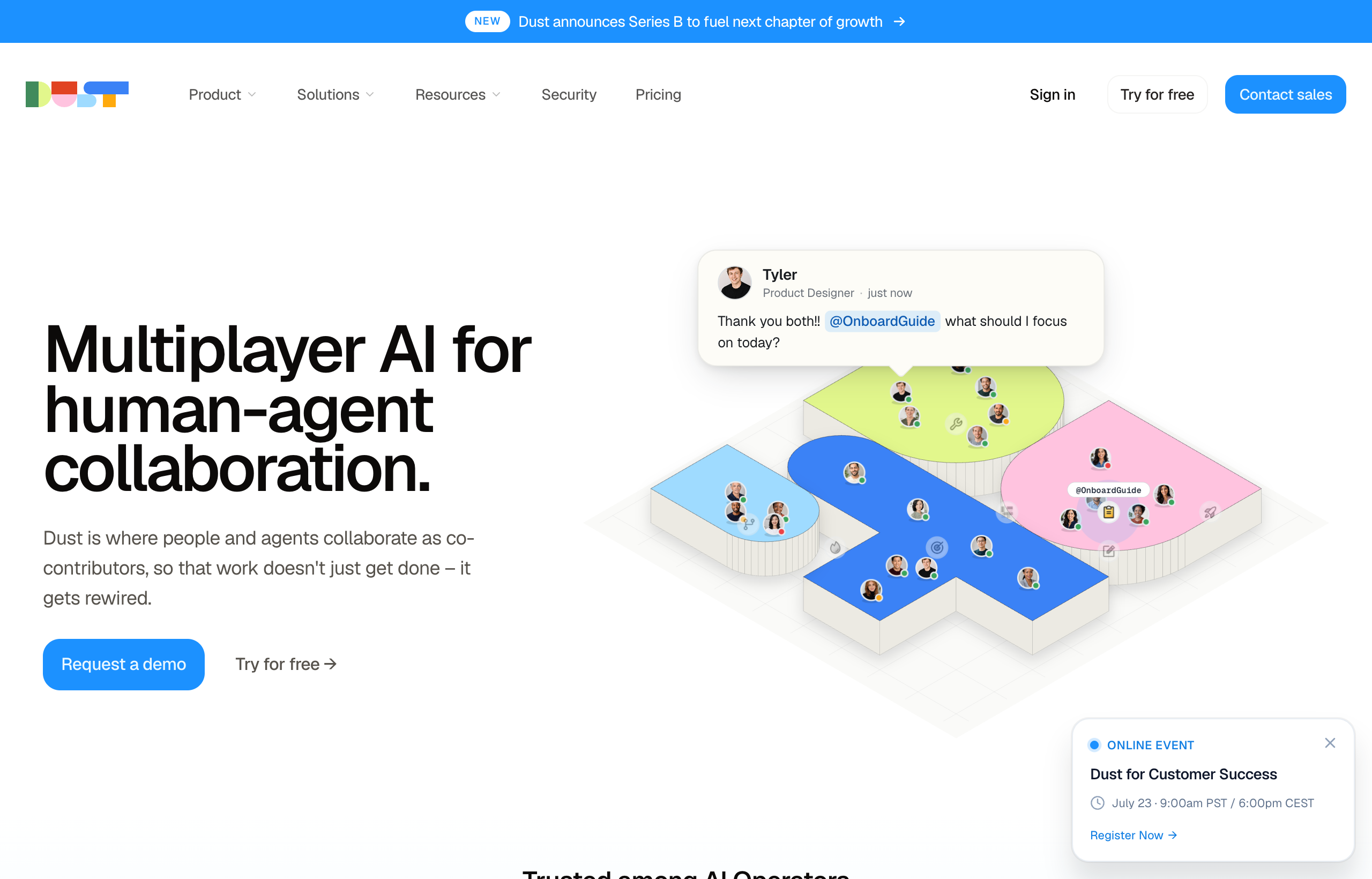
Dust is a strong platform for building custom AI agents over your company’s documents and tools, with access to 20-plus frontier models and connectors to 20-plus data sources. It rewards teams with a technical owner willing to configure agents, scope knowledge access, and maintain the setup over time. If that is not your team, and you would rather brief a ready-made AI employee in Slack and get a finished deliverable back without building anything first, that is a different job, and it is the one Viktor is built for. This review covers both, honestly.
What Dust actually is
Dust calls itself a platform for “AI Operators,” people who build and run AI tools for their team rather than waiting for one to be handed to them. In practice, that means a web app (with a Slack integration and Chrome extension) where you create custom agents: you give each agent a name, a system prompt, a defined set of “skills” and knowledge sources it can pull from, and a set of tools it is allowed to use. Agents can be triggered on a schedule or by an event, and Dust supports multi-agent workflows where one agent’s output feeds another.
Underneath, Dust connects to more than 20 data sources including Slack, Notion, GitHub, and Google Drive, and lets you scope which “space” of data each agent can see, which is a genuinely useful control for larger companies that do not want every agent reading every document. It also supports 20-plus models across OpenAI, Anthropic, Google, Mistral, and DeepSeek, so you are not locked into a single vendor’s model quality or pricing, and you can pick per agent.
Strengths: where Dust earns its reputation

Building custom assistants over your company’s actual data
This is Dust’s core strength and it is real. Once you connect a data source and scope an agent to it, the retrieval quality is solid, and you can build agents that are genuinely specific to how your company works, not a generic assistant with your logo on it. A support agent that only pulls from your help docs and closed tickets, or an engineering agent scoped to a specific repo and its issue tracker, is more accurate and more useful than a general-purpose chatbot pointed at everything at once.
Connector breadth and multi-agent orchestration
Twenty-plus native connectors plus support for MCP servers (both native and remote on paid plans) covers most of the tools a mid-size company runs on. And the ability to chain agents, one doing research, another drafting, a third reviewing, on schedules or triggers, is a level of control that few competitors in this price range offer. If your team wants a pipeline it can inspect and adjust node by node, this is a meaningful advantage over a black-box conversational agent.
Model flexibility
No model is gated behind a higher tier. You can run a token-efficient model for basic chat and switch to a more powerful one for deep research within the same workspace, which keeps costs down without forcing you into a single vendor relationship.
Weaknesses: what the marketing page will not tell you
Setup is a real cost, not a footnote
Every strength above assumes someone configures it correctly, and that is where Dust asks more of a team than most reviews admit. Scoping data spaces, writing agent instructions that actually constrain behavior, deciding which connectors an agent needs, and testing that retrieval returns the right documents is work. It is not exotic work, but it is real hours from someone who understands both the tool and the company’s data structure, and if that person leaves or moves on, the agents they built become harder to maintain by whoever inherits them.
It is built for builders, not for delegating a task in plain language
If you open Dust and type “pull last month’s numbers and summarize them,” you will get a reasonable answer from whichever general agent you point it at, but you will not get the same depth as a purpose-built agent someone configured for that exact job. Dust rewards planning ahead. It is not designed for the “I have a weird one-off task right now, just go figure it out” use case the way a more autonomous, execute-first tool is. That is a deliberate design choice, not a flaw exactly, but it means the product is a better fit for teams that want to build infrastructure than for someone who wants a task done in the next twenty minutes.
Per-seat pricing scales with headcount, not usage
Dust’s Free tier gives 500 credits for the lifetime of the account, which is enough to explore but not to run daily. Pro is around $30 a month per seat (about $24 if billed yearly) for 8,000 credits a month, and Max is around $150 a month per seat (about $120 yearly) for 40,000 credits, pitched at power users running deep research or heavy tool use. Enterprise is custom, sales-led, and unlocks unlimited connectors, workspace-pooled credits, SCIM, audit logs, and single-tenant deployment. Because pricing is per seat, adding people to the workspace raises the bill even if those people only use the tool lightly, which is worth modeling honestly before you roll it out company-wide.
| Plan | Price | Credits | Notes |
|---|---|---|---|
| Free | $0 | 500 (lifetime) | Trial only, not for daily use |
| Pro | around $30/mo/seat (around $24 billed yearly) | 8,000/mo | Best for most team members |
| Max | around $150/mo/seat (around $120 billed yearly) | 40,000/mo | Power users, deep research, heavy tools |
| Enterprise | Custom | Workspace-pooled | Unlimited connectors, SCIM, audit logs, single-tenant |
A closer look at what building one agent actually takes
To give this review some real texture rather than abstract praise, here is roughly what it took to get one useful agent running. First, connecting the data sources: Notion and GitHub took a few minutes each through Dust’s OAuth flow, standard stuff. Then came the part that actually takes time, deciding what the agent should and should not see. Dust organizes data into “spaces,” and if you do not think through which space an agent is scoped to, you end up with either an agent that cannot find the document it needs or one that can see things it should not, like a support agent that can suddenly surface an internal roadmap doc because nobody scoped its space narrowly enough. Getting that right took a couple of iterations of testing questions against the agent and adjusting scope, probably two or three hours spread across a couple of sessions for one agent, more if you are building several with overlapping data needs.
Writing the system prompt itself was the fast part; Dust’s builder makes it easy to describe an agent’s role, tone, and constraints in plain language. The slower part was deciding on tool access: whether the agent should be allowed to search the web, run code, or only answer from the connected knowledge base. Each of those choices changes both cost (more tool use burns more credits) and reliability (fewer tools means fewer places for the agent to go off track). None of this is unreasonable for a platform of Dust’s depth, but it is genuinely a build project, not a five-minute setup, and that is the honest expectation to set before you start.
How Dust sits next to the rest of the agent-platform field
It helps to place Dust relative to its nearest neighbors rather than review it in isolation. Relevance AI takes a similarly build-it-yourself approach but leans more heavily into a visual canvas for multi-agent pipelines, which some technical teams prefer over Dust’s more prompt-and-scope structure. Glean sits in an adjacent but different category: it is built specifically for enterprise search and answering questions grounded in company knowledge across 250-plus connectors, rather than for building agents that take multi-step actions, so it is less of a direct competitor to Dust and more of a complement for the “help people find things” half of the problem (our Glean review covers that in depth). Against all of them, Viktor’s positioning is the odd one out in a useful way: it skips the build phase entirely and starts from “tell it what you need,” which is either a limitation or a relief depending on whether your team wanted to build something or just wanted something done.
What using it day to day feels like
The interface is clean and the agent-builder flow is genuinely well-designed for what it is: you are not fighting the UI to define a system prompt or attach a data source. Frames, Dust’s feature for building interactive dashboards and small apps from an agent’s output, is a nice touch that goes beyond plain chat responses. Where the day-to-day experience shifts depending on your role: if you are the person who built the agents, using Dust feels empowering, you are steering a tool you understand deeply. If you are a teammate who just wants an answer or a task done and did not build anything, you are dependent on someone else having anticipated your exact need when they configured the agent you are talking to.
Reliability depends entirely on how well you briefed it
An agent is only as good as the instructions and scope it was given, which means Dust’s output quality has a wider variance than a purpose-built product with fixed behavior. A well-configured agent with clean, narrow data access answers reliably. A rushed one, built in an afternoon with a broad system prompt and access to too many spaces, will occasionally answer confidently from the wrong document or miss a source it should have used. That is not unique to Dust, most agent-builder platforms share this tradeoff, but it is worth naming plainly: the ceiling is high, and so is the amount of care needed to reach it.
Who Dust is genuinely right for
- Teams with a technical owner (an engineer, a data-literate ops lead, an AI-forward founder) who wants to design and maintain a custom agent stack.
- Companies that need tight control over which data each agent can access, especially with sensitive or compliance-relevant information.
- Teams that want multi-agent pipelines with visible, editable structure rather than a single conversational entry point.
- Organizations already comfortable evaluating and switching between multiple frontier models per use case.
Who should look elsewhere
If nobody on your team has the time or inclination to own an agent stack, if you want results the same day you sign up rather than after a setup phase, or if what you actually want is a coworker you can hand a fuzzy, one-off task to and trust it to figure out the right tools on its own, Dust is going to feel like more platform than you need. That is the exact gap Viktor is built to close: no agent design phase, no data-space scoping before day one, just a Slack channel where you describe what you need and it goes and does it, drawing on more than 3,200 integrations including Stripe, HubSpot, Salesforce, Google Ads, and Meta Ads.
If Dust’s setup is the part giving you pause, that is worth listening to. I would try Viktor’s free trial, which comes with $100 in credits and no card required, and give it the exact task you were about to hand to a Dust agent. You will see within one task whether you actually need the platform or just needed the outcome.
The ready-made alternative: Viktor as your Slack-native employee
Where Dust asks you to build the assistant, Viktor arrives closer to finished. It lives directly in the Slack or Teams channel your team already uses, so there is no separate app to check. You brief it like you would a new hire, and it goes off, pulls the data it needs from whatever tools it is connected to, and comes back with a real output, a spreadsheet, a report, a small deployed app with a database and login, or even a pull request against your repo if the task is code-related. It also proposes its own follow-up automations once it notices a recurring pattern in what you ask it, which is the opposite workflow of designing a schedule-triggered agent yourself. If you want a broader look at where it sits against other agent-builder platforms, our best AI agents in 2026 roundup covers the wider field, and our Dust alternatives list does the same specifically for teams comparing options against Dust.
Viktor’s pricing is workspace-wide rather than per seat: a starter tier of around 20,000 credits runs about $50 a month, and it scales up from there (30,000 credits around $75, 40,000 around $100) without charging extra per person added to the Slack workspace. The honest tradeoff, to be fair here too, is that credit spend can be less predictable than a flat per-seat bill; a quick lookup might burn 50 to 100 credits while a full research-and-build task can run 2,000 to 5,000, so a heavy week costs meaningfully more than a light one, and real users have reported burning through a chunk of a monthly allotment in the first couple of days when several big tasks land at once. It rewards teams that are comfortable with usage-based spend more than teams that want a fixed number to put in a budget spreadsheet.
The comparison that convinces most people either way is direct usage, not a spec sheet. Try Viktor on the same kind of task you would build a Dust agent for, and see which one you would rather explain to a new teammate on their first day.
FAQ
Is Dust good for non-technical teams?
It can work, but the setup phase (scoping data access, writing agent instructions, testing retrieval) is easier for someone with a technical or data-literate background. Non-technical teams tend to get more value from a tool that requires less configuration upfront, like Viktor.
How much does Dust cost per month?
Pro is around $30 a month per seat (around $24 if billed yearly) for 8,000 credits, and Max is around $150 a month per seat (around $120 yearly) for 40,000 credits. There is also a free tier with 500 lifetime credits, and Enterprise is custom pricing.
Can Dust replace a Slack-native AI employee like Viktor?
Not directly. Dust builds custom agents you design and maintain; Viktor is a ready-made agent you brief conversationally and that executes tasks end to end without a setup phase. They solve adjacent but different problems, and some teams end up using a platform like Dust for structured, recurring agents while using something like Viktor for ad hoc, one-off work.
What data sources does Dust connect to?
Dust natively connects to more than 20 data sources including Slack, Notion, GitHub, and Google Drive on its Business plan, with unlimited connectors and MCP servers on Enterprise.
Does Dust support multiple AI models?
Yes. Dust gives access to 20-plus frontier models from OpenAI, Anthropic, Google, Mistral, and DeepSeek, selectable per agent, with no model locked behind a higher plan.


