
MailerLite and Mailchimp both target small businesses and solo senders who want a straightforward email tool without an ecommerce-scale price tag, which makes this one of the closer comparisons in the category. MailerLite generally wins on price and simplicity, with a cleaner interface and a more generous free tier for a small list, while Mailchimp wins on breadth, offering more integrations, a longer track record, and more advanced features once you actually need them. If you are budget-conscious and your needs are straightforward (newsletters, basic automation, simple landing pages), MailerLite is very likely the better value. If you expect to grow into more complex marketing needs, more integrations, or you specifically want Mailchimp’s ecosystem and brand recognition, the extra cost may be worth it.
Disclosure: some links in this post are affiliate links. If you sign up through them, we may earn a commission at no extra cost to you. That never changes our verdict.
Key takeaways
- MailerLite’s free plan covers up to 250 active subscribers and 2,500 emails a month, roughly comparable to Mailchimp’s free plan (250 contacts, 500 sends a month) as of mid-2026, but with a noticeably more generous monthly send allowance.
- MailerLite’s entry paid plan (Comfort) starts around $12/month, undercutting Mailchimp’s entry paid plan (Essentials) at roughly $13/month, though both scale up with your contact count.
- MailerLite is widely considered the easier, cleaner interface of the two, which matters most for a solo operator or small team without a dedicated email marketing specialist.
- Mailchimp has the deeper integration ecosystem and more mature ecommerce and CRM-adjacent features, which matters if your marketing needs extend beyond sending newsletters.
- Neither platform is built to actively grow your subscriber list; both assume you already have a way to acquire contacts and focus on what you do with them afterward.
What is the real difference between MailerLite and Mailchimp?
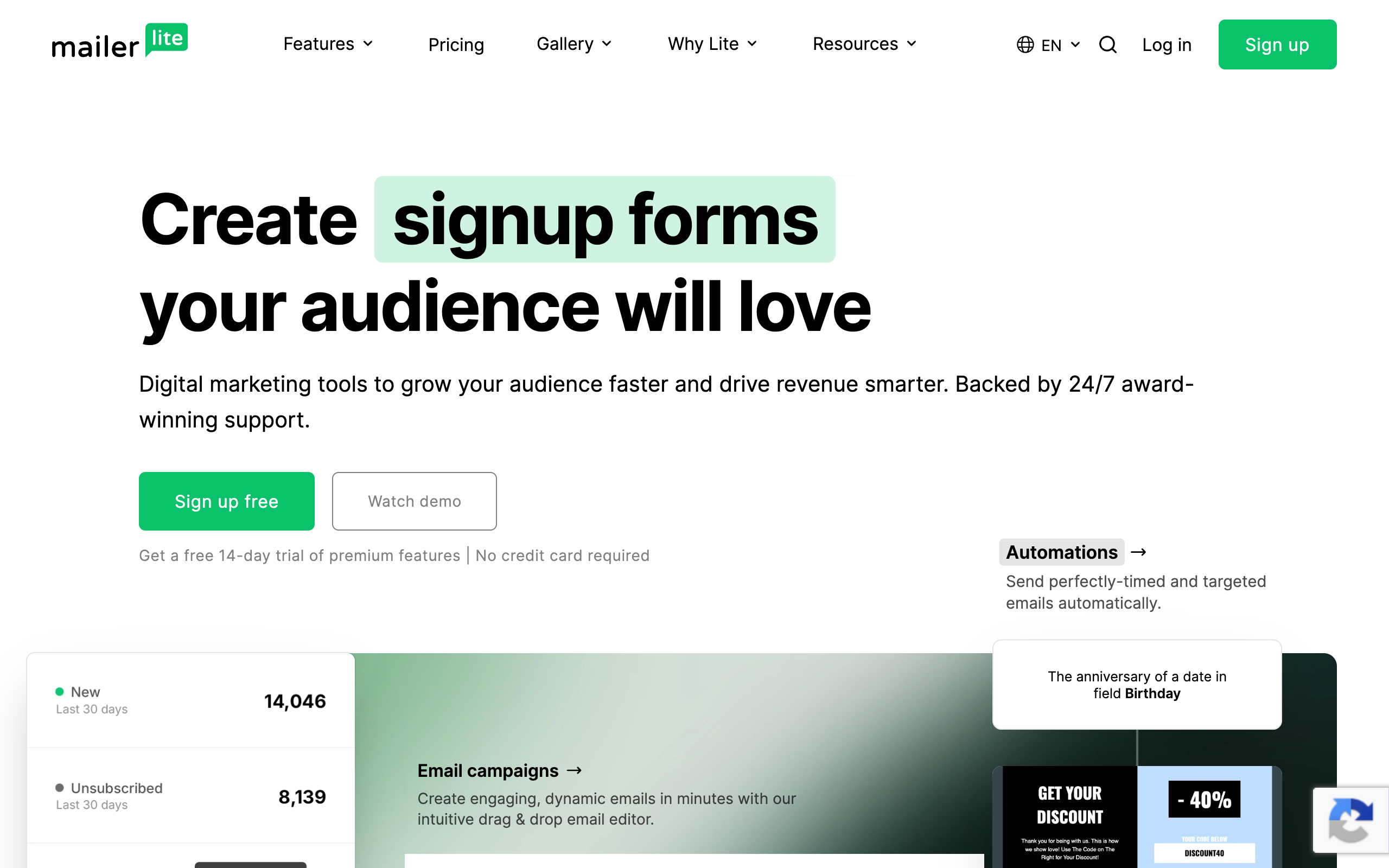
MailerLite launched in 2010 out of Lithuania with a clear positioning from the start: a simpler, more affordable alternative to the bigger, more established players in email marketing. That positioning has not changed much in over a decade. MailerLite still markets itself primarily on ease of use and value, and the product reflects it: fewer menus, a cleaner drag-and-drop editor, and a pricing structure that consistently undercuts Mailchimp at comparable list sizes.
Mailchimp, launched in 2001 and acquired by Intuit in 2021, has spent two decades expanding well beyond its original email-marketing core into landing pages, a website builder, social ad management, light CRM tools, and generative AI content features. That expansion means Mailchimp does more things, but it also means the interface has more surface area to navigate, and the pricing reflects the added breadth. The comparison, at its core, is depth-and-breadth versus simplicity-and-price.
Who is MailerLite actually for?
MailerLite fits solo creators, small businesses, and anyone who wants to send professional-looking newsletters and run basic automation without paying for, or wading through, features they will never use. The editor is genuinely one of the cleaner drag-and-drop builders in the category, templates look modern without much tweaking, and the automation builder, while less deep than Kit’s or Klaviyo’s, covers the common use cases (welcome sequences, simple behavior-based triggers, RSS-to-email campaigns) without a steep learning curve.
MailerLite also includes a website builder and landing pages even on the free plan, which gives a very small business or solo creator a lightweight way to build an opt-in page or even a simple site without a separate tool. If your needs are modest and your budget matters, MailerLite consistently rates as one of the better value options in independent testing and user reviews, largely because it does the core job well without charging for the extras.
Who is Mailchimp actually for?
Mailchimp fits a small business that wants more than email in one dashboard: light CRM functionality, social ad management, a more built-out website and landing page builder, and generative AI tools for drafting campaign copy on the Standard plan and above. If you are the kind of business that would otherwise juggle three or four separate marketing tools, Mailchimp’s breadth can genuinely consolidate your stack, even if you pay somewhat more for it than you would with MailerLite alone.
Mailchimp also has the deeper integration library, connecting to a longer list of ecommerce platforms, CRMs, and business tools, which matters if your marketing stack already includes several other pieces of software you need your email tool to talk to. Its brand recognition and market share also mean more third-party tutorials, agency familiarity, and freelancer expertise are available if you ever need outside help managing your account.
MailerLite vs Mailchimp pricing in 2026
Numbers below are pulled from mailerlite.com/pricing and mailchimp.com/pricing/marketing as of mid-2026. Both platforms price primarily by subscriber count, so entry prices below are a floor, not a fixed cost at every list size.
| Plan | MailerLite | Mailchimp |
|---|---|---|
| Free | $0, up to 250 active subscribers, 2,500 emails/month, 2 user seats, basic automations (3 active), website builder, 1 landing page, 3 signup forms | $0, up to 250 contacts, 500 sends/month, 1 audience, 1 user seat |
| Entry paid tier | Comfort from around $12/month (billed monthly, roughly 10% cheaper on annual billing), 3 user seats, unlimited templates, 50 active automations, 10 websites/landing pages, 5 digital products, AI writing assistant | Essentials from $13/month (0-500 contacts tier), A/B testing, 3 audiences, 3 user seats |
| Mid/higher tier | Power from around $25/month (billed monthly), unlimited automations, unlimited landing pages and websites, unlimited digital products, 24/7 live chat support, optional dedicated IP add-on | Standard from $20/month, up to 200 automation flows, generative AI included, 5 audiences, custom-coded templates |
| Top tier | Enterprise, custom pricing for 200,000+ subscribers, dedicated success manager, deliverability support | Premium from $350/month, predictive segmentation, unlimited audiences and users, phone support |
At the entry tiers, MailerLite’s Comfort plan and Mailchimp’s Essentials plan land within a dollar of each other, but MailerLite’s plan includes noticeably more (50 active automations, unlimited templates, an AI writing assistant, unlimited landing pages on higher tiers) for roughly the same price. The gap tends to widen further as your list grows, since MailerLite has a longer-standing reputation for keeping its per-contact pricing lower than Mailchimp’s at comparable list sizes, though both companies adjust their tier structures periodically, so confirm the current numbers at your specific list size before you commit.
Ease of use compared
This is where MailerLite’s reputation is most consistently earned. The interface has fewer menus and a shorter path from “log in” to “campaign sent” than Mailchimp’s, and the drag-and-drop editor produces clean, modern-looking emails with less fiddling. For a solo founder or a small team without a dedicated marketer, that shorter learning curve has real value: less time spent in tutorials, less time hunting for a setting buried three menus deep.
Mailchimp’s interface has grown more complex as the product has expanded, and while its newer AI-assisted content tools do speed up campaign creation, the broader feature set means more surface area to learn overall. Neither interface is genuinely difficult, but if ease of use and speed to first send are your priority, MailerLite consistently comes out ahead in side-by-side user testing and reviews.
Automation depth compared
MailerLite’s automation builder covers the common cases well: welcome sequences, RSS-to-email for blog updates, simple behavior-based triggers (opened, clicked, tagged), and, on paid plans, up to 50 active automations running simultaneously. It is not built for deep, multi-branch, ecommerce-triggered logic the way Klaviyo’s is, but for a newsletter or small business sending regular content and the occasional promotional sequence, it does the job cleanly.
Mailchimp’s Customer Journeys builder can technically go deeper on paper, especially on the Standard plan with up to 200 flows, but the added complexity comes with a steeper setup curve. If your automation needs are simple, MailerLite gets you there faster with less friction. If you anticipate needing more complex, multi-step journeys with conditional branching down the line, Mailchimp’s ceiling is somewhat higher, though neither platform approaches the automation depth of a tool built specifically around it, like Kit or ActiveCampaign.
Both of these tools assume you already have a list to send to. If growing that list is as much your problem as sending to it, it is worth testing a free beehiiv publication alongside whichever of these two you are leaning toward. The free plan runs to 2,500 subscribers with no card required, and it ships a referral program neither MailerLite nor Mailchimp offers.
Templates and design compared
MailerLite offers unlimited templates on paid plans and a design library that tends to feel more modern and less dated than some of Mailchimp’s older stock templates, though Mailchimp has refreshed its template library over time and both platforms now offer perfectly professional-looking options out of the box. MailerLite’s editor is generally considered more intuitive for a non-designer building a clean, simple email quickly.
Mailchimp’s Standard plan and above include custom-coded templates and generative AI content tools that can draft both copy and layout suggestions, which is a genuine advantage if you want AI assistance built into the design process rather than starting from a template and filling it in manually. If AI-assisted content creation matters to you specifically, Mailchimp’s tools are currently more developed in this area than MailerLite’s, though MailerLite has added its own AI writing assistant on the Comfort plan and above.
Landing pages and website builder compared
Both platforms include a website and landing page builder, and both are reasonably capable for a small business or creator who does not want to pay for separate web hosting and a page builder tool. MailerLite’s free plan includes a website builder and one landing page, which is more generous than Mailchimp’s free tier offers at the equivalent level. On paid plans, MailerLite’s Comfort tier includes up to 10 websites and landing pages, and Power includes unlimited.
Mailchimp’s website and landing page tools are more built out on higher tiers, supporting a more complete small-business website rather than just an opt-in page, with e-commerce storefront capability built in on top. If you need a genuinely complete website rather than a lightweight landing page, Mailchimp’s tools go further; if you just need a clean opt-in page or a simple one-page site, MailerLite’s free and entry tiers already cover it.
Deliverability and support compared
Both platforms operate on shared sending infrastructure at lower tiers and have invested in deliverability tooling to protect sender reputation. MailerLite offers an optional dedicated IP add-on on its Power plan for senders who want more control over their sending reputation, and 24/7 live chat support is included starting on that same tier, which is a notably accessible support level for the price.
Mailchimp’s support scales more granularly by tier, with phone support reserved for the Premium plan at $350/month, a considerably higher price point than where MailerLite offers comparable live support access. For a small business specifically prioritizing responsive human support without paying an enterprise-level price, MailerLite’s support structure is generally the better value.
Ecommerce features compared
Neither MailerLite nor Mailchimp was built primarily as an ecommerce-first platform the way Klaviyo was, but both offer real ecommerce integrations worth understanding if you run a small store alongside your email marketing. MailerLite connects to Shopify, WooCommerce, and other major platforms, letting you sync products, trigger abandoned cart emails, and build simple product-recommendation blocks into campaigns. It covers the basics competently but does not attempt the deep predictive segmentation or product-level personalization that a dedicated ecommerce tool offers.
Mailchimp’s ecommerce integration is somewhat more developed, reflecting its broader small-business positioning: revenue reporting per campaign, abandoned cart automation, and product recommendation blocks are all available, and the integration with Shopify in particular has had more years of refinement. If ecommerce is a meaningful part of your business but not the whole of it, Mailchimp’s slightly deeper commerce tooling may tip the decision in its favor even if MailerLite wins on general ease of use and price. If ecommerce is the majority of your revenue, neither tool matches what a store-specific platform like Klaviyo offers, and it is worth reading our Mailchimp vs Klaviyo comparison before deciding between a general email tool and a commerce-first one.
Segmentation and list management compared
MailerLite’s segmentation is straightforward: you can segment by engagement (opens, clicks), custom fields, group membership, and basic behavioral triggers, which covers what most small senders actually need without requiring a steep learning curve to set up. Groups and segments are easy to combine, and the interface makes it clear at a glance who will receive a given send before you commit to sending it.
Mailchimp’s segmentation goes a layer deeper on paid tiers, with more granular conditional logic available in its audience and tag system, and Premium-tier users get access to predictive segmentation that estimates likelihood to purchase or engage based on historical behavior. For most small businesses and creators, MailerLite’s simpler segmentation covers the actual use cases they run; predictive segmentation specifically is a Premium-tier Mailchimp feature that few smaller senders will use enough to justify the $350/month price tag on its own.
When MailerLite wins
Choose MailerLite if budget and simplicity are your top priorities, your automation and integration needs are modest, and you want a clean interface that gets you to a sent campaign quickly without a long learning curve. Solo creators, small businesses, and anyone sending straightforward newsletters or promotional campaigns without complex multi-tool integration needs will generally get excellent value from MailerLite.
When Mailchimp wins
Choose Mailchimp if you need the broader ecosystem: more third-party integrations, a more built-out website and CRM-adjacent feature set, and the brand recognition that makes it easier to find outside help managing your account if you ever need it. Small businesses planning to consolidate several marketing functions into one platform, or those with specific integration needs MailerLite does not support, will likely find Mailchimp’s extra cost justified.
What about actually growing your list?
Worth flagging honestly here too: neither MailerLite nor Mailchimp is built to grow your subscriber count from scratch the way a dedicated newsletter platform is. Both are strong at managing and emailing a list you already have, but neither ships a built-in referral program with automatic milestone rewards, a marketplace connecting you with other publications for paid recommendations, or an SEO-indexable website generating organic traffic from every post you publish by default.
If your business is genuinely a newsletter, meaning the audience itself is the asset, not just a channel supporting a separate store or service, that gap is worth taking seriously before you settle on either tool as your long-term home.
Start a free beehiiv publication and compare its growth tooling directly against MailerLite or Mailchimp. It is free to 2,500 subscribers with no card required, and testing it costs you an afternoon, not a commitment either way.
How does this compare to other options?
MailerLite and Mailchimp are two of several serious budget-conscious options in this category. If your business is ecommerce specifically, our Mailchimp vs Klaviyo comparison covers the more commerce-focused fight. If you are a creator or course seller instead, Kit vs Mailchimp covers a platform built around automation and digital products. And if growth and distribution matter as much as sending the emails themselves, our beehiiv review, our beehiiv pricing breakdown, and the full ranking of the best newsletter platforms lay out the growth-first case. For more budget options specifically, our guide to the cheapest newsletter platforms covers a wider field.
The bottom line
MailerLite versus Mailchimp comes down to how much you value simplicity and price versus breadth and ecosystem. For most small businesses and solo creators with straightforward needs, MailerLite delivers more for less, with a cleaner interface that gets you sending faster. For businesses that want to consolidate more marketing functions into one platform or need Mailchimp’s deeper integration library, the extra cost buys real, usable breadth rather than just a bigger brand name.
Both offer free plans, so the lowest-risk way to decide is to build a real campaign in each and see which interface you would rather open every week. That instinct, more than any feature checklist, tends to predict which tool you will actually stick with.
Before you commit to either, it is worth seeing what a platform built specifically for newsletter growth adds on top. A free beehiiv publication costs nothing to run to 2,500 subscribers, and comparing its referral program and website against MailerLite or Mailchimp takes an afternoon, not a commitment.
Frequently asked questions
Is MailerLite cheaper than Mailchimp? Generally yes, especially as your list grows. At the entry tiers the two are close (MailerLite’s Comfort plan starts around $12/month versus Mailchimp’s Essentials at roughly $13/month as of mid-2026), but MailerLite has a longer track record of keeping per-contact pricing lower at larger list sizes.
Is MailerLite easier to use than Mailchimp? Most user reviews and independent testing rate MailerLite’s interface as cleaner and faster to learn, with fewer menus and a more intuitive drag-and-drop editor. Mailchimp’s broader feature set means more to navigate, even with its AI-assisted content tools.
Does MailerLite have automation like Mailchimp? Yes, though it is somewhat less deep. MailerLite covers common automation needs (welcome sequences, RSS-to-email, behavior triggers) well, while Mailchimp’s Customer Journeys can technically go deeper with up to 200 flows on the Standard plan, at the cost of a steeper setup process.
Which platform has a better free plan? MailerLite’s free plan is generally more generous, covering 250 subscribers with 2,500 emails a month, a website builder, and a landing page, compared to Mailchimp’s free plan at 250 contacts and 500 sends a month as of mid-2026.
Can I migrate from Mailchimp to MailerLite easily? Yes. MailerLite supports CSV import and has documented migration guidance for moving from Mailchimp, and the process for a small to mid-size list is generally straightforward. Rebuilding automations to match MailerLite’s structure typically takes more time than the contact import itself.
Is Mailchimp worth the extra cost over MailerLite? It depends on whether you actually use the extra breadth. If you need Mailchimp’s deeper integrations, more built-out website tools, or its brand recognition for outside help, the added cost is often worth it. If your needs are straightforward, that same money buys little you could not already do on MailerLite.
Pricing captured from vendor pricing pages, July 2026. Plans change, so confirm current details before you buy.