Kit and Mailchimp get compared constantly because both let you send an email list, but they were built for opposite kinds of businesses. Kit (formerly ConvertKit) is the stronger choice for creators, writers, and course sellers who want deep automation and tagging built specifically around an audience and digital products, while Mailchimp is the stronger choice for small businesses that want one general marketing tool covering email, landing pages, and light ecommerce. If your income comes from your audience itself, whether through paid newsletters, courses, or digital products, Kit’s free plan and automation depth will likely serve you better and longer than Mailchimp’s. If you run a local business or a store and email is one channel among several, Mailchimp’s broader feature set is probably worth the tradeoff.
Disclosure: some links in this post are affiliate links. If you sign up through them, we may earn a commission at no extra cost to you. That never changes our verdict.
Key takeaways
- Kit’s free plan covers up to 10,000 subscribers, the most generous free tier of any major platform in this category, but it includes only one basic automation, so the free experience is deliberately limited on the workflow side.
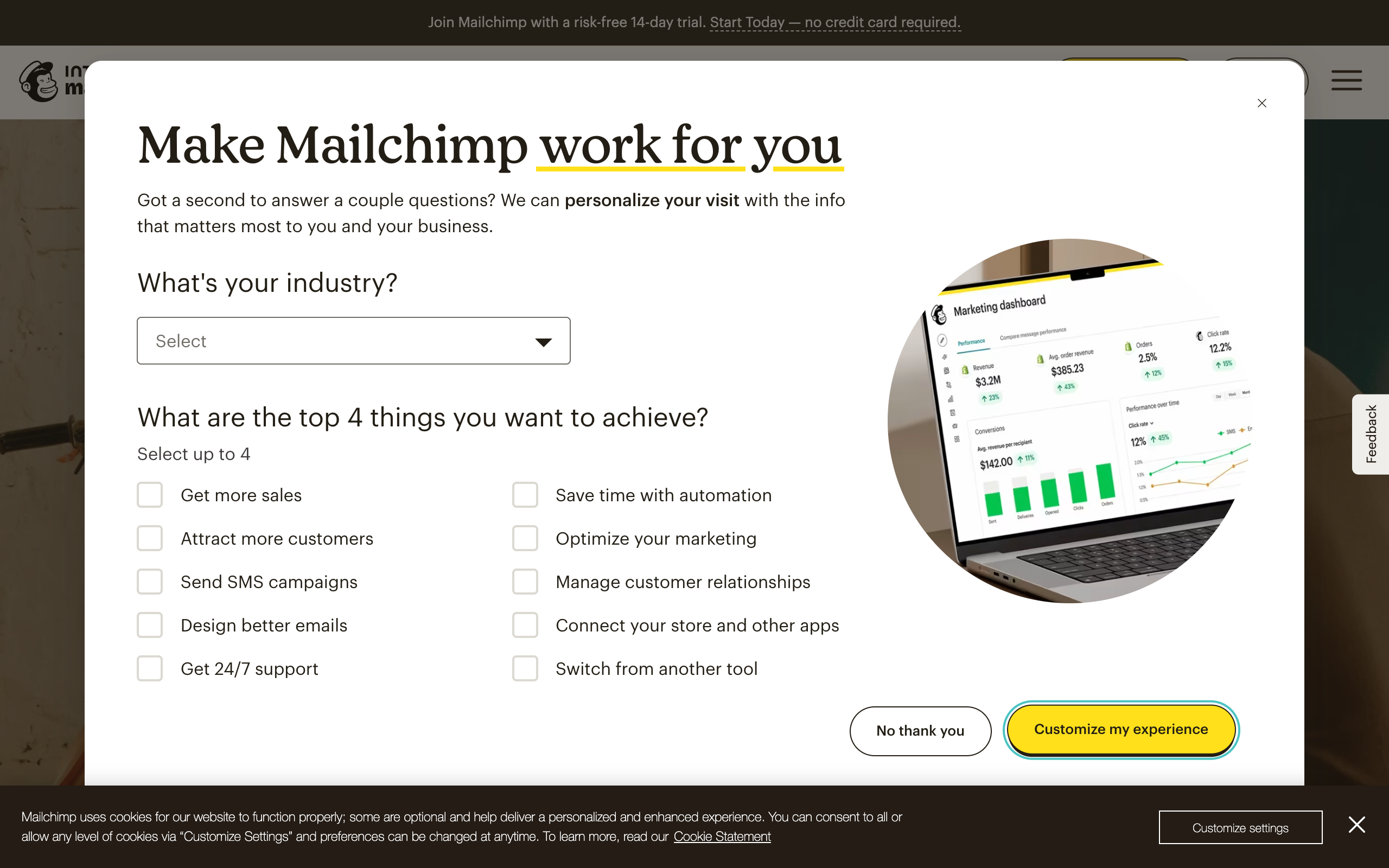
- Mailchimp’s free plan covers a much smaller list, up to 250 contacts and 500 sends a month as of mid-2026, which makes it a short-term test more than a real starting point for a growing list.
- Kit’s paid plans (Creator and Creator Pro) price by subscriber count and unlock unlimited automations, sequences, and deeper analytics; a 1,000-subscriber list runs roughly $33/month on Creator as of mid-2026.
- Kit was built around creators and digital products from day one: tagging, sequences, and commerce for selling courses or downloads are native, not bolted on.
- Mailchimp is the broader tool: landing pages, light CRM, social ad management, and ecommerce integrations live in one dashboard, which suits a small business that wants fewer logins more than a creator who wants deep list automation.
What is the real difference between Kit and Mailchimp?
Kit launched in 2013 as ConvertKit, built specifically for bloggers and online creators who needed to sell something (a course, an ebook, a membership) directly to their list rather than just send a newsletter. It rebranded to Kit in 2024, but the design philosophy never changed: everything in the product exists to help one person, usually working alone or with a small team, turn an audience into a business. Tagging and automation were core from the start, not features added later to compete.
Mailchimp, by contrast, started in 2001 as a general email marketing tool and has spent two decades broadening into landing pages, a website builder, social ads, and CRM-lite features, especially since Intuit acquired it in 2021. Mailchimp’s target customer is a small business owner who wants one dashboard for most of their marketing, not a specialist tool for any single piece of it. That breadth is Mailchimp’s strength and, for a creator specifically, its weakness: the automation and tagging systems were never built around the mental model of “audience as product” the way Kit’s were.
Who is Kit actually for?
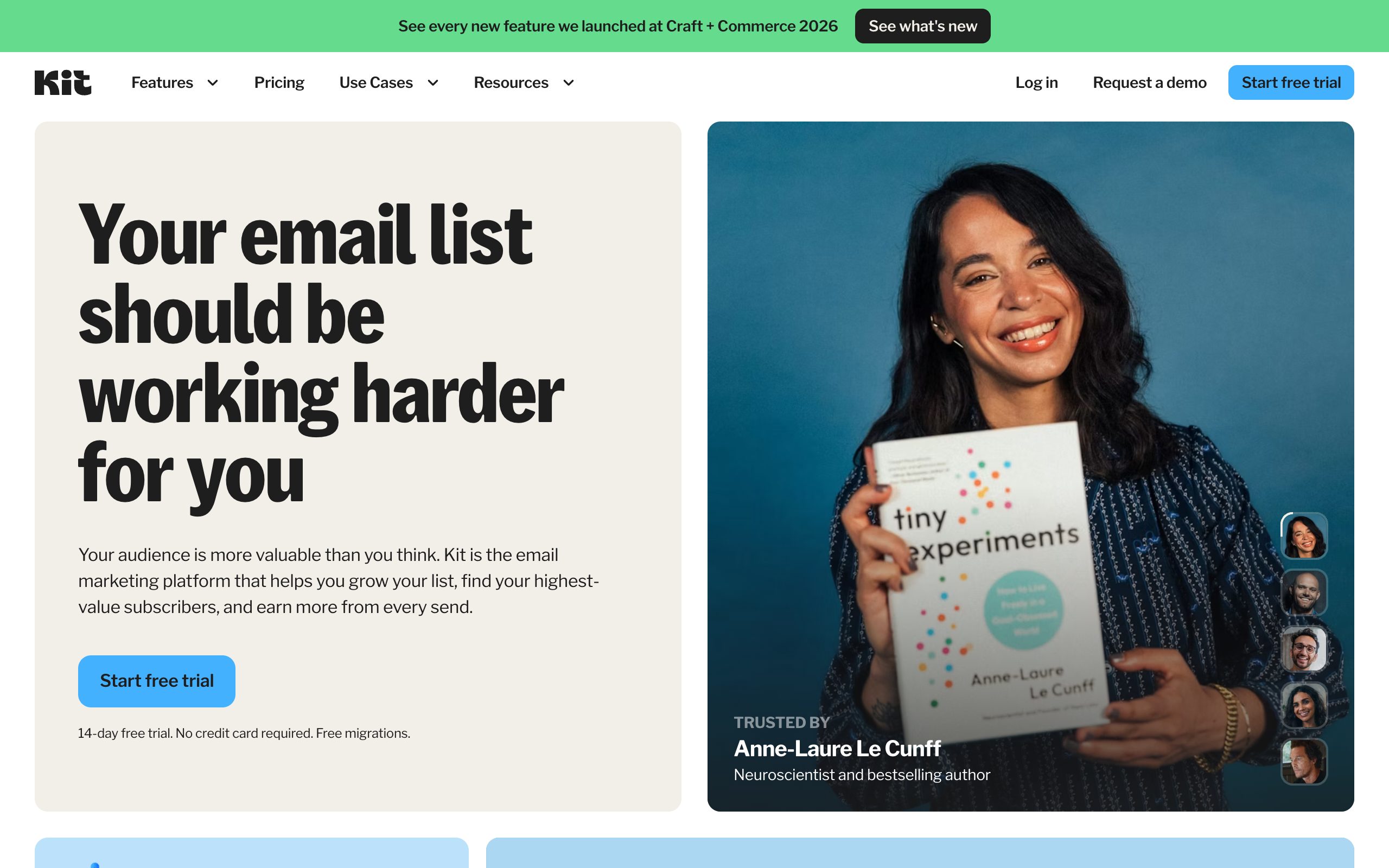
Kit fits creators whose business model runs through their list directly: newsletter writers building toward paid subscriptions, course creators nurturing leads through an email sequence before a launch, authors selling books, podcasters monetizing through sponsorships and premium feeds, and coaches selling one-on-one or group offers. The unifying trait is that the audience itself, not a separate product catalog, is the asset being managed.
Kit’s tagging system is the feature creators lean on hardest: instead of managing separate lists for different interests or funnel stages, you tag individual subscribers based on behavior (clicked this link, bought that product, completed this sequence) and build automations and segments off those tags. This is a genuinely different mental model from Mailchimp’s list-and-audience structure, and once you have used tagging properly, going back to managing multiple lists feels clumsy. Kit also has a native commerce layer for selling digital products and subscriptions without a separate checkout tool, plus a Creator Network for paid subscriber recommendations between creators, which functions similarly in spirit to beehiiv’s referral tools, if narrower in scope.
Who is Mailchimp actually for?
Mailchimp fits a small business that wants marketing basics in one place without hiring a specialist: a local shop, a service business, a small nonprofit, a solo consultant. The value proposition is breadth over depth. You get email, a landing page builder, light CRM, social ad tools, and ecommerce integration inside one login, and the AI content tools on Standard and above genuinely speed up campaign creation if you are not a designer or copywriter.
Where Mailchimp underperforms for a creator specifically is the same place it underperforms for ecommerce: automation depth. Mailchimp’s “Customer Journeys” builder can technically replicate some of what Kit’s tagging system does, but it takes more manual setup, the visual builder is less intuitive for sequencing content-based nurture flows, and there is no equivalent to Kit’s creator-first commerce and audience-growth features. If your plan is “build an audience and sell to it directly,” Mailchimp will feel like a tool borrowed from an adjacent industry, because it is.
Kit vs Mailchimp pricing in 2026
Both companies price primarily by subscriber or contact count, so the numbers below are entry points, not fixed prices at every list size. Figures are from kit.com/pricing and mailchimp.com/pricing/marketing as of mid-2026.
| Plan | Kit | Mailchimp |
|---|---|---|
| Free | $0, up to 10,000 subscribers, 1 basic automation, unlimited landing pages and forms, unlimited broadcasts, tagging, digital product sales | $0, up to 250 contacts, 500 sends/month, 1 audience, 1 user seat |
| Entry paid tier | Creator from around $33/month at 1,000 subscribers ($390/year on annual billing), unlimited automations, sequences, SMS marketing, branding removed, 24/7 support | Essentials from $13/month (0-500 contacts tier), A/B testing, 3 audiences, 3 user seats |
| Mid/higher tier | Creator Pro from around $66/month at 1,000 subscribers ($790/year on annual billing), Subscriber Signals, engagement analytics, unlimited team users, newsletter referral system | Standard from $20/month, up to 200 automation flows, generative AI included, 5 audiences |
| Top tier | Pricing continues to scale with subscriber count above 1,000; larger lists pay proportionally more on both Creator and Creator Pro | Premium from $350/month, predictive segmentation, unlimited audiences and users, phone support |
Read the two free plans side by side and the strategic difference is obvious: Kit is comfortable giving away 10,000 subscribers’ worth of list size because its business model depends on you eventually needing the automation and commerce features on Creator, while Mailchimp caps its free tier low because it wants you converting to paid quickly for a broader, more expensive bundle. Neither strategy is dishonest, but if you are starting from zero and do not yet know whether your list will monetize, Kit’s free tier buys you a lot more runway before you have to pay anything.
Because both platforms scale pricing with subscriber count, get a real quote at your specific list size directly from kit.com/pricing and mailchimp.com/pricing/marketing before committing; the entry numbers above will move as your list grows.
Automation and tagging compared
This is the category Kit was built to win, and it does. Kit’s visual automation builder lets you branch on tag applied, link clicked, form submitted, purchase made, or sequence completed, and because tags apply to individual subscribers rather than list membership, one subscriber can sit inside multiple overlapping automations without you managing duplicate lists. Sequences (Kit’s term for a scripted, timed email series) are a first-class object in the product, built for exactly the “5-day email course into a pitch” structure most creators use to launch and sell.
Mailchimp’s Customer Journeys can replicate simple versions of this, and Standard-tier users get up to 200 automation flows, which sounds generous on paper. But the building blocks assume a more general marketing use case: journeys are easier to configure for “someone joined my audience, send three emails” than for the kind of overlapping, tag-based, product-launch logic that creators build constantly. If your business runs on sequences and launches, this gap will show up in how much time you spend fighting the tool versus using it.
Selling digital products and courses
Kit includes native commerce: you can sell digital products, paid newsletter subscriptions, and paid communities directly through Kit without integrating a separate checkout tool, with the sale itself able to trigger tags and automations immediately. For a creator whose entire business is one or two digital products sold through email, this consolidation is a real advantage: fewer tools, fewer integration points to break, one dashboard for both the audience and the transactions.
Mailchimp connects to ecommerce platforms and can send commerce-triggered emails, but it was not designed around a single creator selling their own digital product from inside the email tool itself. If you are already using a dedicated platform like Gumroad, Podia, or a course host, Mailchimp’s ecommerce integration is adequate for connecting order data to your email list. If you want the whole loop, audience, product delivery, and email, inside one login, Kit’s native commerce is the more purpose-built option.
Both Kit and Mailchimp assume the growth job is mostly done for you already. If part of what you are looking for is a platform that actively helps you find new subscribers through a referral program and a paid recommendation marketplace, it is worth testing a free beehiiv publication alongside whichever of these two you are leaning toward. Free to 2,500 subscribers, no card required.
Landing pages, forms, and website features
Kit’s landing pages and opt-in forms are unlimited even on the free plan, purpose-built for lead capture with minimal design decisions required, and integrate directly with tags so a form submission can trigger a specific sequence immediately. They are not a full website builder, and Kit does not try to be one; the pages exist to capture emails and route subscribers into automations, and they do that job cleanly.
Mailchimp’s landing page and website builder tools go further: you can build a more complete small-business website, not just an opt-in page, complete with multiple pages, a store front for simple ecommerce, and broader design control. If you need an actual website and do not want to pay for separate web hosting and a page builder, Mailchimp’s bundle has real value. If you only need a clean opt-in page that feeds subscribers into an automation, Kit’s simpler, faster tool does the job with less setup.
Growth features: Kit’s Creator Network vs Mailchimp’s audience tools
Kit has a Creator Network, a directory where creators can recommend each other’s newsletters and get paid for the referrals their audience generates, similar in concept to a paid recommendation network. It is a genuine growth feature and one Mailchimp has no equivalent for, since Mailchimp was never built around the idea of creators cross-promoting each other’s audiences.
That said, Kit’s growth tooling is narrower than what a dedicated newsletter-growth platform offers. There is no built-in referral program with automatic milestone rewards baked into every email the way beehiiv structures it, no ad network connecting you with sponsors directly inside the dashboard, and posts are not published to an SEO-indexable website the way beehiiv’s are by default. Kit is strong on nurturing and selling to the list you already have; it is a lighter tool for actively growing that list beyond word of mouth and the Creator Network.
Ease of use compared
Both platforms are reasonably approachable, but they optimize for different first experiences. Kit’s onboarding assumes you already know roughly what you are trying to build (a lead magnet funnel, a launch sequence, a paid newsletter) and gets you to that outcome quickly with fewer unrelated features cluttering the path. Mailchimp’s onboarding assumes you might need anything, so the interface surfaces more options up front, which some users find comprehensive and others find cluttered.
For a creator specifically, Kit’s narrower focus tends to mean less time spent figuring out which of five overlapping features to use for a given job. For a small business owner who genuinely needs email, a landing page, and social ads in one place, Mailchimp’s broader surface area is the point, not a flaw.
Support and deliverability compared
Kit’s Creator and Creator Pro plans include 24/7 email and chat support, which is a meaningful upgrade over the community-and-docs experience most tools reserve for free users. Kit’s free Newsletter plan does not include the same level of direct support, so if you are on the free tier and something breaks mid-send, expect to lean on documentation and community forums rather than a fast human response. Deliverability on Kit has generally held up well in independent testing, helped by the platform’s focus on engaged, opted-in creator audiences rather than the higher-volume promotional sends common on general marketing tools.
Mailchimp’s support scales more granularly by tier: free and Essentials get email and chat, Standard adds a personalized onboarding session, and Premium adds phone support with a dedicated specialist. On deliverability, Mailchimp has invested heavily given how much of its customer base runs promotional and transactional email at real volume, and for most senders under a few hundred thousand contacts it performs reliably as long as basic list hygiene and domain authentication are in place. Neither platform will meaningfully out-deliver the other if your list hygiene is poor; the differences that matter most show up in support responsiveness, not inbox placement.
When Kit wins
Choose Kit if you are a creator, writer, podcaster, or course seller whose income depends on your relationship with your list, you want tagging and automation that thinks in terms of individual subscriber behavior rather than list membership, and you plan to sell digital products or paid subscriptions directly to your audience. The generous free tier (10,000 subscribers) also makes Kit a low-risk starting point if you are early and do not yet know your monetization path.
When Mailchimp wins
Choose Mailchimp if your business needs one dashboard for more than email, your list is a supporting channel rather than the core asset, and you would rather have breadth (landing pages, light CRM, social ads, ecommerce) than the deeper creator-specific automation and commerce tools Kit specializes in. Small businesses, local services, and anyone without a dedicated content or audience strategy will typically get more practical value from Mailchimp’s all-in-one approach.
What about growing the list itself?
Here is the honest gap in both tools: neither Kit nor Mailchimp was built primarily to grow your subscriber count from scratch. Kit gets partial credit through the Creator Network and paid recommendations, but it stops short of a full referral program, an ad marketplace, or an SEO-indexable post archive. Mailchimp does not really compete on this front at all; it assumes your contacts arrive from elsewhere and focuses on what happens after they opt in.
If your newsletter is the product, not just a nurture tool feeding a different product, that gap matters. A platform built specifically around distribution, referrals baked into every send, a marketplace where other newsletters can recommend you, and posts that Google actually indexes, solves a different problem than either Kit or Mailchimp is trying to solve.
Start a free beehiiv publication and compare its referral program and Boosts marketplace directly against whatever growth tools Kit or Mailchimp offer you today. The free plan runs to 2,500 subscribers with no card required, so testing it costs an afternoon, not a commitment.
How does this compare to other options?
Kit and Mailchimp are two of several serious options for a creator or small business deciding where to run their list. If your business is ecommerce rather than content, our Mailchimp vs Klaviyo comparison covers the more commerce-focused fight. If budget is the deciding factor and you want the cheapest reasonable option, MailerLite vs Mailchimp lays out a lower-cost general-purpose alternative. And if growth and distribution matter as much as nurturing the list you already have, our beehiiv review, the full ranking of the best newsletter platforms, and our detailed beehiiv pricing breakdown cover the growth-first case. For a wider list of Kit competitors specifically, see our Kit alternatives guide.
The bottom line
Kit versus Mailchimp comes down to what your list actually is to your business. If it is the business, an audience you nurture and sell to directly through sequences, tags, and native commerce, Kit’s purpose-built tools will save you real time and likely convert better than Mailchimp’s more general automation builder. If your list is one marketing channel supporting a business that lives mostly offline or on a separate storefront, Mailchimp’s broader bundle probably earns its keep by replacing two or three other tools you would otherwise need.
Test the one that matches your actual model rather than the one with the longer feature list. Kit’s free plan runs to 10,000 subscribers and Mailchimp offers a 14-day trial of its paid tiers, so neither decision requires you to guess blind.
One more option worth an honest look before you commit: a free beehiiv publication costs nothing to set up, runs to 2,500 subscribers, and lets you compare its referral program and website against whichever of Kit or Mailchimp you were about to choose. Send one real issue from it and you will know within a week whether the growth tooling changes your decision.
Frequently asked questions
Is Kit better than Mailchimp for creators? Generally yes. Kit’s tagging system, sequences, and native digital product commerce were built specifically around how creators nurture and sell to an audience, while Mailchimp’s automation tools were designed for a broader small-business use case and require more manual setup to replicate the same workflows.
Is Kit free for up to 10,000 subscribers? Yes, as of mid-2026 Kit’s free Newsletter plan covers up to 10,000 subscribers with unlimited broadcasts, landing pages, and forms, though only one basic automation is included. Unlimited automations, sequences, and deeper analytics require the paid Creator or Creator Pro plans.
Is Mailchimp good for a newsletter? It can work for a simple newsletter with light automation needs, but it lacks Kit’s tagging depth, native commerce, and any real referral or growth features, so most dedicated newsletter operators outgrow it faster than they outgrow Kit.
Can I sell digital products through Kit? Yes. Kit includes native commerce for selling digital products, paid newsletter subscriptions, and paid communities directly, with purchases able to trigger tags and automations immediately without a separate checkout integration.
How does Kit pricing compare to Mailchimp at a similar list size? At around 1,000 contacts, Kit’s Creator plan runs roughly $33/month as of mid-2026 while Mailchimp’s Essentials plan starts near $13/month at a smaller contact tier, so a direct dollar comparison depends heavily on your exact list size; check both pricing pages at your specific subscriber count before deciding.
Which platform is easier to migrate to from the other? Both Kit and Mailchimp support CSV import for subscriber lists, and Kit specifically advertises free migration help for creators moving from other platforms. The more time-consuming part of any migration is usually rebuilding automations and tags to match the new platform’s logic, not the contact import itself.
Pricing captured from vendor pricing pages, July 2026. Plans change, so confirm current details before you buy.