
Most people searching “Devin alternatives” fall into one of two camps, and the honest answer is different for each. The first camp wants a cheaper or better autonomous coding agent, something else that opens a branch, writes the change, and submits a pull request the way Devin does. The second camp, bigger than the first if the support threads I have read are any indication, tried Devin, got real value from the engineering side, and then realized their actual week is not just engineering. They needed the ad account audited, the board deck pulled together, the CRM cleaned up, and Devin, by design, does none of that.
This list covers both camps honestly. If you specifically need a better or different autonomous coding agent, Cursor and GitHub Copilot’s agent tooling are the real comparisons. If your need is broader than code, that is where Viktor fits, and I will explain exactly why rather than just asserting it.
Disclosure: some links in this post are affiliate links. If you sign up through them, we may earn a commission at no extra cost to you. That never changes our verdict.
The short answer

Viktor is the best overall Devin alternative for most people who land on this page, not because it is a better coding agent (it is not, and I will say that plainly below), but because it is a broader AI employee that also writes code and opens pull requests, alongside pulling ad data, assembling reports, and running cross-tool workflows, all from a Slack or Microsoft Teams channel your team already uses. If pure software engineering depth is genuinely the whole job, stay closer to the coding-agent category with Cursor or GitHub Copilot‘s agent mode. If your need is fully autonomous, open-ended project work outside a codebase, Manus is worth a look, and if you want to build a fully custom agent stack from scratch, Relevance AI gives you the tools to do that.
If engineering is one need among several on your actual plate, Viktor’s free trial gives you $100 in credits, no card required, to test that against a real task this week, code or otherwise.
Devin alternatives compared at a glance
| Tool | Best for | Interface | Starting price |
|---|---|---|---|
| Viktor | Teams that need broad business execution, with code and PRs as one capability among many | Chat in Slack or Microsoft Teams | ~$50/mo (20,000 credits), $100 free trial credits |
| Cursor | Developers who want an AI-native code editor with a strong autonomous Agent mode | Standalone code editor (VS Code-based) | Free Hobby tier; Individual plans from around $16/mo |
| GitHub Copilot | Teams already living in GitHub who want agent-style PR workflows built in | IDE extension plus GitHub-native agent tasks | Individual from around $10/mo; Business around $19/user/mo |
| Manus | Solo, open-ended autonomous projects outside a codebase: research, sites, decks | Its own web-based agent workspace | Free tier available; paid plans around $20 to $40/mo (verify current pricing) |
| OpenClaw | Teams wanting another Slack/Teams-native AI coworker to compare against Viktor | Chat-based, coworker-style | Verify current pricing on openclaw.com |
| Relevance AI | Technical teams that want to build and own a custom multi-agent stack | Visual agent builder plus API/SDK | Enterprise “talk to sales” shown on current live pricing page; historically reported self-serve tiers around $19 to $24/mo |
1. Viktor: the best Devin alternative for teams whose job is bigger than code
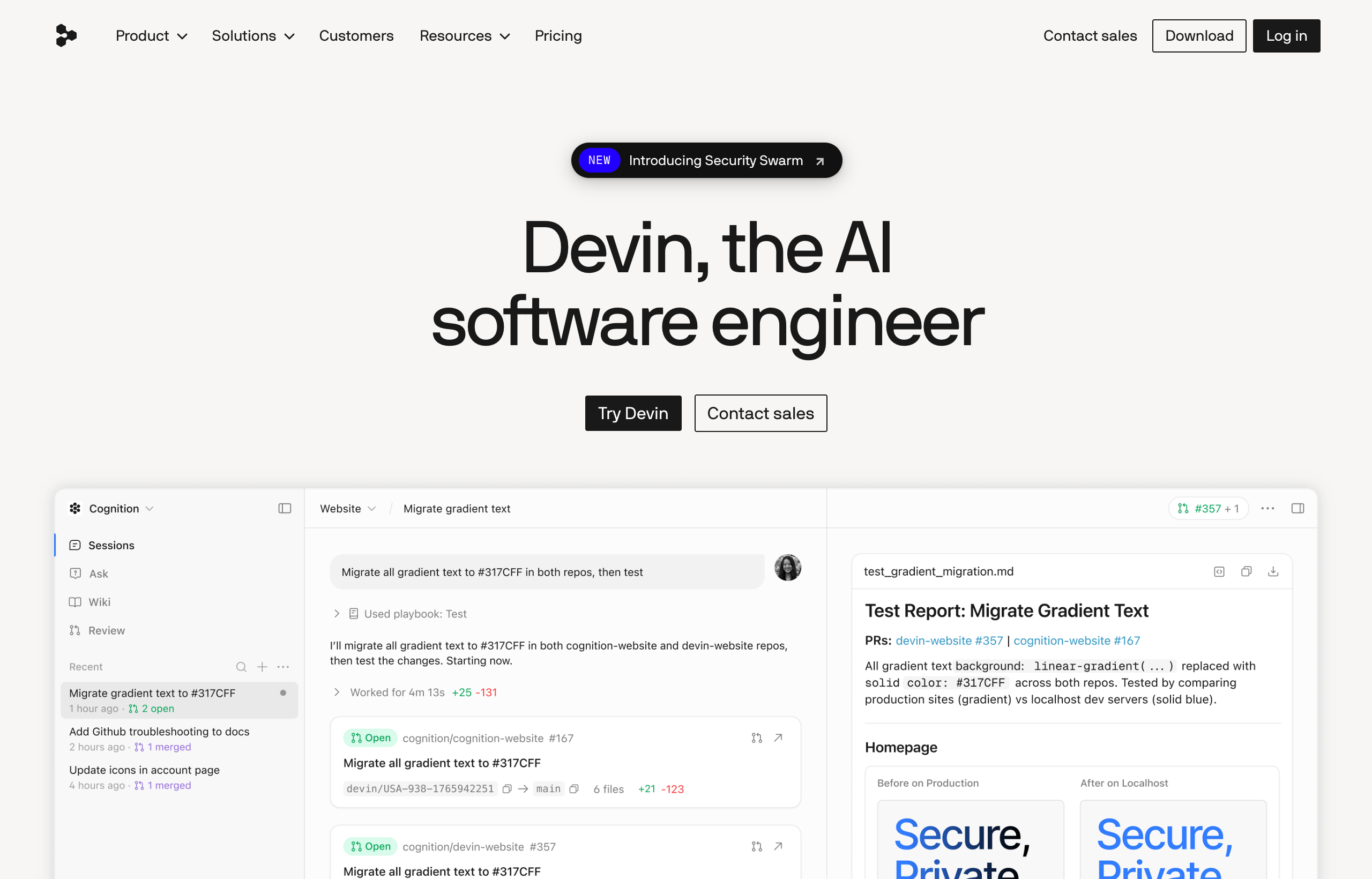
Viktor is an “AI employee” that lives inside Slack and Microsoft Teams, and one of its core capabilities happens to overlap directly with Devin: it writes code and opens real pull requests. That is exactly why it belongs on this list. But it is worth being honest about the shape of that overlap before anything else: Devin is a dedicated, specialist autonomous software engineer, built specifically around repository understanding, multi-step planning inside a codebase, and the code review loop. Viktor’s coding capability is one lane inside a much wider job description that also covers pulling live data from Stripe or Google Ads, assembling a board report, triaging a lead pipeline, and deploying a small internal tool with a working database and auth, all from the same Slack channel, without switching to a coding-specific interface.
For a team where engineering is genuinely the majority of the week, Devin’s specialist focus is likely to out-perform Viktor on pure coding tasks, and I would say that to anyone evaluating both directly. But most people who type “Devin alternatives” into a search box are not exclusively engineering teams. They are founders, ops leads, and growth teams who need code handled sometimes, alongside a much longer list of things Devin was never built to do. Connected to more than 3,200 tools, Viktor covers that longer list directly.
Honest weakness: pricing is credit-based and workspace-wide rather than a flat number, so a heavy-use month can run well past the entry $50/month tier. Quick tasks burn roughly 100 to 300 credits, a full project like a dashboard build or a deployed app runs 2,000 to 5,000, and an actively used team should budget closer to the $300 to $750/month range than the headline figure. Our Viktor pricing breakdown walks through the real math. It is also a coworker you brief in a channel, not a dedicated coding workspace built around repository navigation, so a team doing deep, sustained engineering work specifically should weigh Devin, Cursor, or Copilot for that slice of the job.
Best for: teams that need occasional to moderate code work handled alongside a much wider range of business tasks, from a single Slack-native coworker rather than a specialist tool per function.
Viktor’s free trial gives you $100 in credits that never expire, no card required. Give it a real bug fix or a small internal tool, then hand it a completely different task the same week and see how much of your actual job it covers.
2. Cursor: the AI-native editor for developers who live in the code
Cursor is a full code editor, built on VS Code’s foundation, with an autonomous Agent mode that can plan and execute multi-step changes across a codebase, similar in spirit to what Devin does but from inside an editor a developer already works in all day rather than a separate autonomous workspace. It supports frontier models, cloud agents, and an agentic code-review feature (Bugbot) for catching issues before a human review pass.
The real difference from Devin is posture: Cursor keeps a human developer in the loop as the primary driver, with the agent as a powerful assistant inside their existing workflow, whereas Devin is built to operate with more independence on a whole ticket. Pricing starts with a free Hobby tier (no card required, limited agent requests), an Individual tier from around $16/month with extended agent limits, and Teams plans from around $32 per user per month with centralized billing, shared team context for cloud agents, and SSO.
Best for: individual developers and engineering teams who want AI deeply embedded in their daily editor rather than working through a separate autonomous agent product.
3. GitHub Copilot: agent-style workflows for teams already living in GitHub
GitHub Copilot has expanded well past inline code completion into agent-style task execution: assign it an issue and, depending on the plan and configuration, it can work through the change and open a pull request in a workflow that will feel familiar to anyone who has used Devin. Because it is built by GitHub itself, the integration with the platform where most teams already review and merge code is native rather than bolted on.
Public pricing for Copilot runs an Individual tier at around $10/month (or a discounted annual rate), a Business tier at around $19 per user per month with organization-wide policy controls, and an Enterprise tier at around $39 per user per month with deeper customization and knowledge-base features. That per-seat structure scales differently from Devin’s mixed individual-and-Teams pricing, so a larger engineering org should model both directly against actual headcount before deciding.
Best for: teams already standardized on GitHub who want agent-assisted coding and PR workflows without adopting a separate specialist product.
4. Manus: autonomous, open-ended projects outside a codebase
Manus is a general autonomous AI agent, not a coding specialist, but it earns a spot on this list because it shares Devin’s core trait: give it a loose goal and it goes and executes largely on its own, researching, browsing, building simple websites, and generating slides or images inside its own workspace. Where Devin’s unit of work is always a codebase and a PR, Manus’s unit of work is an open-ended, self-contained project: “research this market and give me a report,” “build a first-draft landing page for this idea.”
Manus’s pricing runs on its own credit system, and the company has not published a fully detailed breakdown on its live pricing page as of this writing. Public reporting generally points to a free tier with a limited daily credit refresh, paid individual plans in the neighborhood of $20 to $40 a month for a few thousand monthly credits, and team plans that lean per-seat with a shared credit pool layered on top. Treat those numbers as approximate and confirm current figures before budgeting.
Best for: solo builders and researchers who want autonomous execution on open-ended, self-contained projects that do not need to touch a real codebase or a company’s live business systems.
5. OpenClaw: the other Slack and Teams-native AI coworker
OpenClaw is the closest philosophical match to Viktor on this list, and worth naming directly rather than skipping. Both position themselves as an AI coworker living where teams already communicate, rather than a builder, a specialist coding tool, or a chatbot in a separate tab. The practical differentiator worth checking before you compare the two head to head is integration breadth: Viktor’s named connection count runs into the thousands, spanning finance, sales, ads, and engineering tools specifically, including opening real pull requests as one of its core capabilities. If OpenClaw and Viktor are your final two, the honest move is to list the exact tools your team needs connected and check both against that specific list rather than against either company’s marketing page, and to confirm OpenClaw’s current pricing directly on openclaw.com, since it was not independently verifiable for this comparison.
Best for: teams evaluating the “AI coworker in chat” category broadly who want a second option to compare directly against Viktor.
6. Relevance AI: build a custom coding-and-business agent from scratch
Relevance AI is a platform for building custom AI agents and multi-agent “workforces” rather than a ready-made specialist. With a visual canvas plus API and SDK access, a technical team can define exactly how an agent reasons, which tools it can call (including coding-adjacent tools if you wire them in), and how multiple agents hand work off to each other. That is real flexibility, and it is the right choice if your need is specific enough that neither an off-the-shelf coding agent nor a general business employee fits it out of the box.
The honest tradeoff against both Devin and Viktor is setup cost. Neither Devin nor Viktor asks you to design anything before it starts working; Relevance AI hands you the parts and expects you, or a technical hire, to assemble them. As of this writing, Relevance AI’s live pricing page shows only an Enterprise, talk-to-sales tier, though historical reporting has described self-serve tiers in the rough neighborhood of $19 to $24 a month at entry. Confirm current figures directly with Relevance AI before budgeting, since the structure has shifted before. Our full Relevance AI review covers the build experience in detail.
Best for: technical teams that want to own and iterate on a fully custom agent stack rather than adopt a ready-made coding specialist or general employee.
Where does Devin still win?
None of this is a case that Devin is the wrong choice, and a genuinely useful alternatives list has to say so plainly. Devin’s actual strength is depth: it plans across multiple steps inside a real codebase, not just single-file edits, and it is built entirely around the review loop engineering teams already know, reading a ticket, forming a plan, writing the code, running it against tests, and submitting a pull request largely without a human babysitting each step. Its current public pricing, a free tier for light use, Pro around $20/month, Max around $200/month for heavier usage, and a Teams tier with an $80/month base plus a per-developer add-on, is also more conventional and easier to reason about than the Agent Compute Unit system Devin originally launched with, though that usage-based logic (a unit roughly equal to about 15 minutes of active agent work) still sits behind the self-serve quotas.
If your team has a dedicated engineering org and a real backlog of tickets that need an autonomous specialist, Devin, Cursor, or Copilot are the honest comparison set, not a generalist. The full breakdown of that specific fight is in our Viktor vs Devin comparison.
How to actually choose
Three questions resolve most of this decision without needing to trial all six.
- Is engineering the whole job, or one part of it? Whole job: stay closer to Devin, Cursor, or GitHub Copilot. One part among several: Viktor covers the code plus everything else from one interface.
- Do you want to build the agent yourself, or hand off a task to one that already exists? Build it yourself: Relevance AI gives you the canvas. Hand off a task: Viktor, Manus, Devin, and OpenClaw all work the moment you describe the task, no design phase required.
- Where does your team actually coordinate? Slack or Microsoft Teams: Viktor or OpenClaw remove a context switch every specialist coding tool requires. Inside an IDE or GitHub directly: Cursor or Copilot fit that daily habit better.
For most people who land on a “Devin alternatives” search, the honest pattern is that they got real value from Devin’s engineering work and then discovered the rest of their week still needed doing by someone. That is the exact gap Viktor is built to close. For the wider category beyond just Devin’s replacements, see our best AI agents of 2026 roundup and our best autonomous AI agents ranking, and if you want the unvarnished take on Viktor itself before you commit, our full Viktor review covers the real strengths and the credit-cost weakness in detail. If Viktor is not quite the fit either, our wider Viktor alternatives guide covers the rest of the field.
If you have read this far, you probably already know whether your bottleneck is “we need better code” or “we need more of our week handled.” Test that against Viktor’s free trial this week, $100 in credits, no card required.
Frequently asked questions
What is the best alternative to Devin?
Viktor is the best overall alternative for most people searching this term, not as a better coding specialist, but as a broader AI employee that also writes code and opens pull requests alongside a much wider range of business tasks. If pure software engineering depth is the whole job, Cursor or GitHub Copilot’s agent tooling are the closer comparison to Devin itself.
Is there a free alternative to Devin?
Cursor offers a free Hobby tier, GitHub Copilot has historically offered free access for students and open-source maintainers, and Manus and Relevance AI both offer limited free tiers depending on current terms. Viktor offers $100 in non-expiring free trial credits with no card required, enough to test several real tasks before paying anything.
Can any of these alternatives do more than Devin, like Viktor does?
Yes, Viktor is the clearest example: alongside writing code and opening pull requests, it pulls live data from tools like Stripe, HubSpot, and Google Ads, assembles reports and dashboards, and deploys small web apps with a database and authentication, all from a Slack or Microsoft Teams channel. Manus and Relevance AI also extend beyond pure coding, but in different directions: Manus toward open-ended research and content, Relevance AI toward fully custom agent building.
Is Cursor or GitHub Copilot more similar to Devin?
Both are closer to Devin than Viktor, Manus, or Relevance AI in that coding is the entire focus rather than one capability among many. Cursor is a full editor with an autonomous Agent mode you drive from inside your daily workflow; GitHub Copilot layers agent-style task assignment and PR workflows directly onto GitHub itself. Devin is more independent by design, built to work through a whole ticket with less step-by-step direction.
Should a startup with a small engineering team use Devin or Viktor?
If engineering is genuinely the majority of the team’s week, Devin, Cursor, or Copilot are the stronger specialist fit. If the startup’s real bottleneck is broader, occasional code needs alongside marketing, ops, and founder-level work, Viktor typically covers more of the actual week from a single tool. Some teams run a specialist coding tool for the engineering queue and Viktor for everything else.
The bottom line
Every tool on this list is a legitimate choice for someone, and the honest split is simple: if your search for “Devin alternatives” is really a search for a different or cheaper coding specialist, Cursor and GitHub Copilot are the right comparison set. If it is really a search for something that covers more of your actual week, code included, Viktor is the clearest answer, especially for a team that already coordinates in Slack or Microsoft Teams.
Start Viktor’s free trial, $100 in credits, no card needed, and hand it whichever task, coding or otherwise, made you start reading this list in the first place.
Pricing and feature details reflect each company’s public pages as of July 2026. Plans and limits change, especially in the fast-moving agentic coding category, so confirm current details on each provider’s site before you buy.


